1 OF 2
Streamline ProductionAnytime and Anywhere
Enable manufacturers to streamline, optimize, and stay connected.
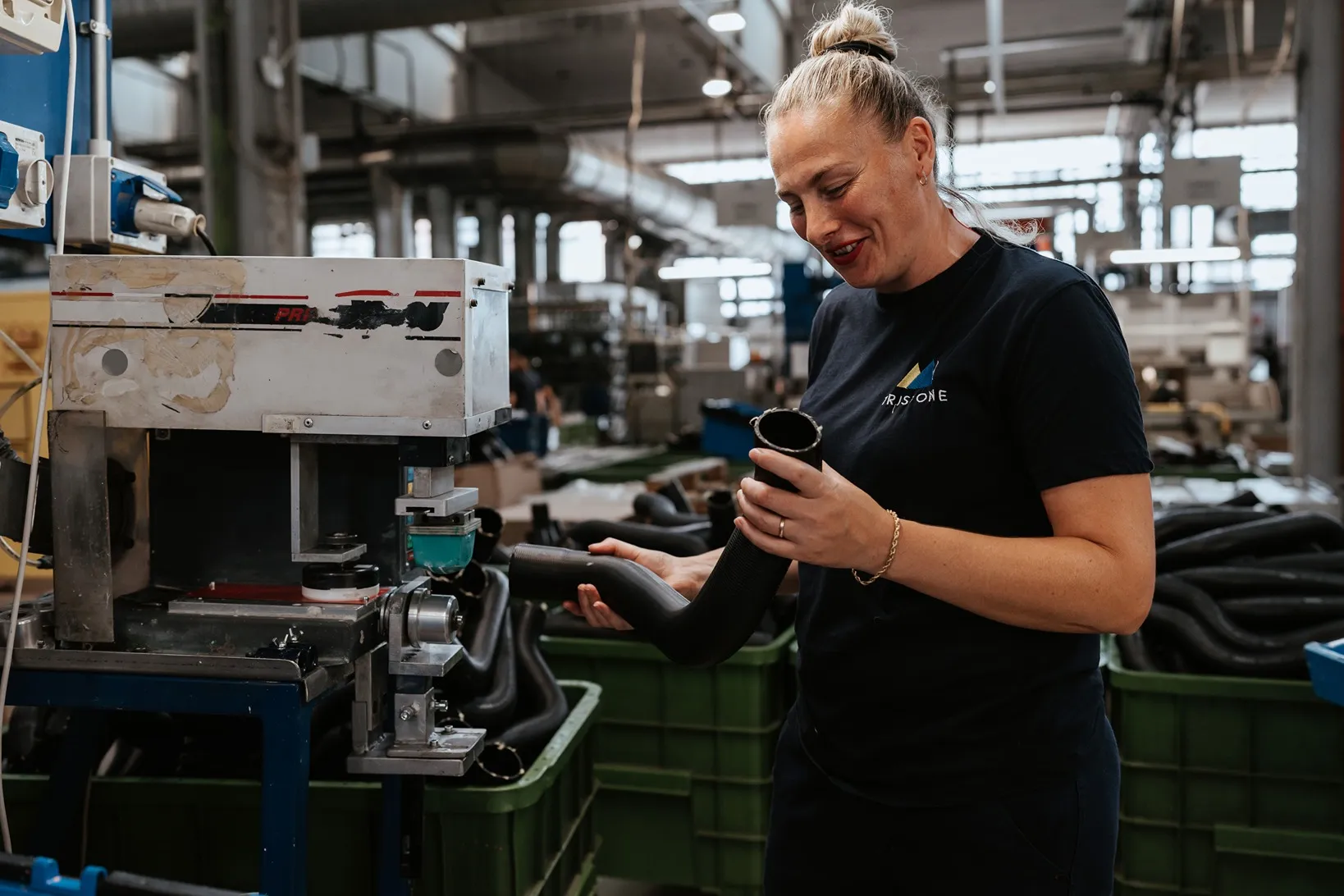
Ensure material staging
using transport orders
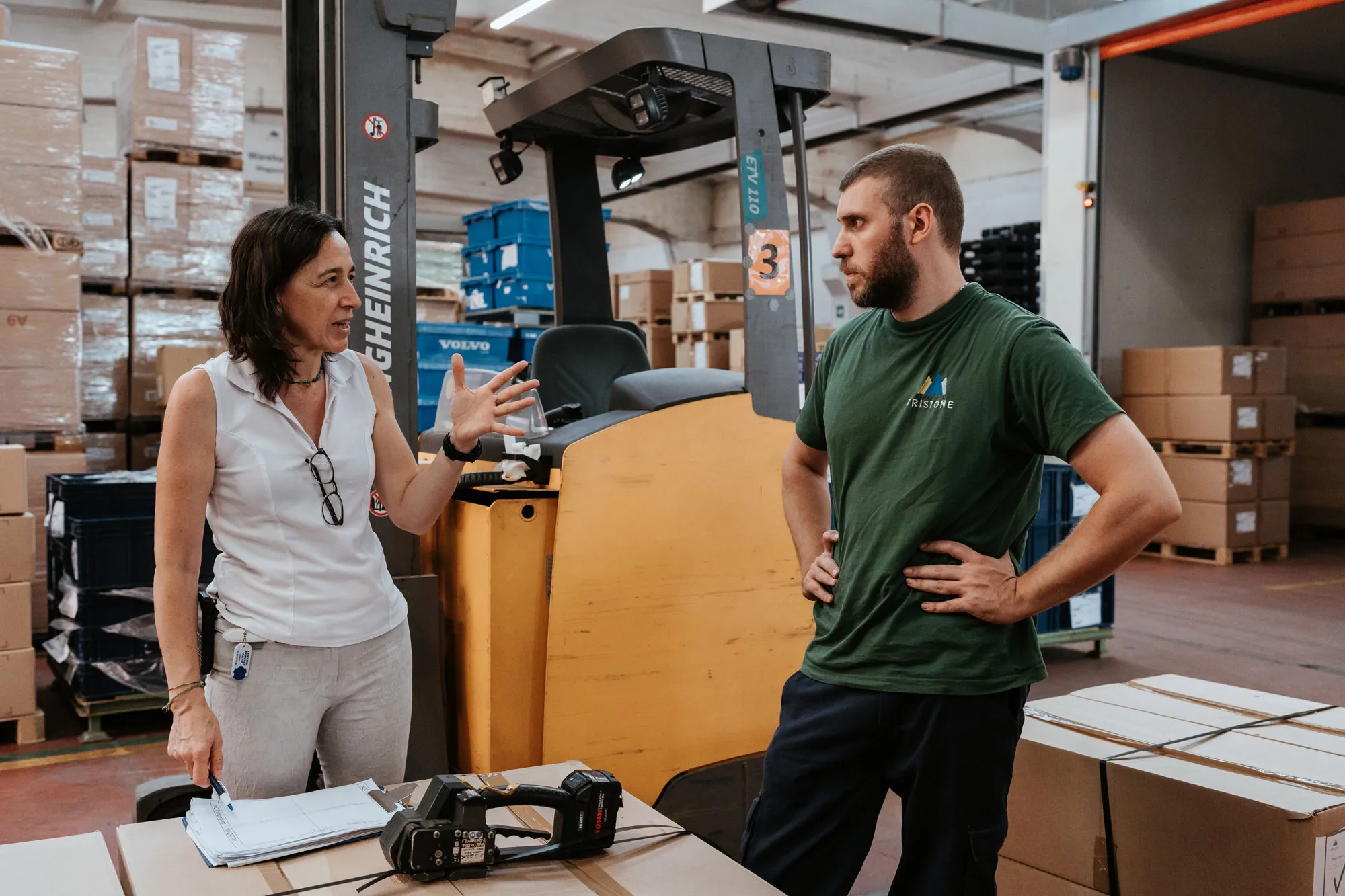
Introduce validations
to provide correct items and amounts
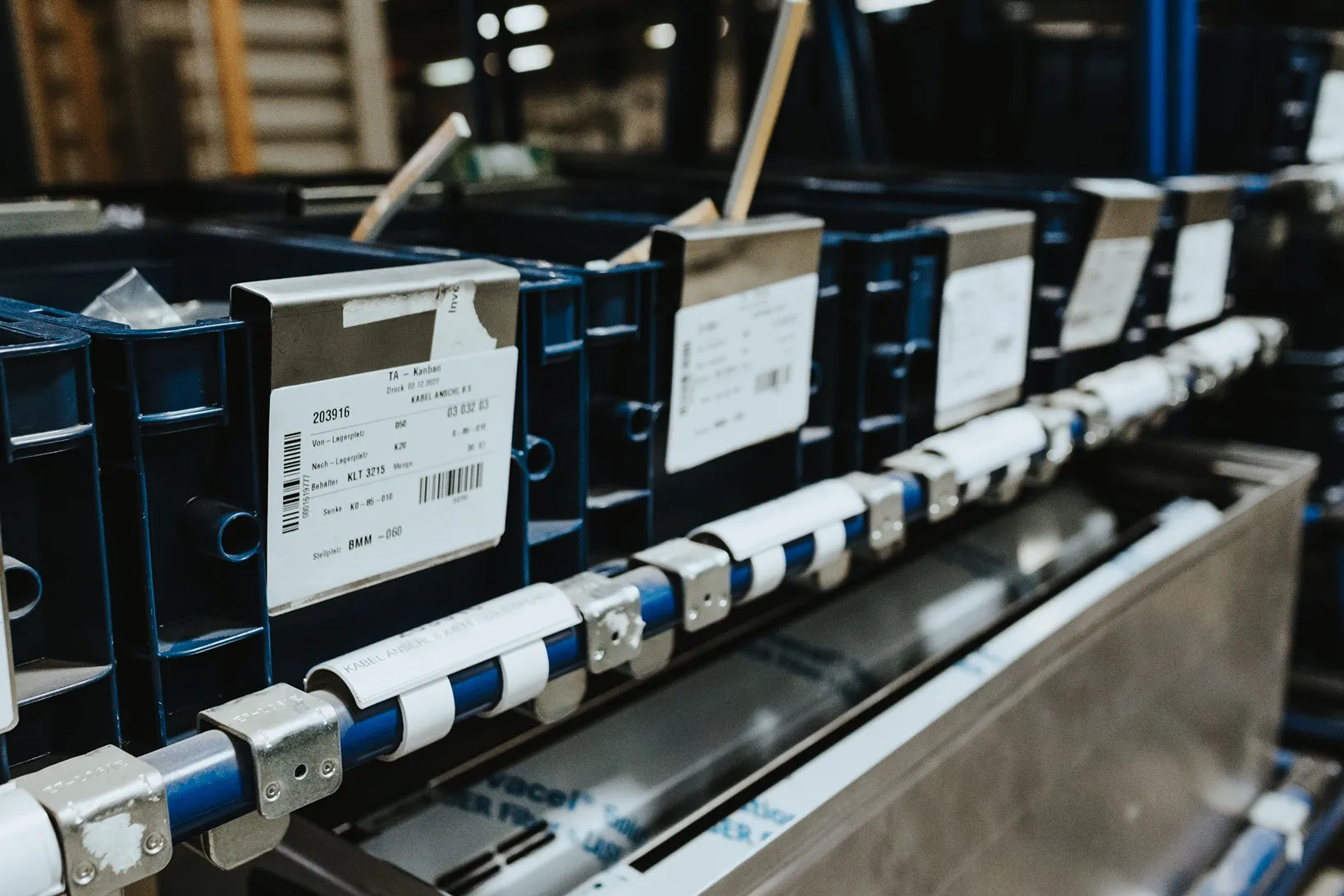
Optimize mobile kanban
with simple status changes via scan
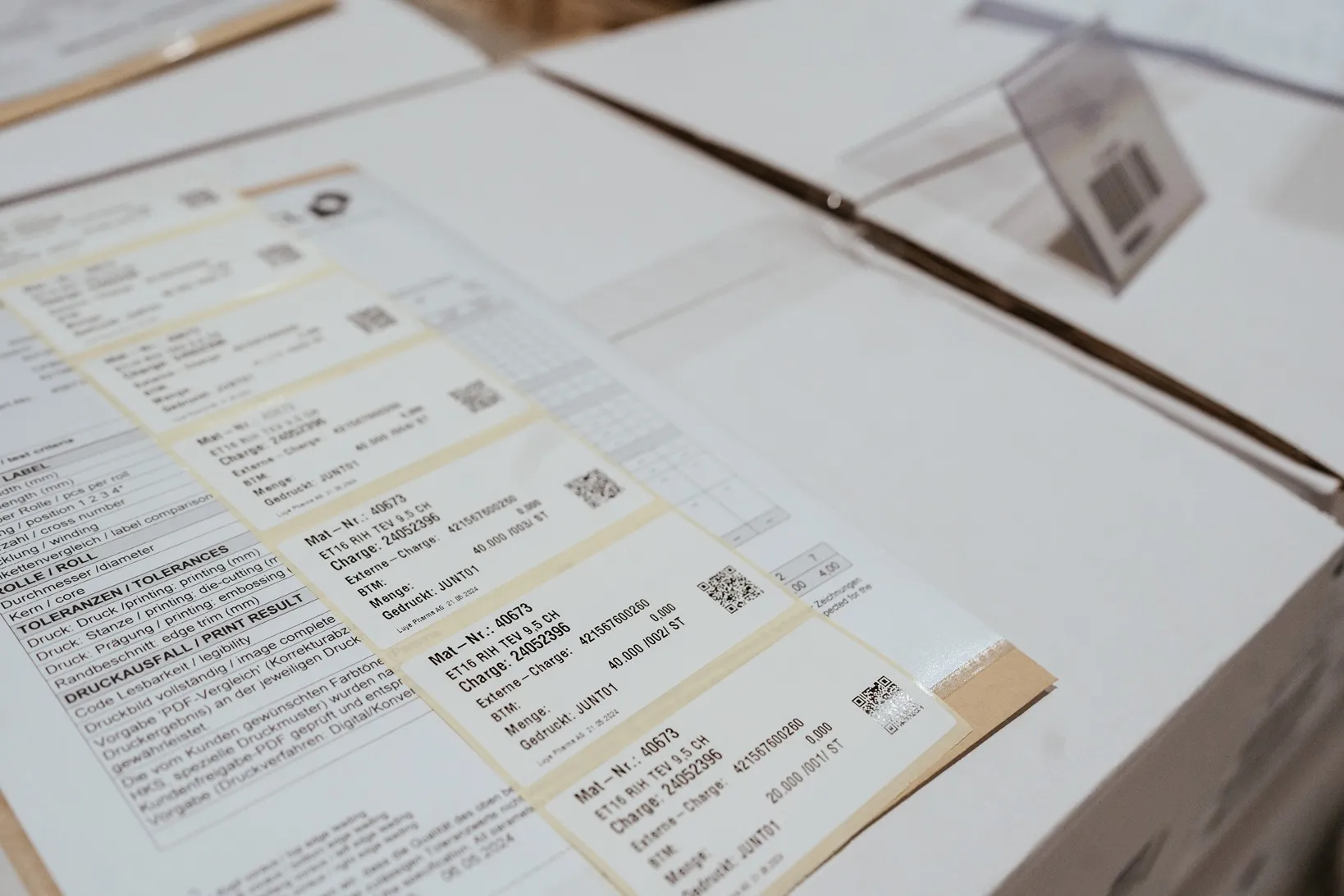
Meet compliance rules
with enhanced documentation
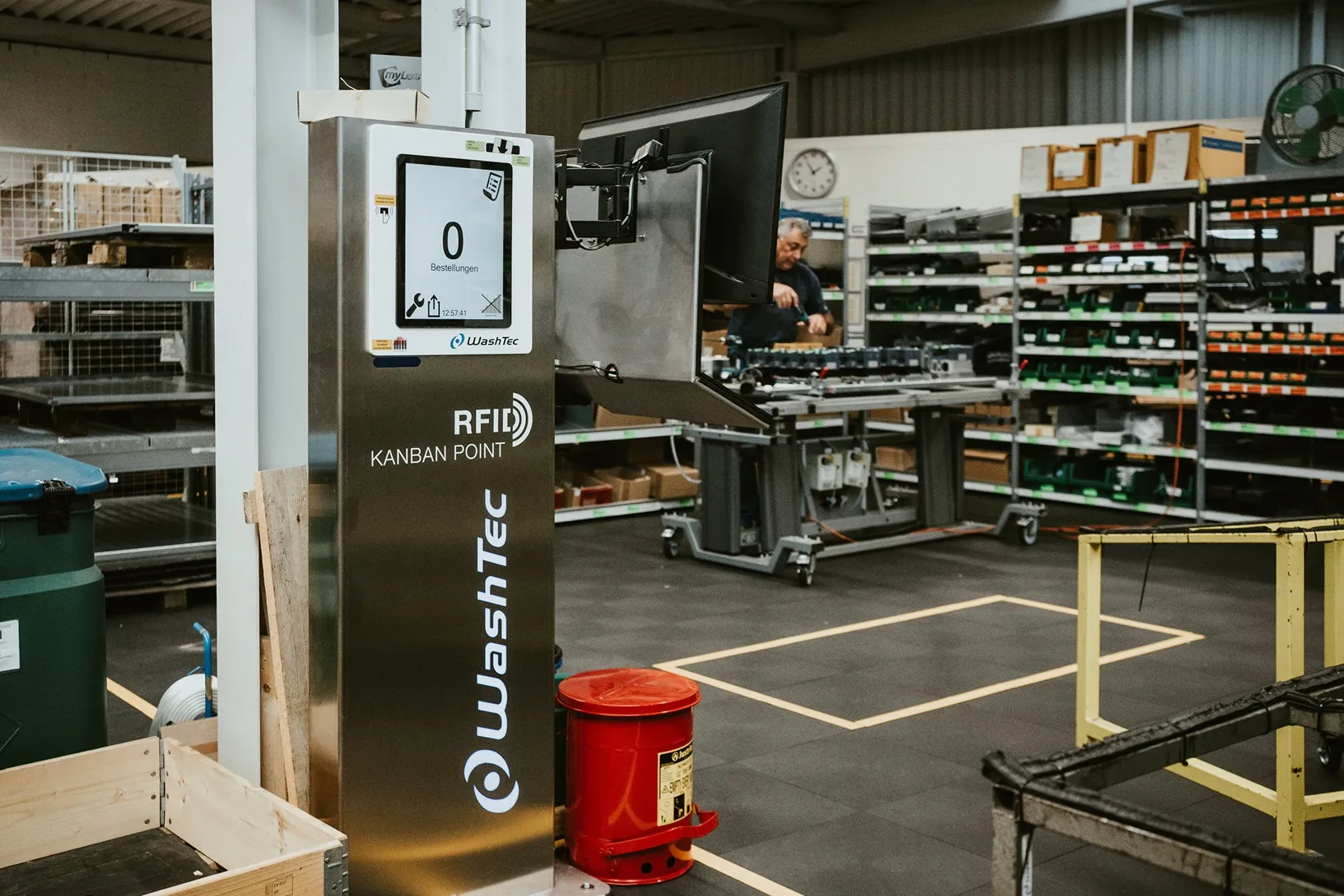
Directly confirm
production orders on the spot
SCROLL DOWN
Modern Production Solutions
Ontego offers all the tools you need to simplify and optimize your production environment.
Simple Material Recognition
Scan or capture material ID using common technologies like barcodes, RFID tags or NFC.
Batch and Serial Number Tracking
Ensure traceability by allowing users to log and track batch and serial numbers through mobile devices.
Monitor Production
Document the material flow, capture third party data and register working times consistently.
Digital Workflows
Get faster and more transparent using mobile production solutions and instant SAP postings.
TAKE A SNEAK PEEK
INTO OUR COCKPIT
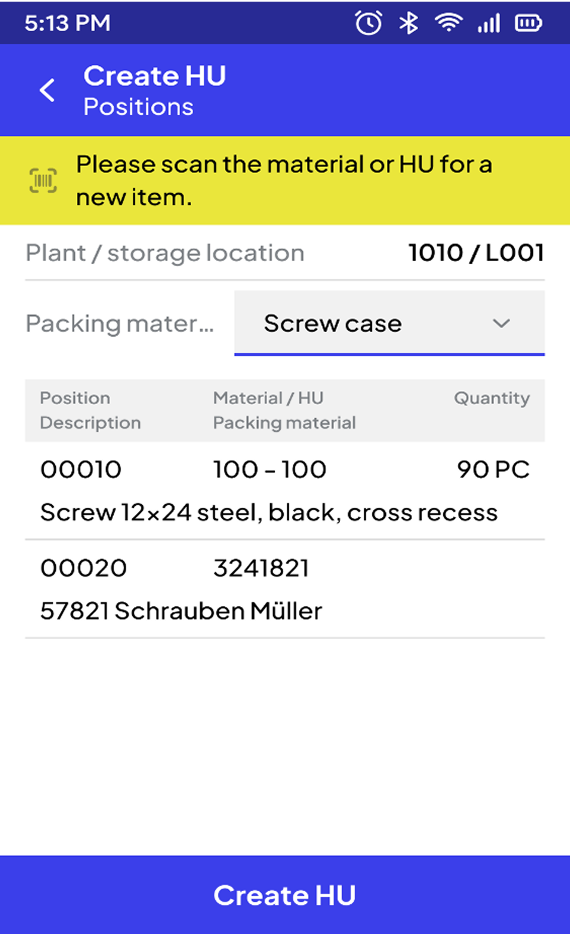
Curious about our mobile apps? Explore a selection of over 120 templates.
Material Provision for Production Order
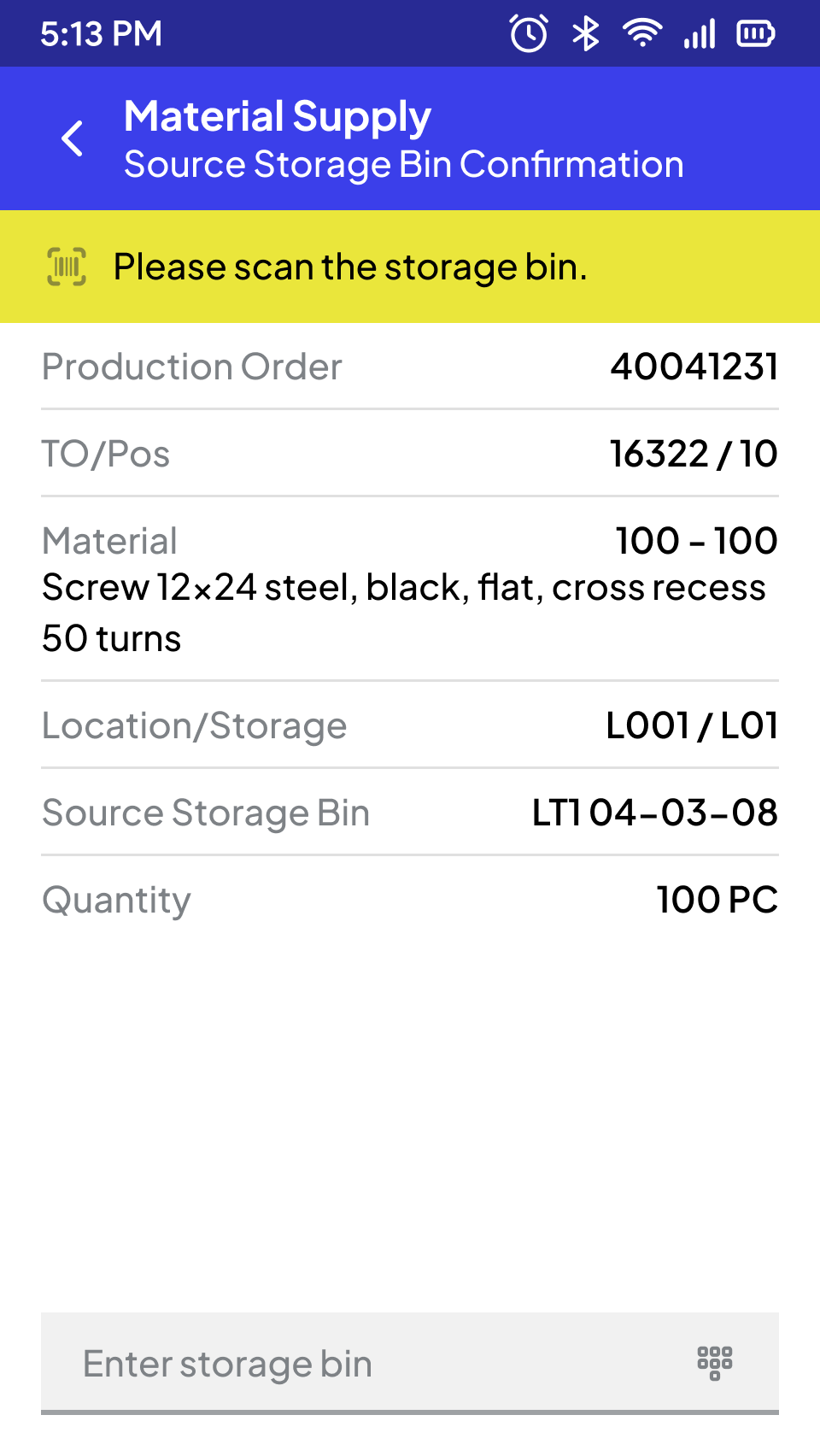
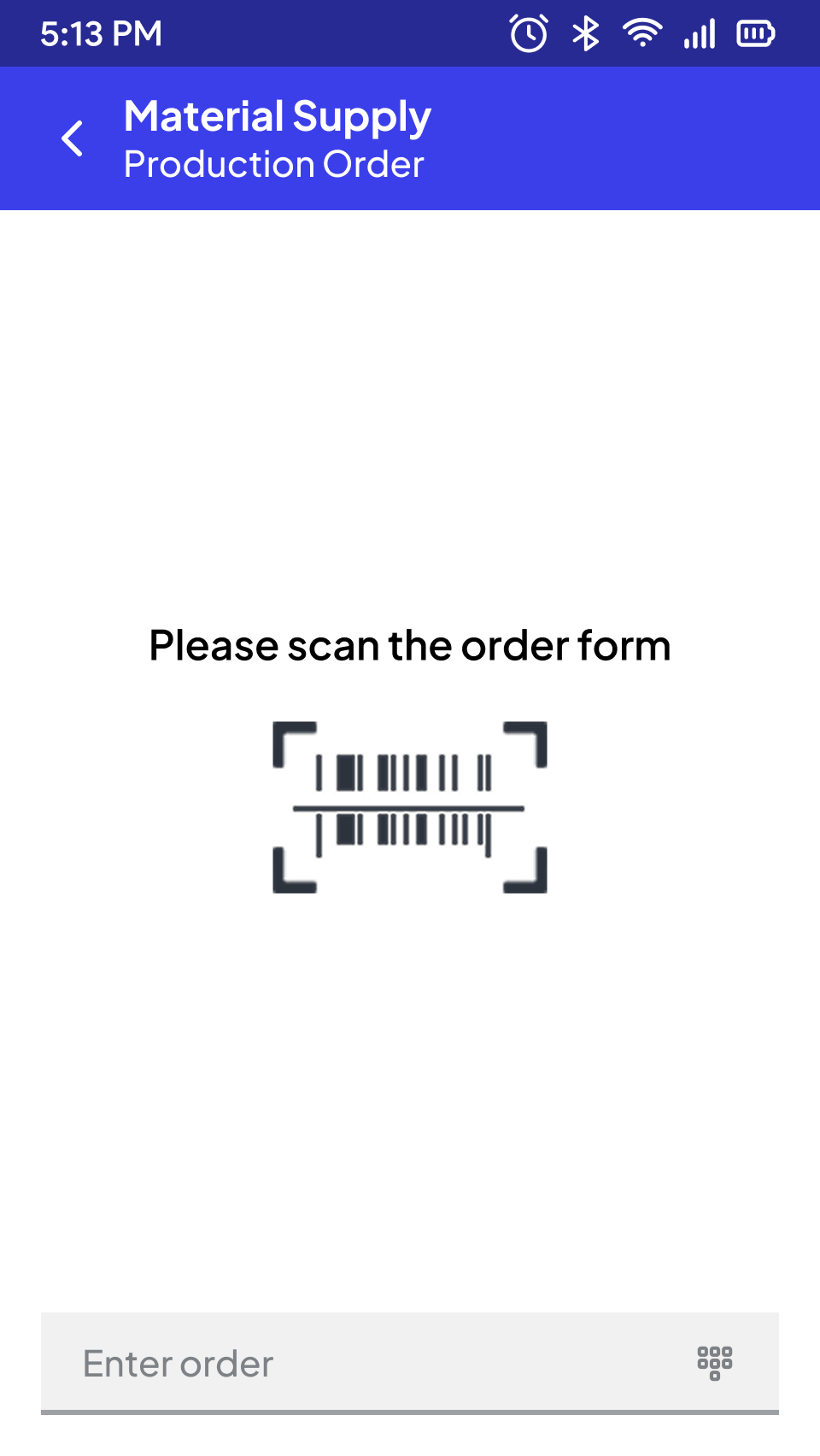
Material provisioning is based on a production order, which is determined at the start (via barcode scan, OCR capture, or manual input). Alternatively, it can be determined through a search function (e.g., for a workstation).
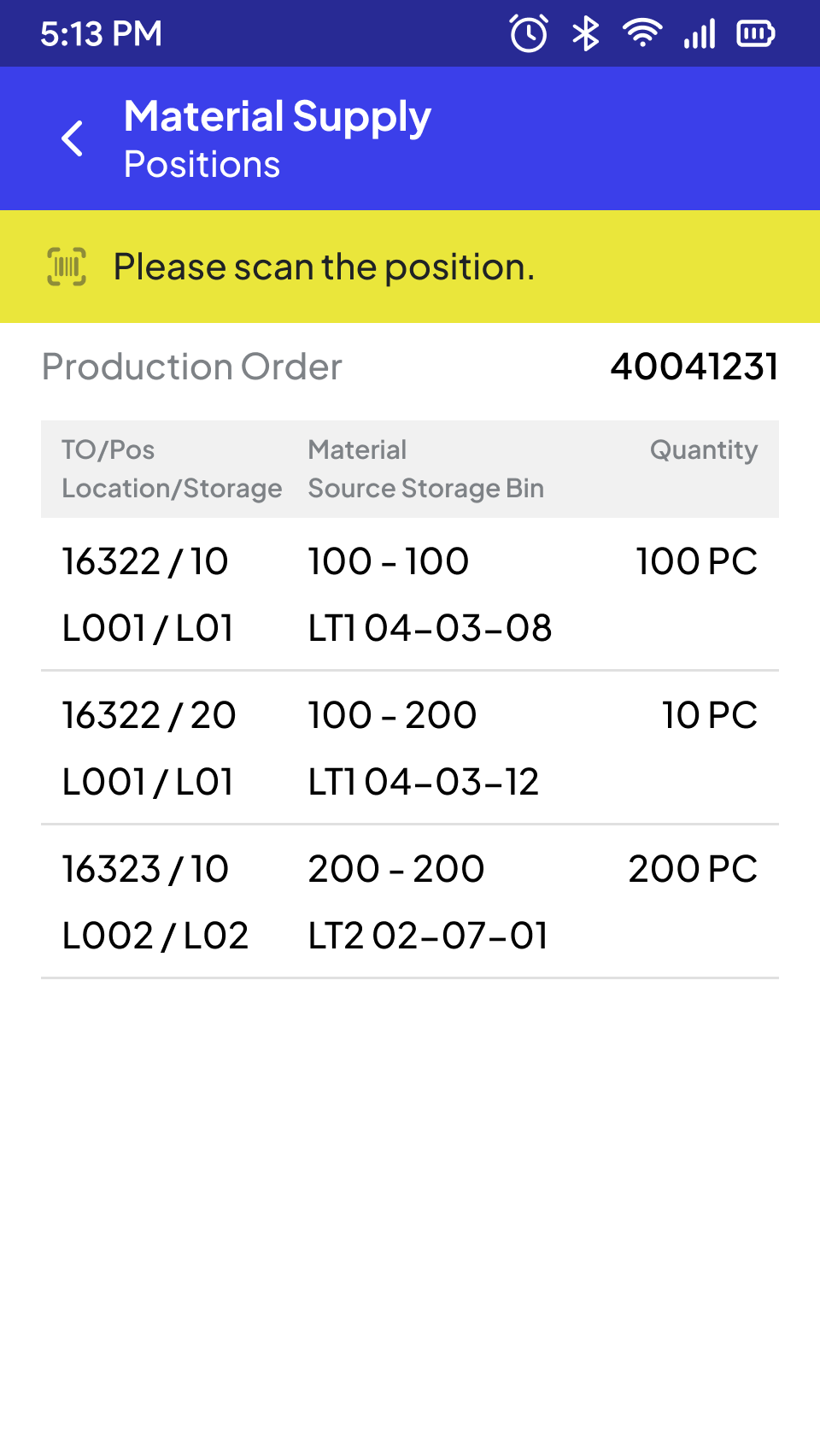
For the production order, all open TO positions (positions for the transport order) are displayed in a list format. The positions can be sorted in an optimized sequence. By selecting a storage location or a material (usually through barcode scan, alternatively through manual selection, e.g., via the touch screen), the position is presented in a separate view with relevant detailed information (e.g., target quantity, batch). The input or correction of the withdrawal quantity is requested, as well as any additional mandatory fields (e.g., serial numbers, depending on the material master).
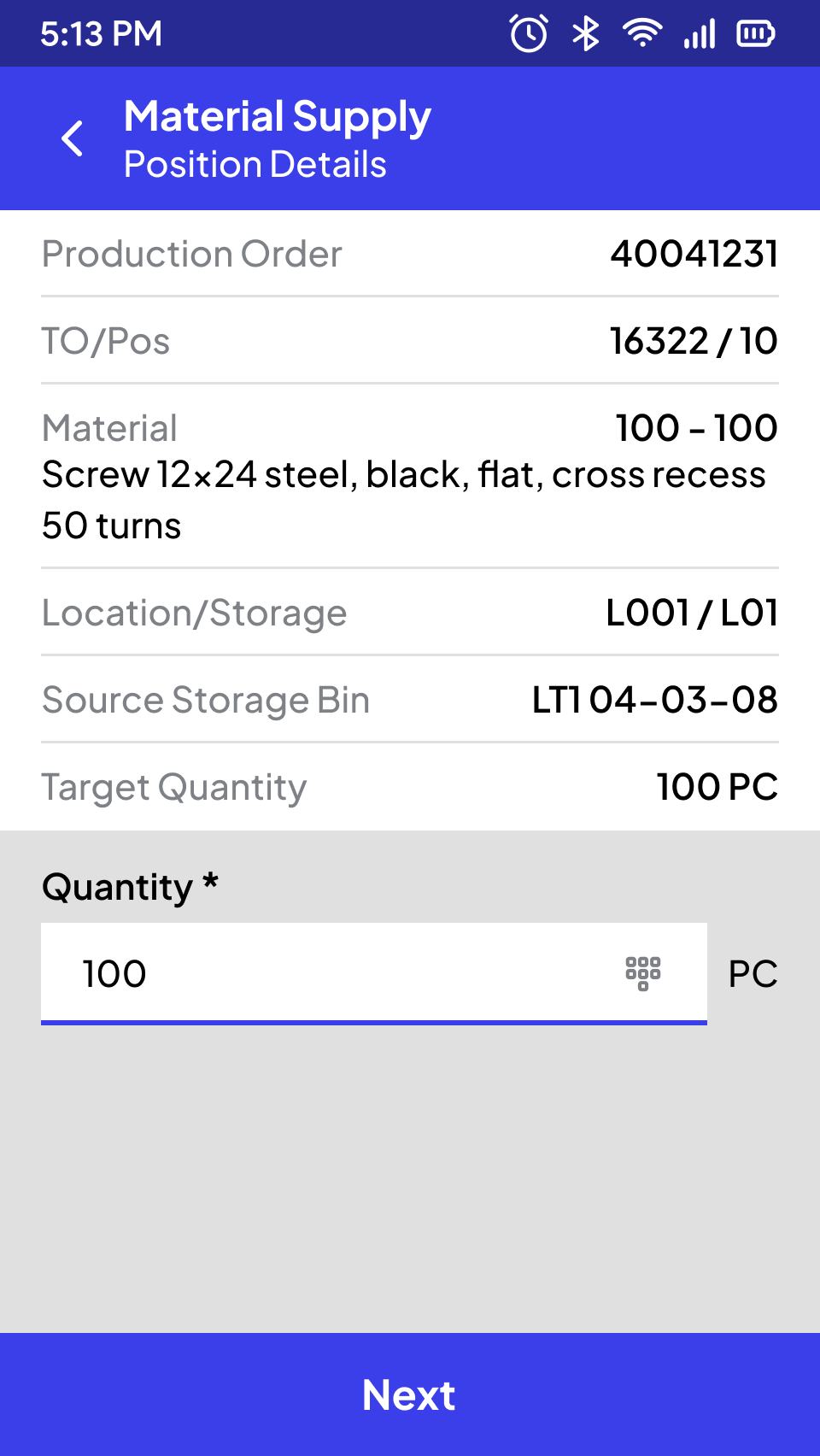
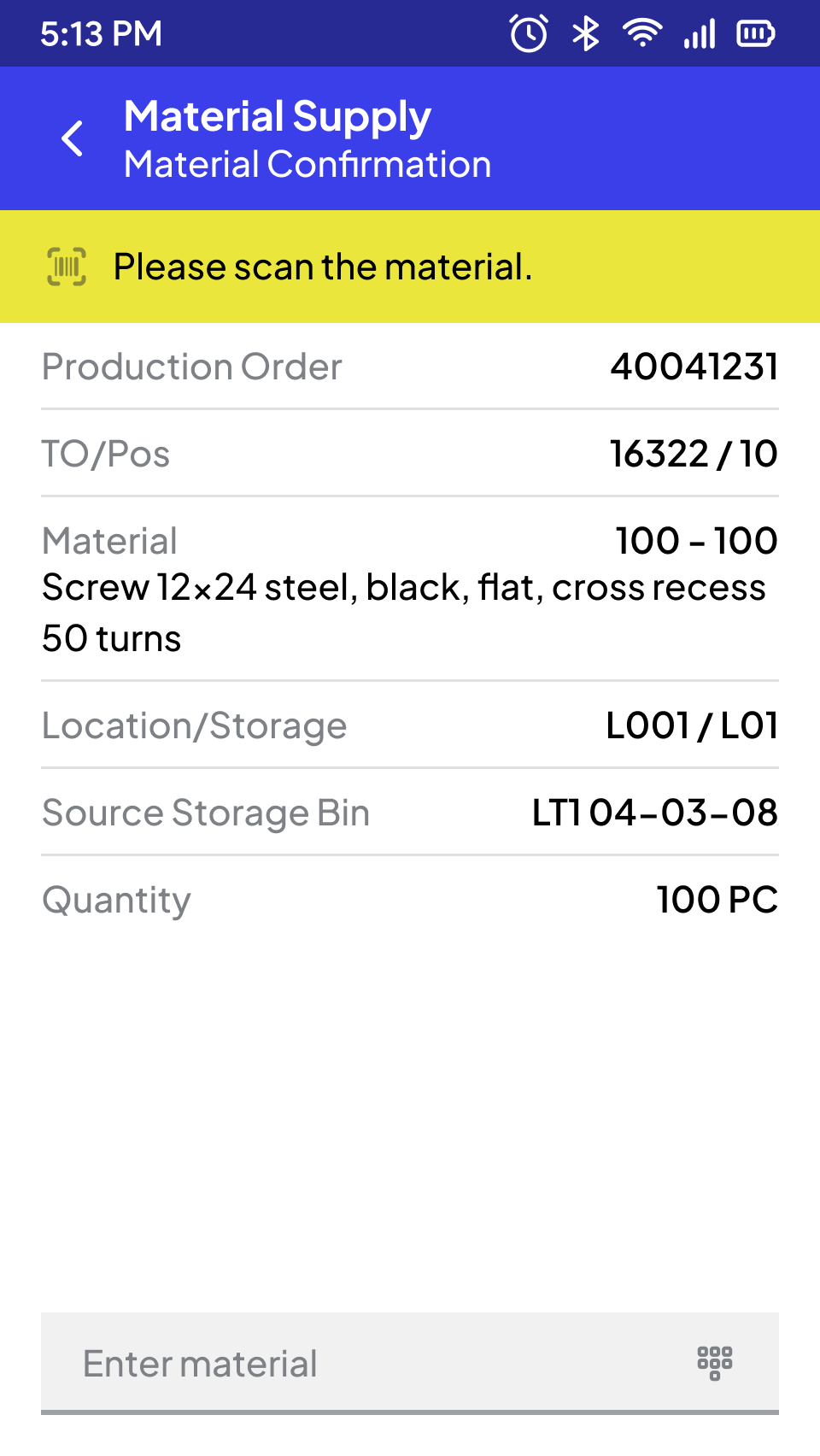
Production Order
Material Provision in Serial Production
Material provisioning in serial production is initiated through a replenishment request and is typically represented through the process of kanban status change. This process triggers a withdrawal with the corresponding warehouse tasks.
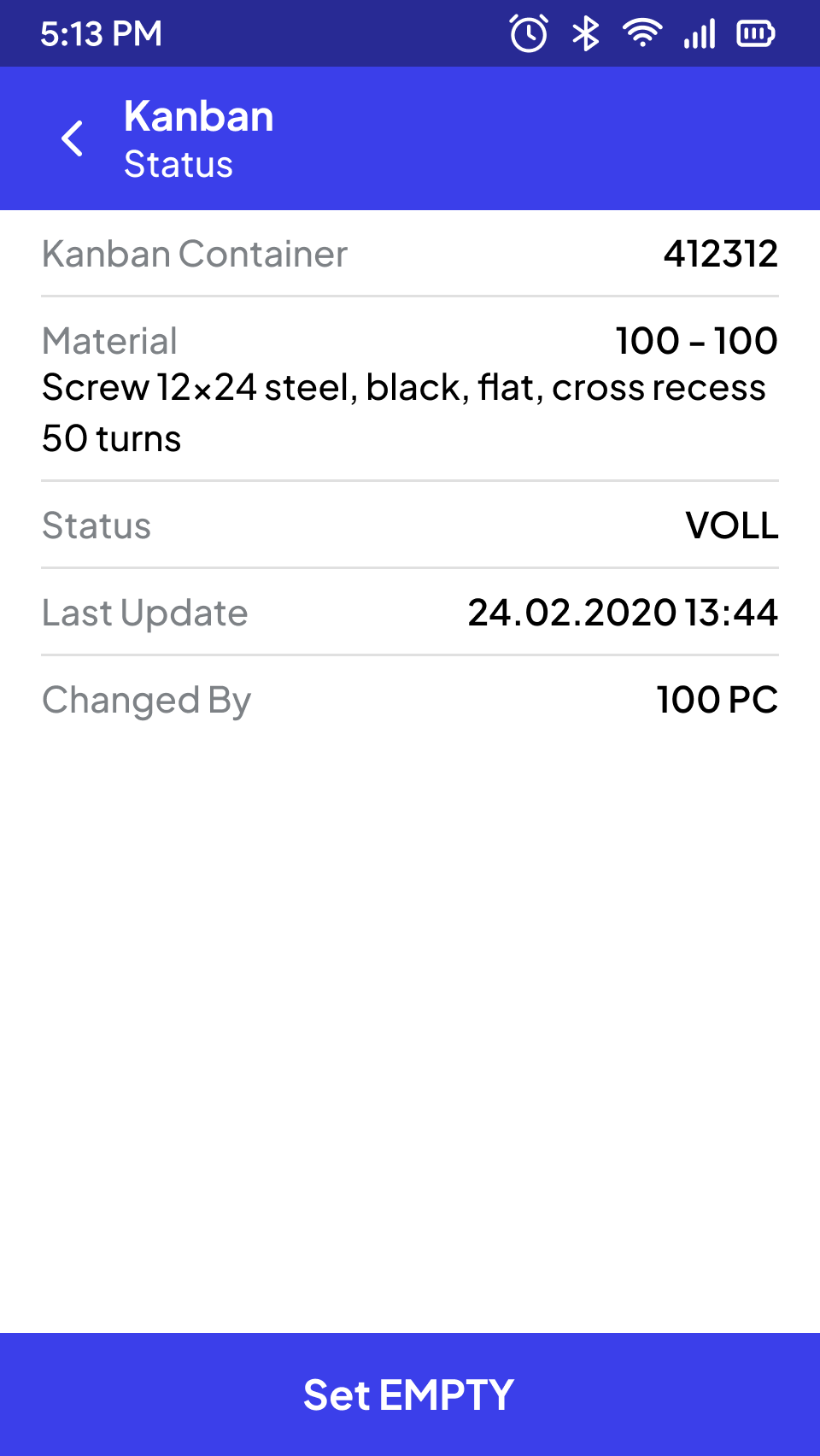
Status Change (EWM)
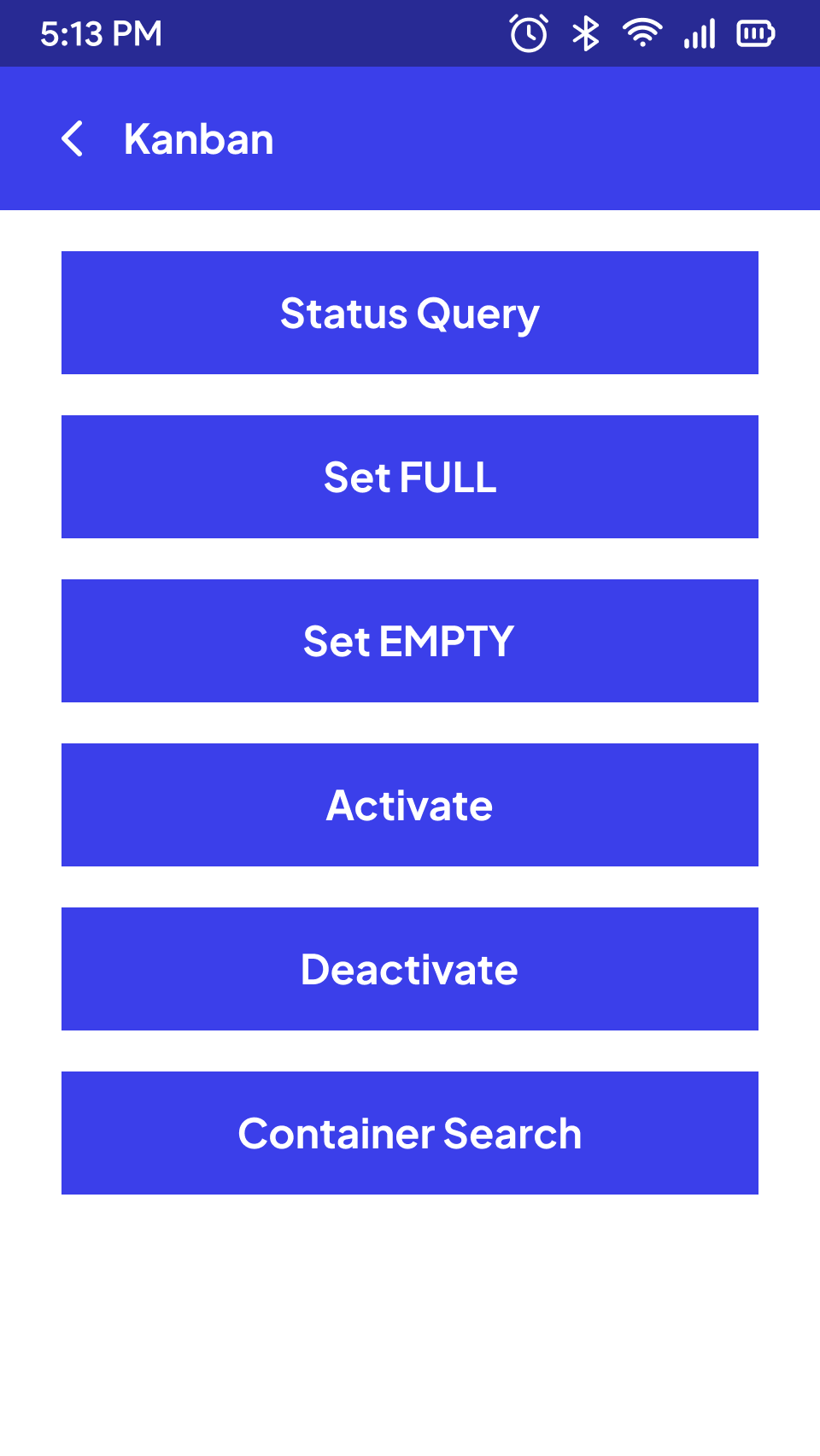
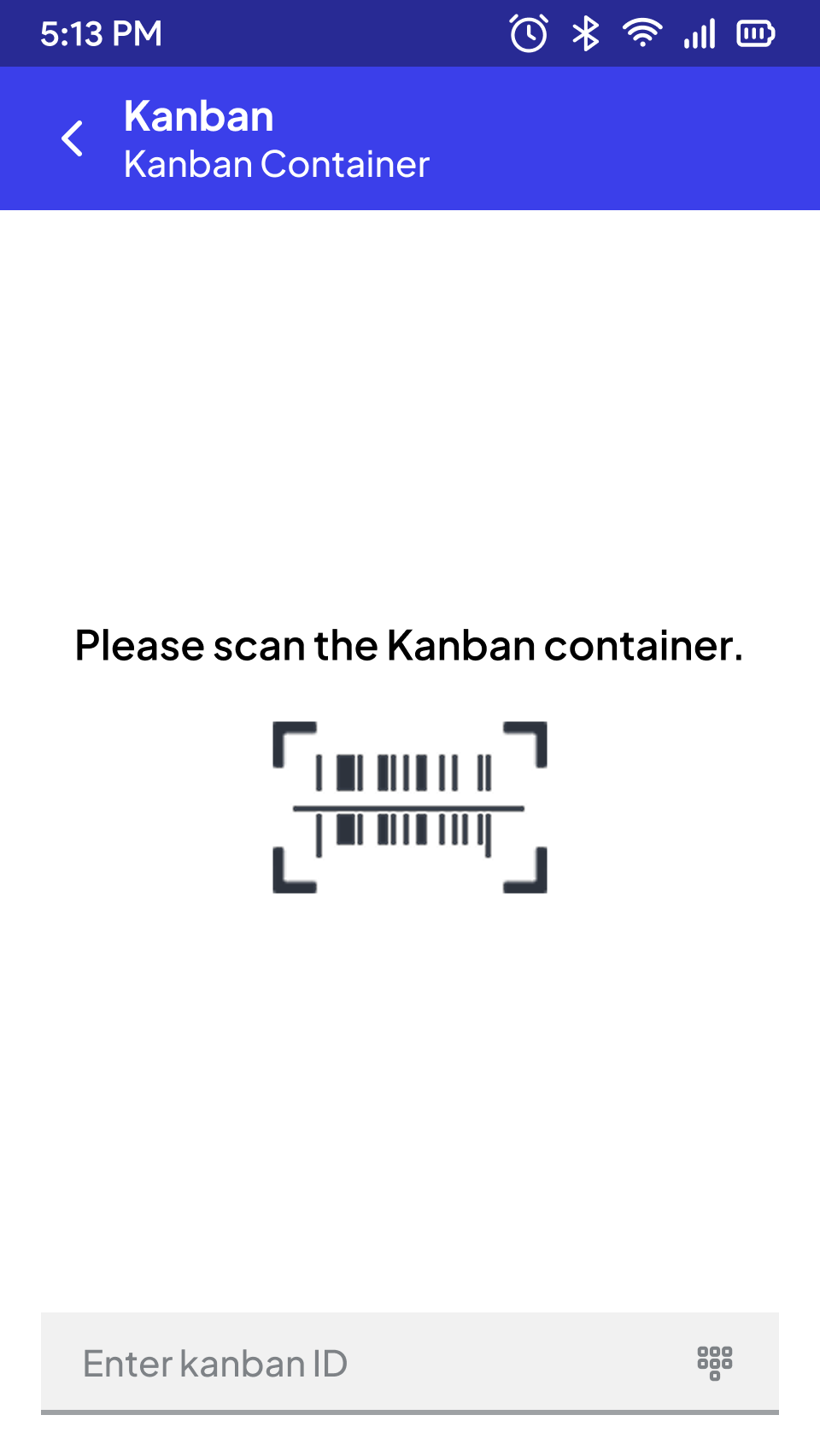
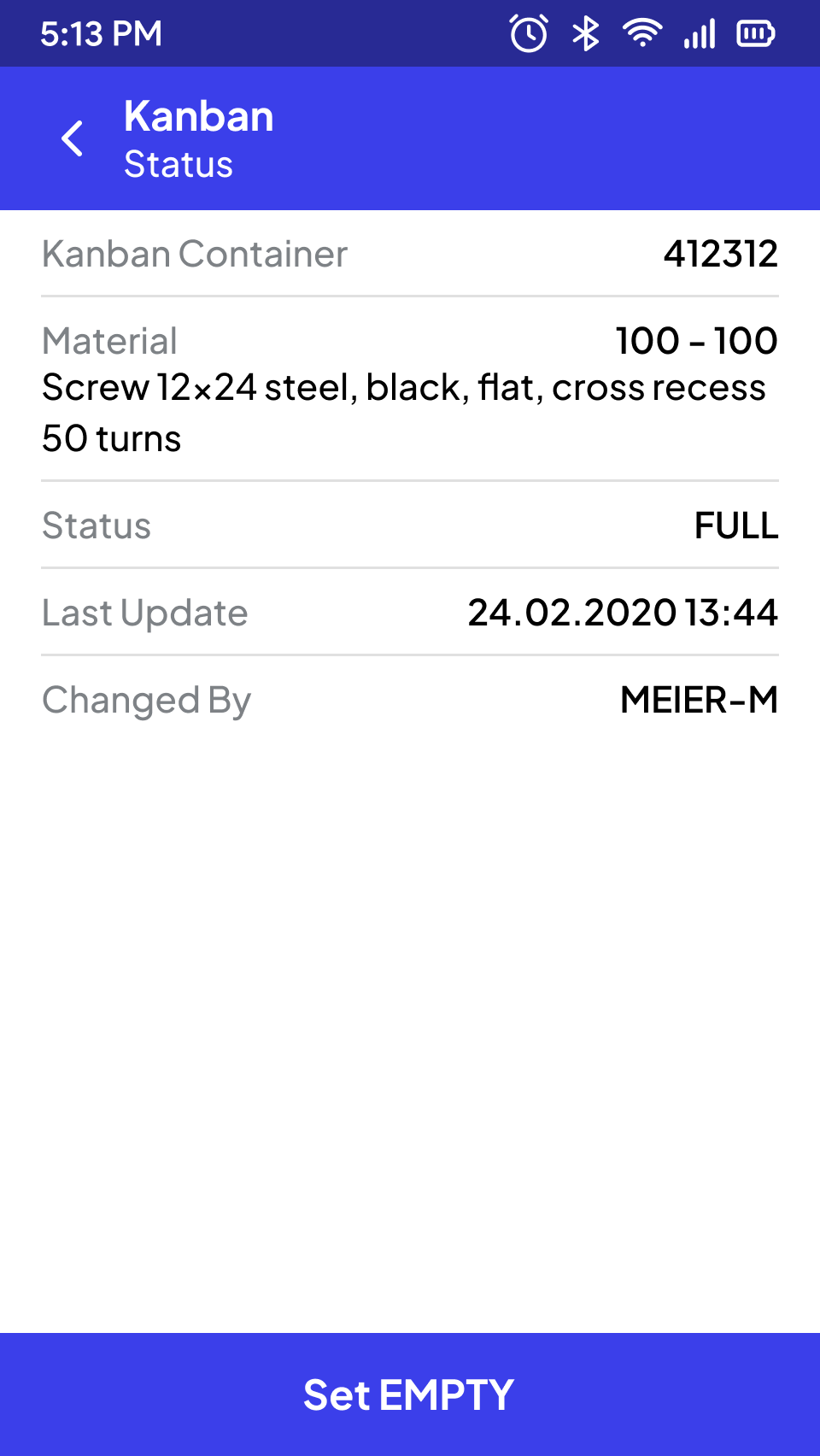
Kanban Status Change
The replenishment control, especially for production supply, can be optimized using processes for kanban containers. In addition to status inquiries for one or even multiple kanban containers, various variants for status changes can be implemented.
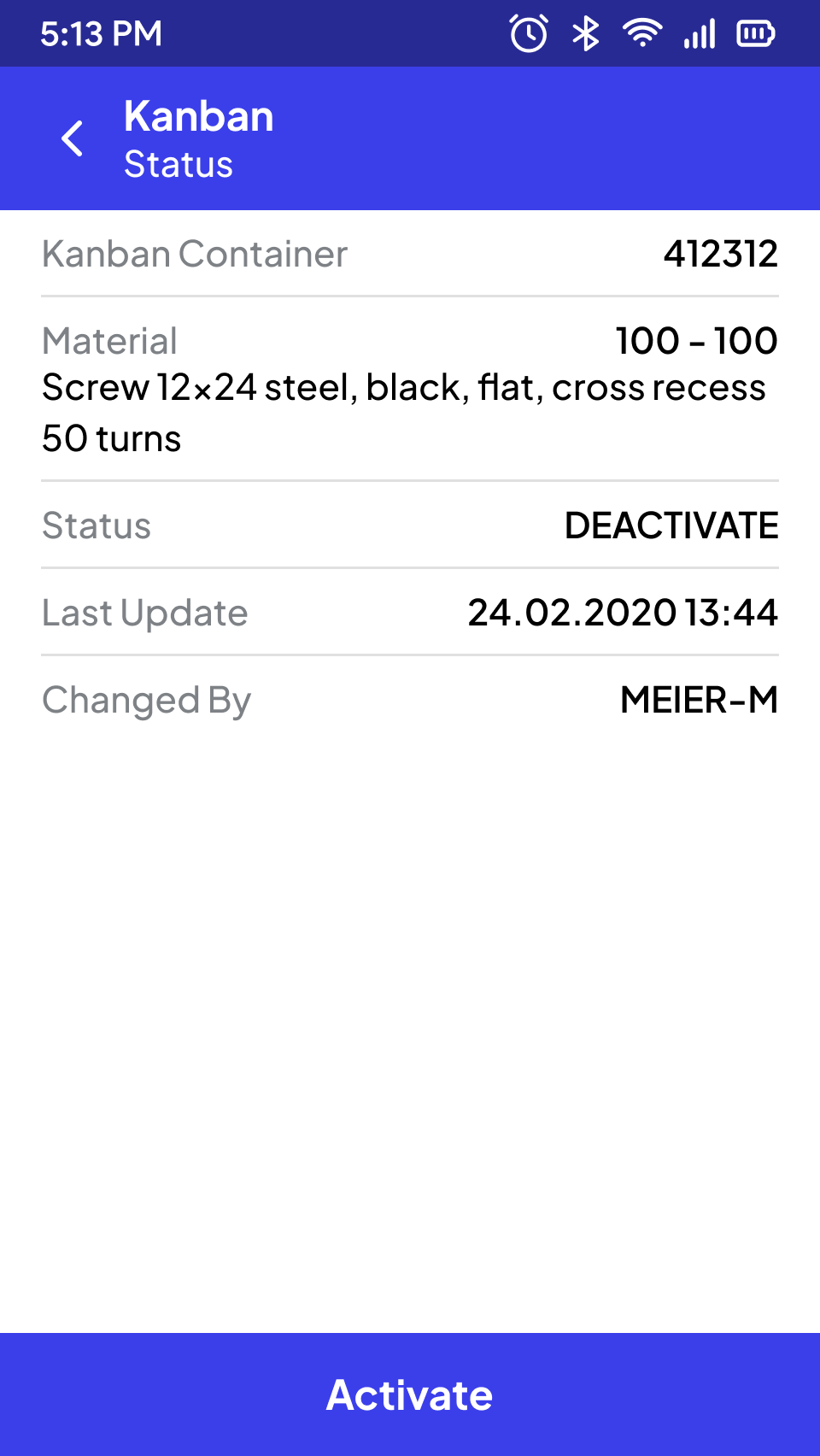
Menu
Production Order Confirmation
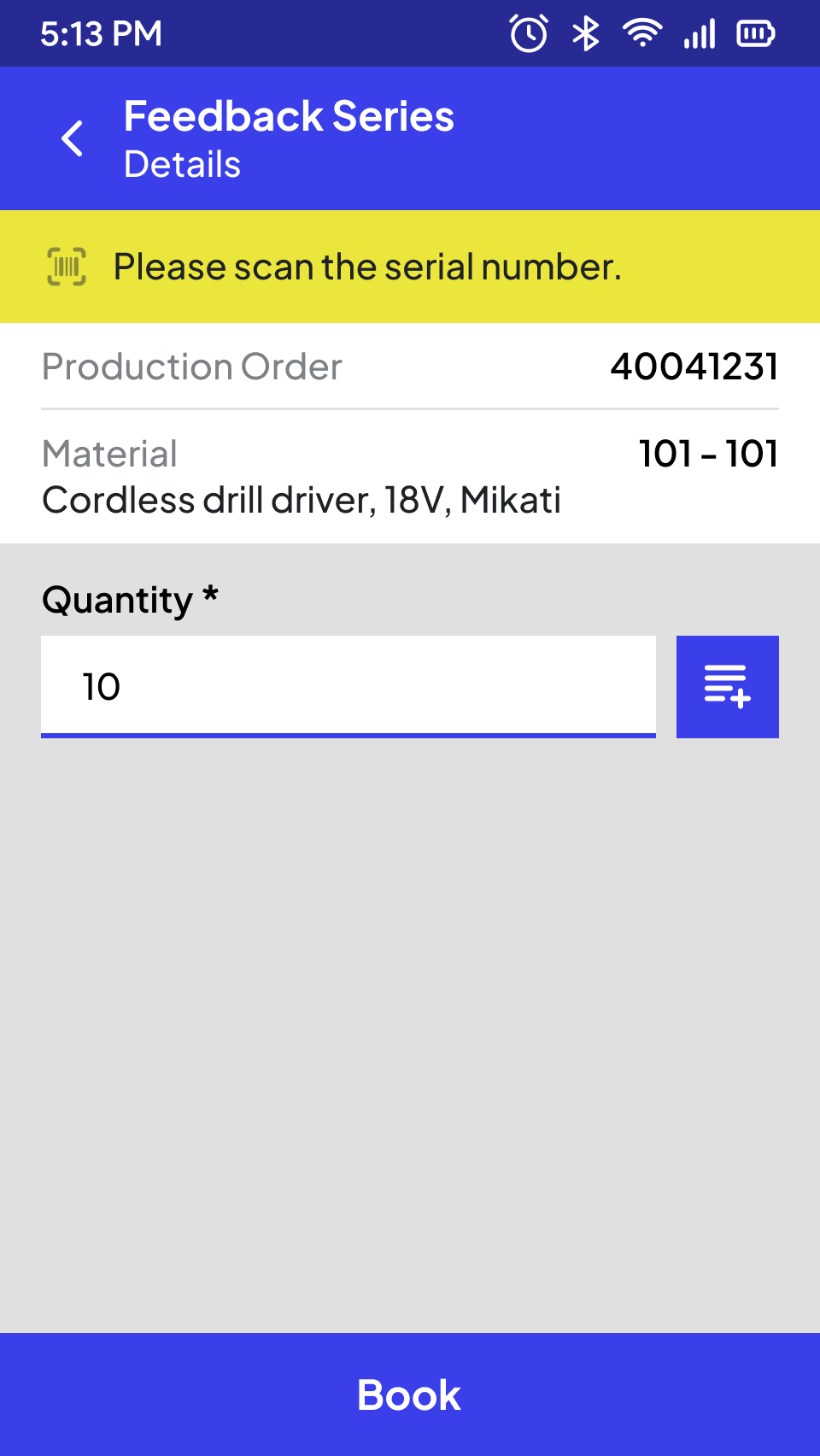
The quantity confirmation is initiated by entering the production order number (via barcode scan, OCR capture, or manual input). In a separate view, the relevant detail data is presented in a clear manner (such as material number and short text, total quantity, unit of measure, batch).
A confirmation can be recorded once all mandatory fields are filled out (such as confirmation quantity, "good/scrap" indicator). Depending on the material master data, serial numbers of the manufactured parts may need to be specified in the required quantity. A visual switch can be used to explicitly mark the final confirmation. In addition to SAP validation, validation of input data can be performed within the app itself to ensure smooth and convenient data entry.
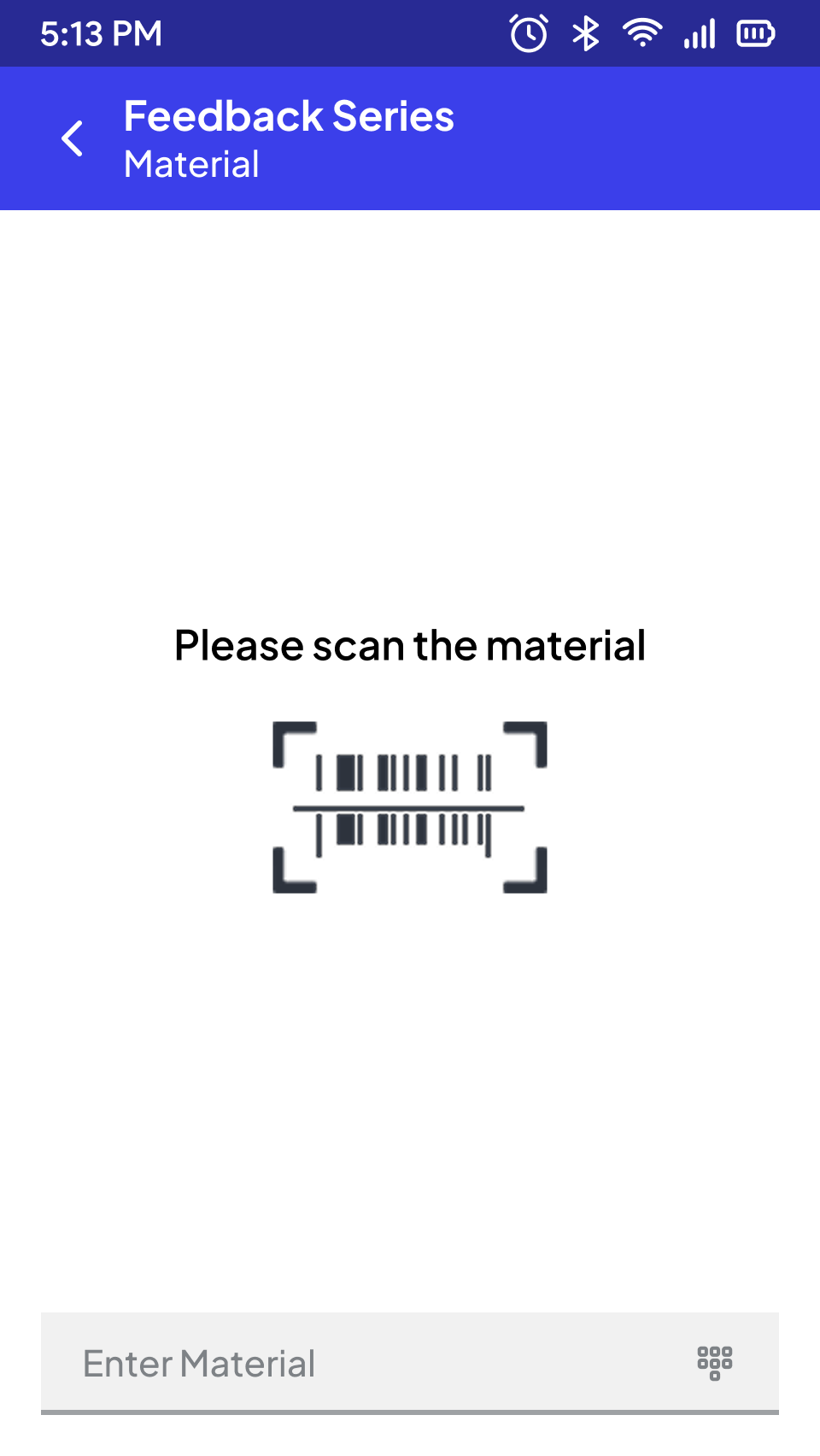
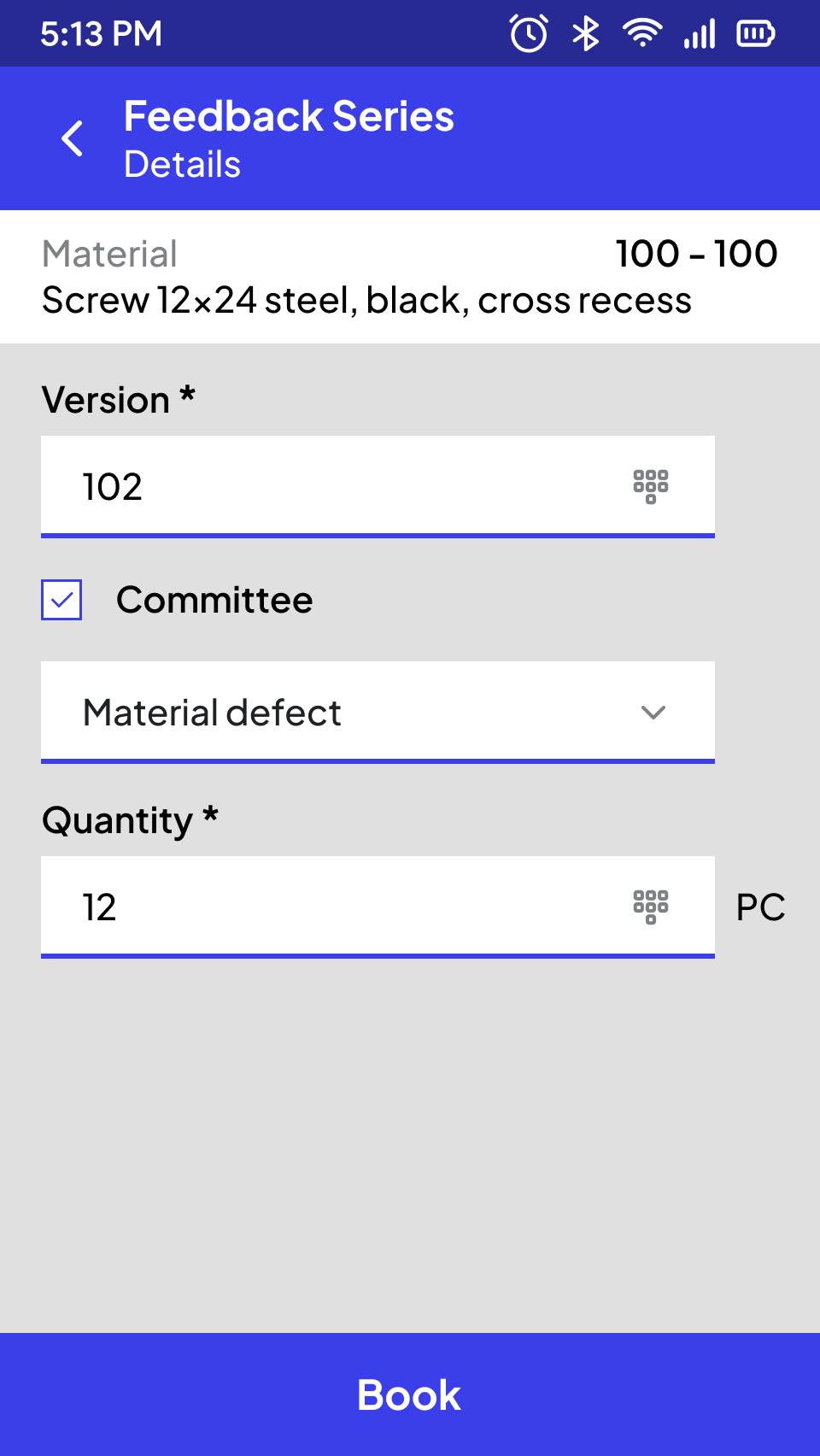
Material
Subsequent Putaway
The manufactured material can be subsequently put away, either through separate putaway processes or as a variant directly with the confirmation.
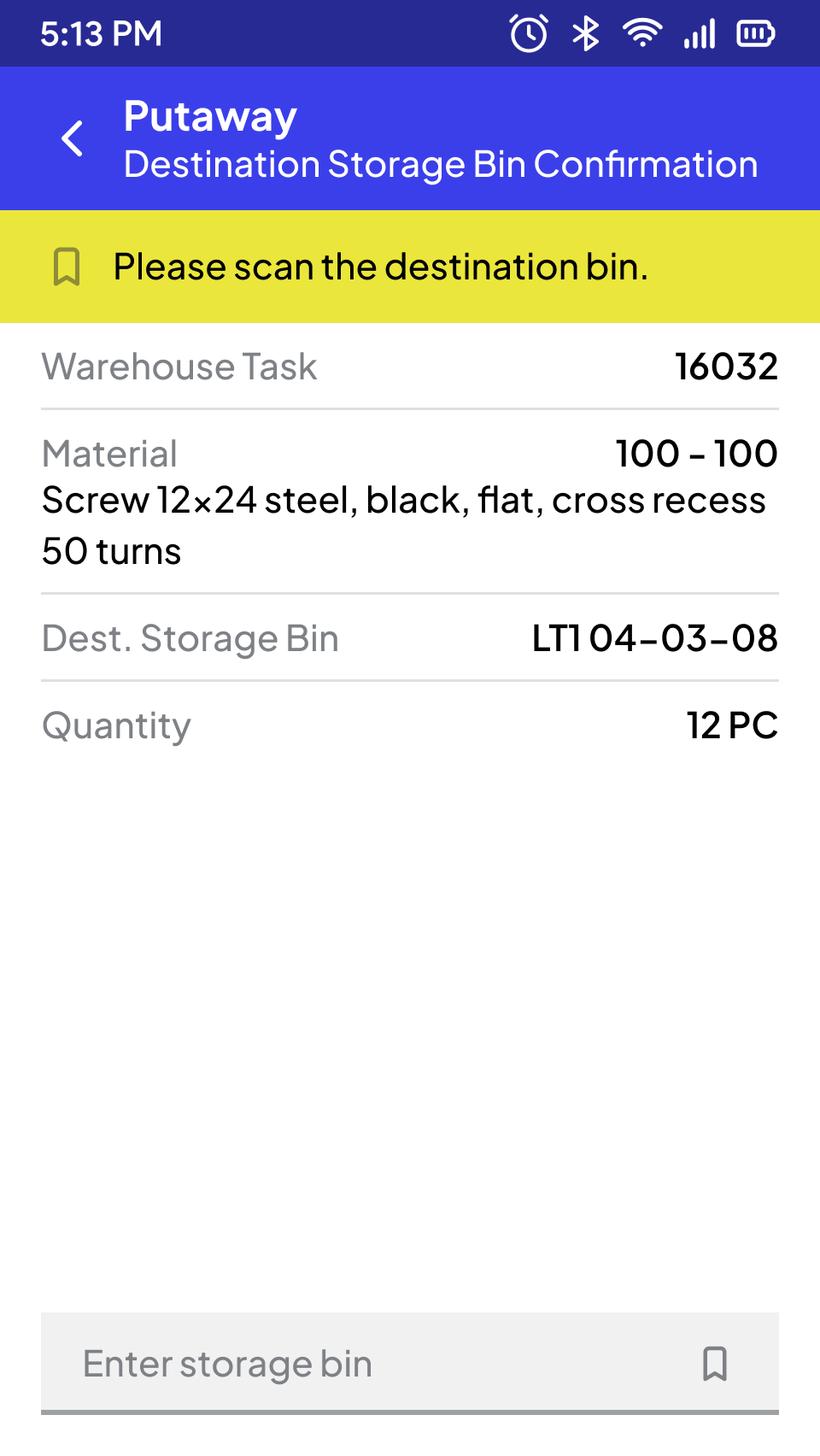
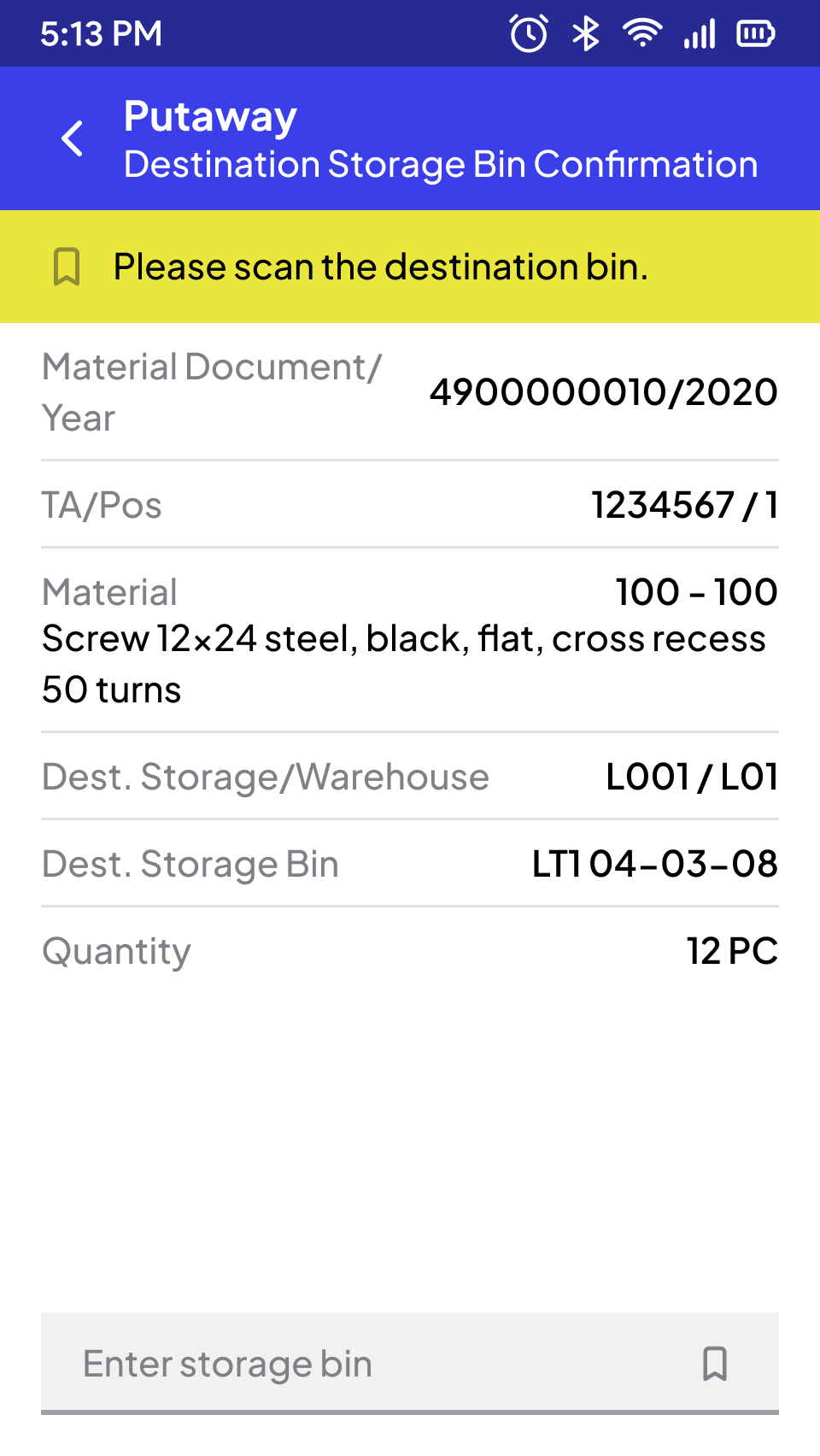
Storage (WM)
And many more processes
SCROLL DOWN
STEP BY STEP TO CREATE
THE PERFECT APP FOR YOU
Ready-made Templates
All SAP Modules
Modern Technology
Best User Experience
#1 Jump-start into your processes
We begin by analyzing your current processes in our interactive cockpit. With over 120 pre-built templates for all relevant SAP processes, we quickly identify your specific requirements and accurately assess the project.
#2 Workshop with the Cockpit
The real work starts – together with our project manager, we take a deep dive, analyze your intralogistics on-site and collaboratively develop an optimal, quickly implementable solution.
#3 Concept Development and Prototyping
Based on the workshop results, our experts create a tailored concept and develop prototypes. Then, we move directly into implementation.
Trusted by Production Teams
Real-world examples of efficiency improvement with Ontego for Mobile SAP.
Frequently Asked Questions About Ontego SAP
Discover everything about Ontego SAP to better understand its benefits, features, and industry applications.
How does Ontego simplify production order confirmations in SAP?
Ontego allows shop floor staff to confirm production orders directly via mobile devices, using barcode or OCR scanning. The app ensures all mandatory fields—such as good/scrap quantity and serial numbers—are completed and validated before SAP posting, reducing delays and minimizing errors.
Can Ontego be used to support IoT integration for production monitoring?
Yes, Ontego is designed to support the modern, connected shop floor. The solution can integrate with IoT devices to provide real-time monitoring of equipment, trigger notifications, or automate workflows based on data from sensors. This capability allows you to get a comprehensive view of your production environment and automate tasks, further improving efficiency and control.
How does Ontego's mobile solution prevent errors on the shop floor?
Ontego's applications are designed with built-in validation to prevent errors at the source. For example, during tasks like material provisioning or batch tracking, the app performs real-time checks against your SAP system to ensure data accuracy. This proactive approach reduces the risk of incorrect data entries and ensures full traceability of serial and batch numbers from the moment they are handled on the shop floor.
Can the Ontego mobile production app be used offline?
Yes, the Ontego mobile app is designed to be 100% offline-capable. This is a critical feature for large production facilities or areas with spotty Wi-Fi, such as in and around heavy machinery. Workers can continue to perform tasks, capture data, and validate information even without a network connection. The data is securely stored on the device and automatically synchronized with the SAP system once a connection is re-established.
What types of production workflows can be digitized with Ontego?