1 OF 3
Precision ManagementIn Your Hand
Take full control of your inventory with the flexibility of mobile management.
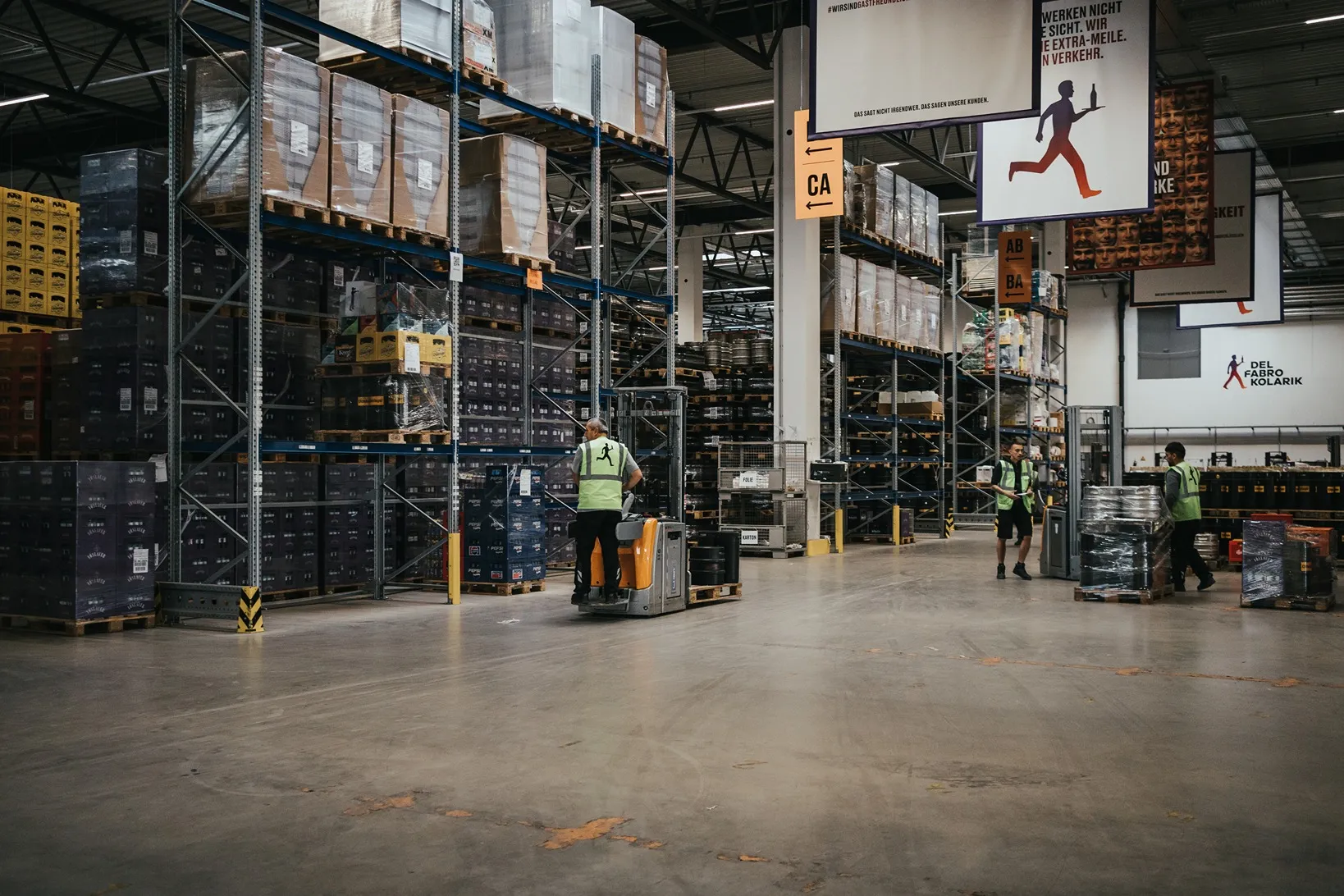
Update and manage
stock info directly on-site
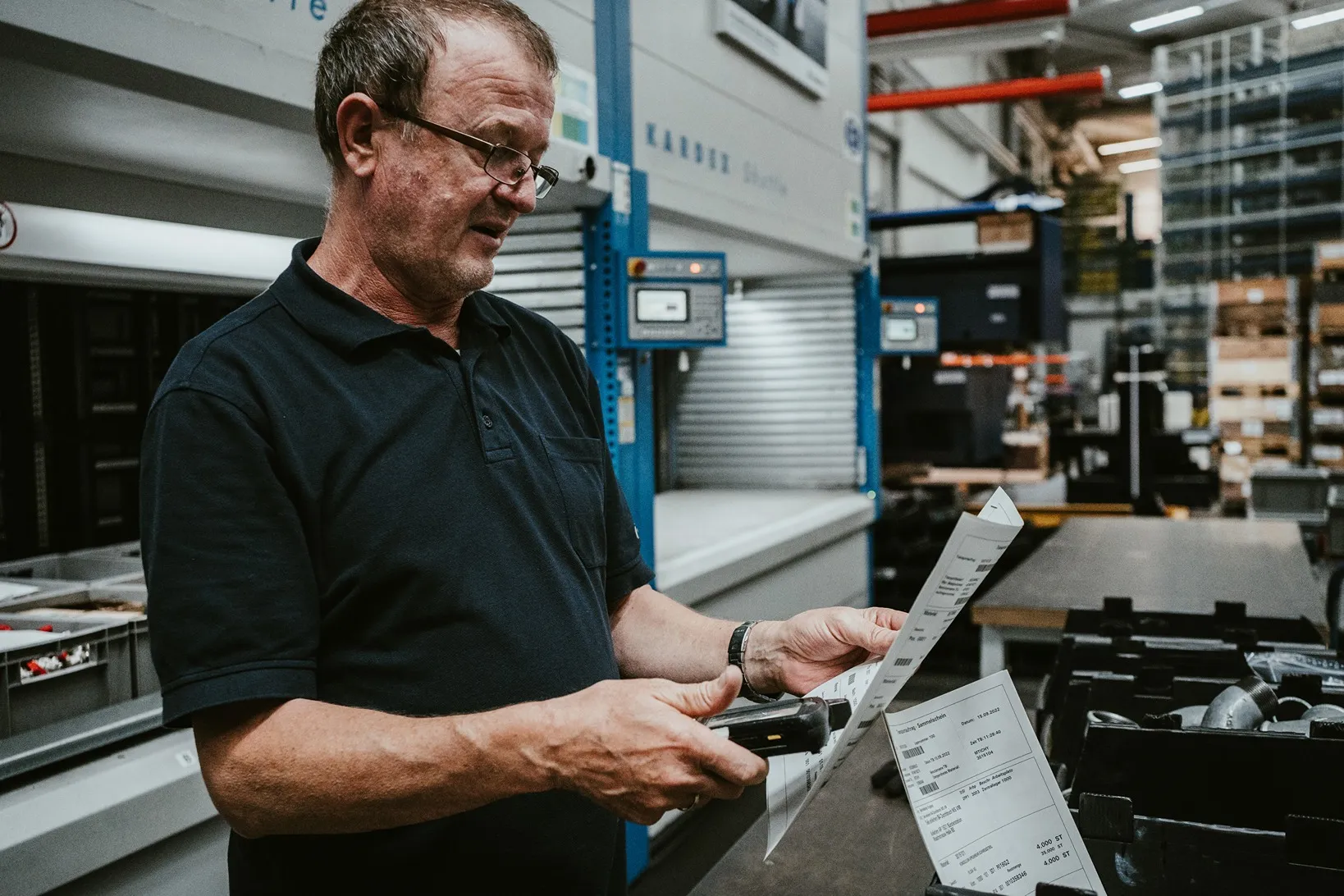
Follow SAP count lists
for precise mobile counting

Choose your procedure
for annual or permanent counting
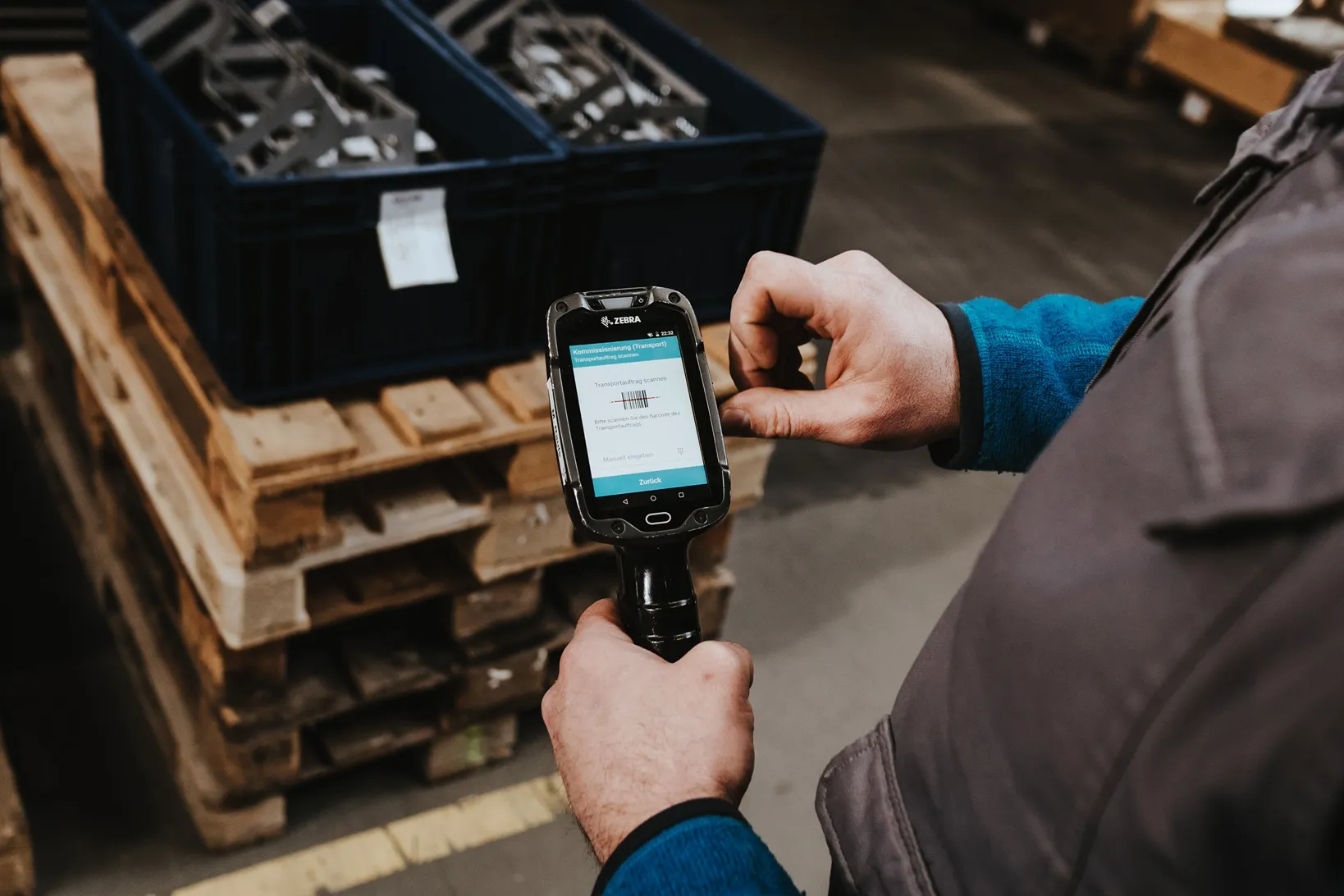
Facilitate validation
before posting data to SAP

Capture everything on the spot
including serial number and batch data
SCROLL DOWN
Modern Inventory Solutions
Ontego offers all the tools you need to simplify and optimize inventory management.
Barcode Scanning and RFID Integration
Capture items easily with mobile devices to speed up the counting process.
Quickly Ramp-up New Users
Master the challenge of integrating lots of new users during peak counting times.
Structured Counting
Use dedicated procedures to count in the correct location, at suitable times.
Flexible Workflows
Provide updated stock information in any process.
TAKE A SNEAK PEEK
INTO OUR COCKPIT
Curious about our mobile apps? Explore a selection of over 120 templates.
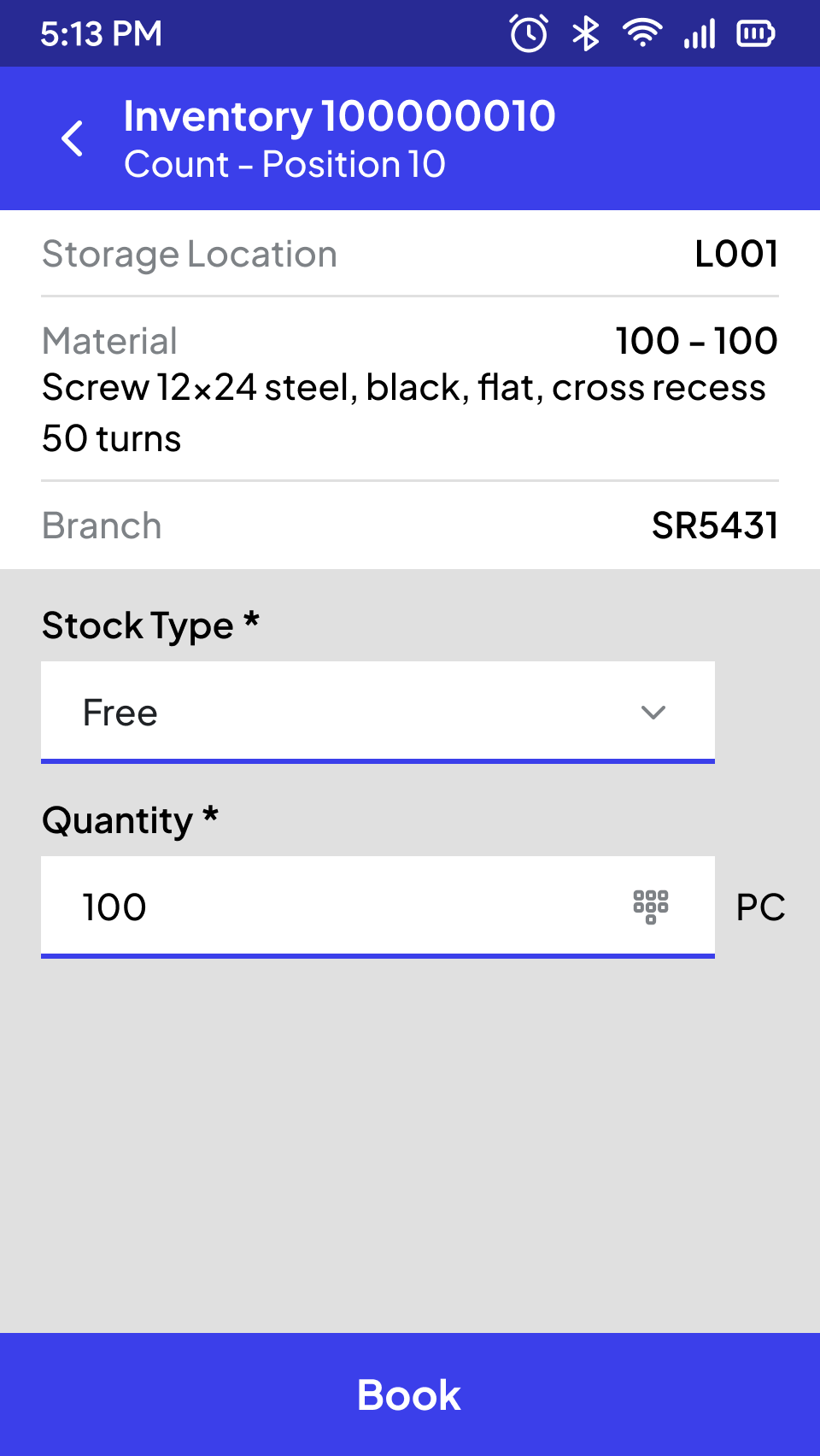
Inventory in Storage Location
Ontego provides the execution of various inventory variants, including annual or permanent inventory based on inventory documents, as well as ad-hoc inventories.
To manage inventory data conveniently, a component of the Ontego Mobility Layer can be used optionally for the control center in addition to SAP.
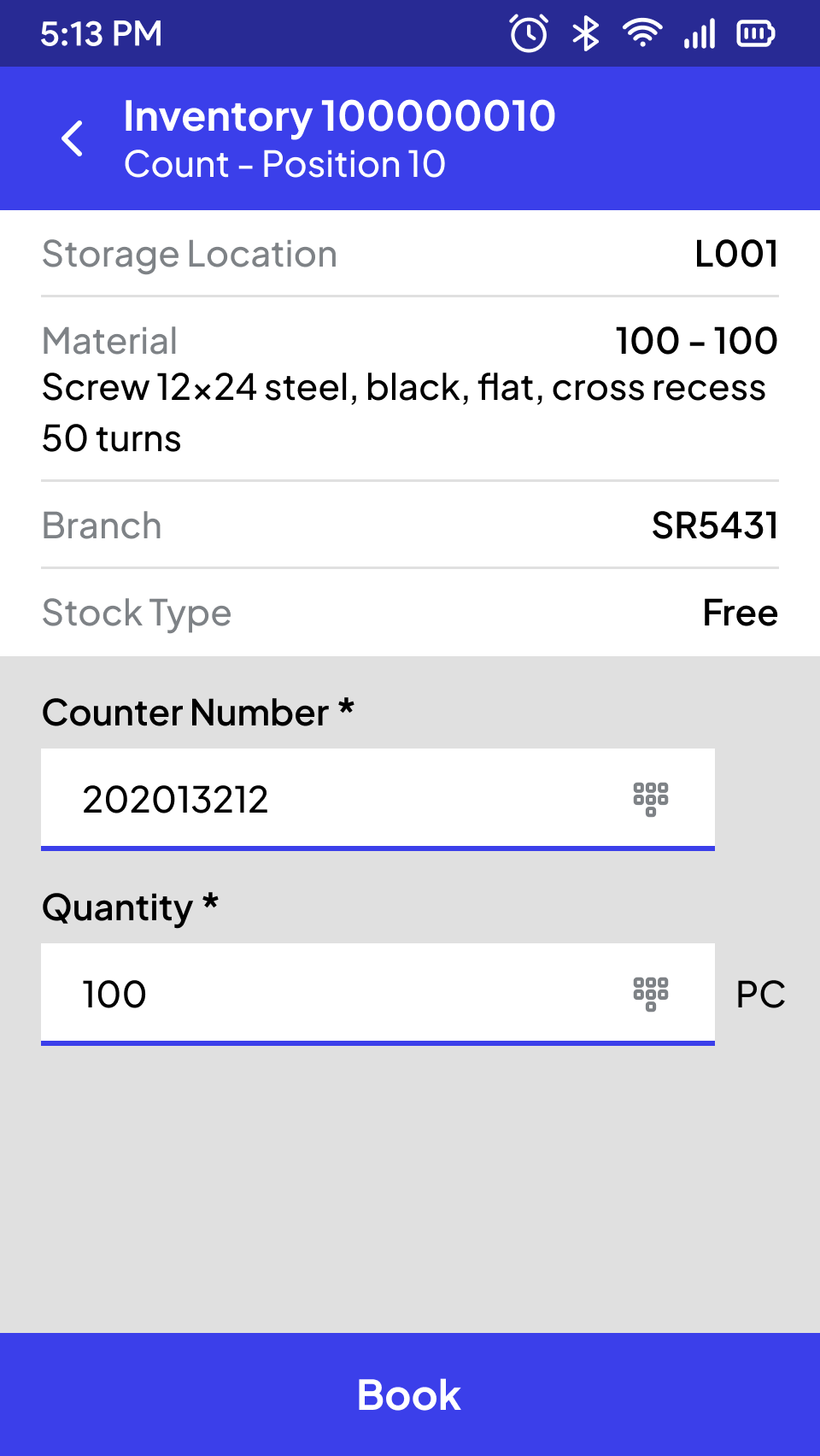
Detail with Existing Type (MM)
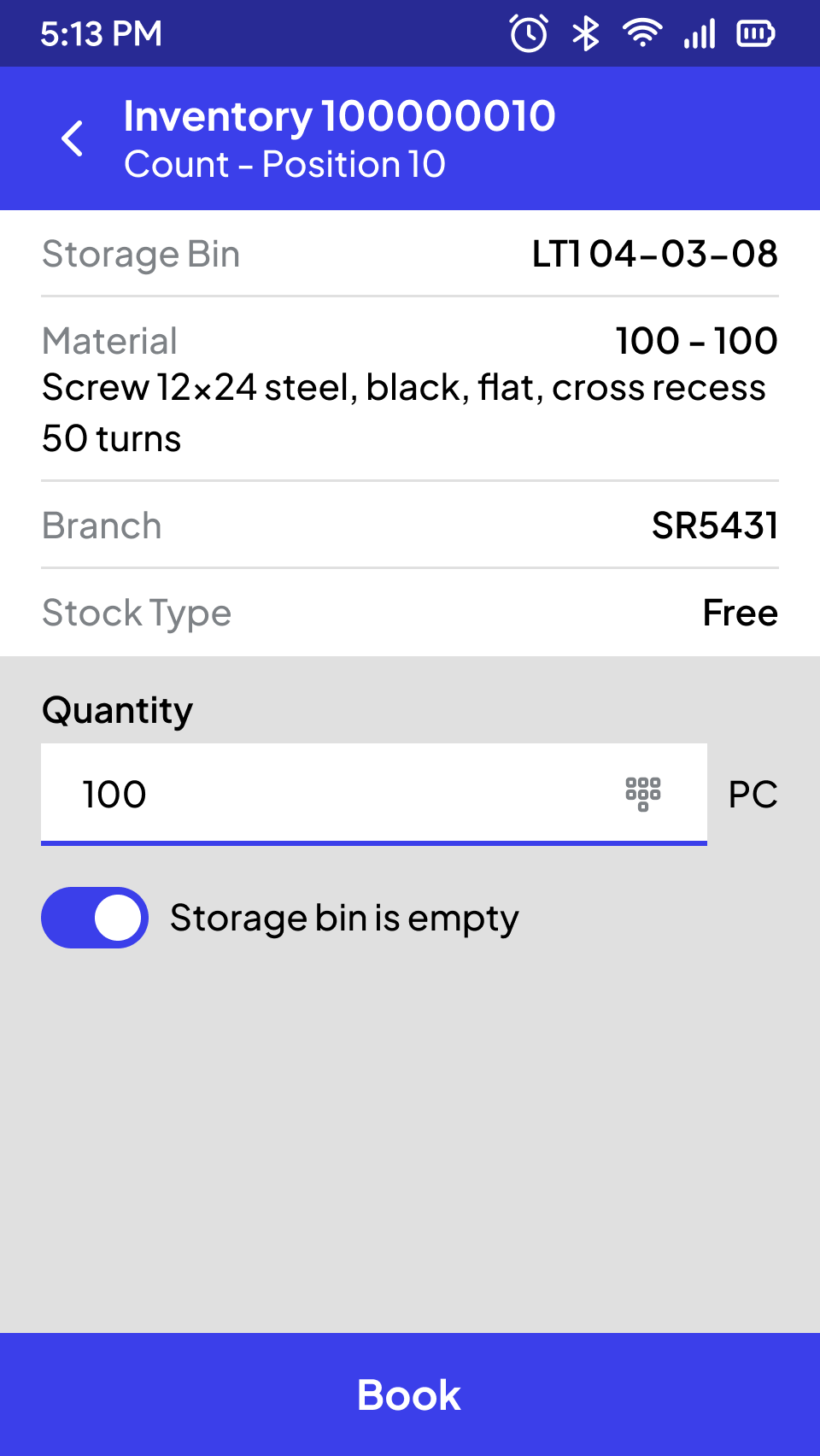
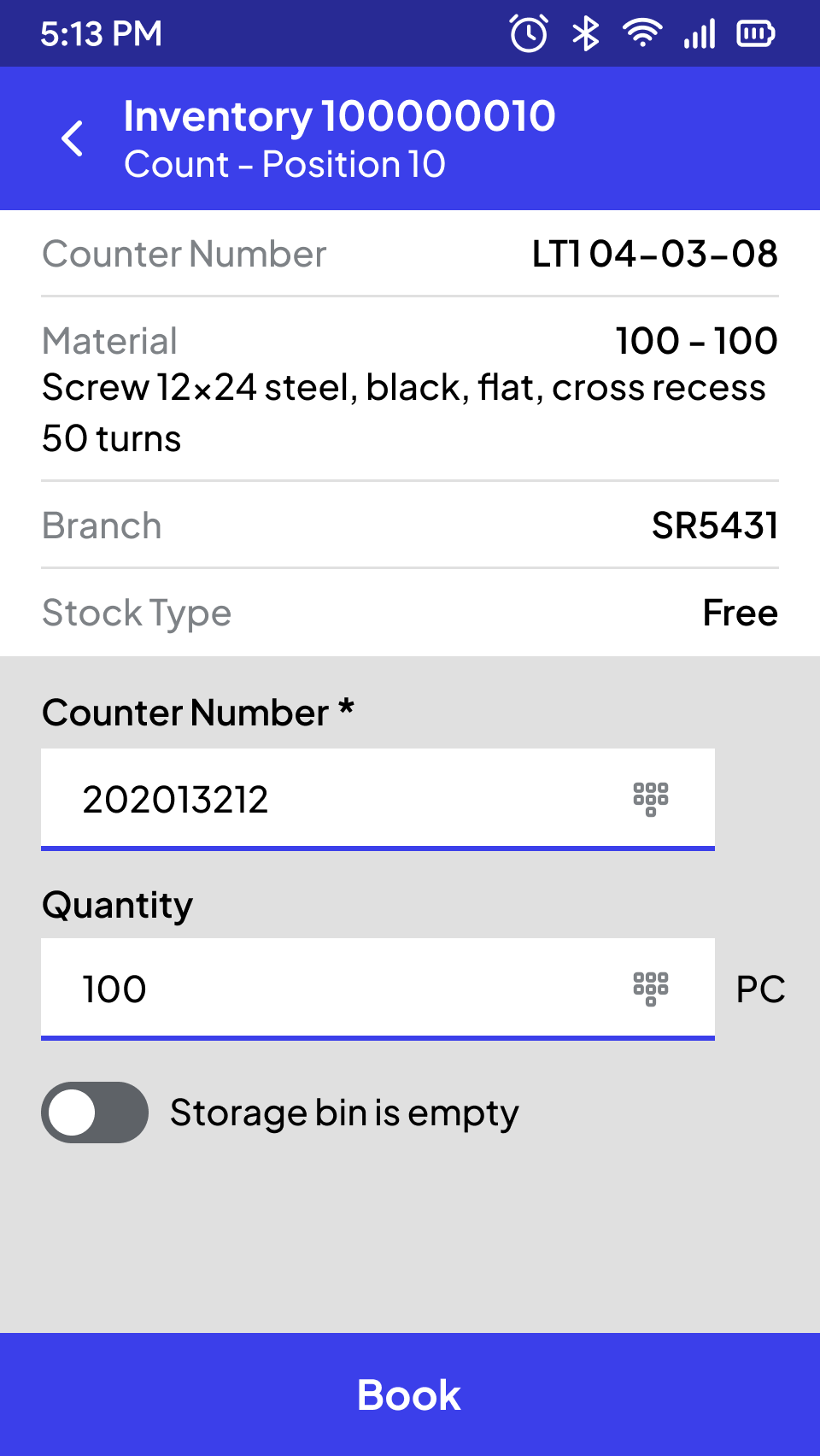
Inventory on Storage Bin Level
Ontego offers the execution of various inventory variants, including annual or permanent inventory based on inventory documents, as well as ad-hoc inventories or implicit inventories using residual quantity checks and/or zero checks, which can be embedded in other mobile processes.
To manage inventory data conveniently, a component of the Ontego Mobility Layer can be used optionally for the control center in addition to SAP.
Storage (E/WM)
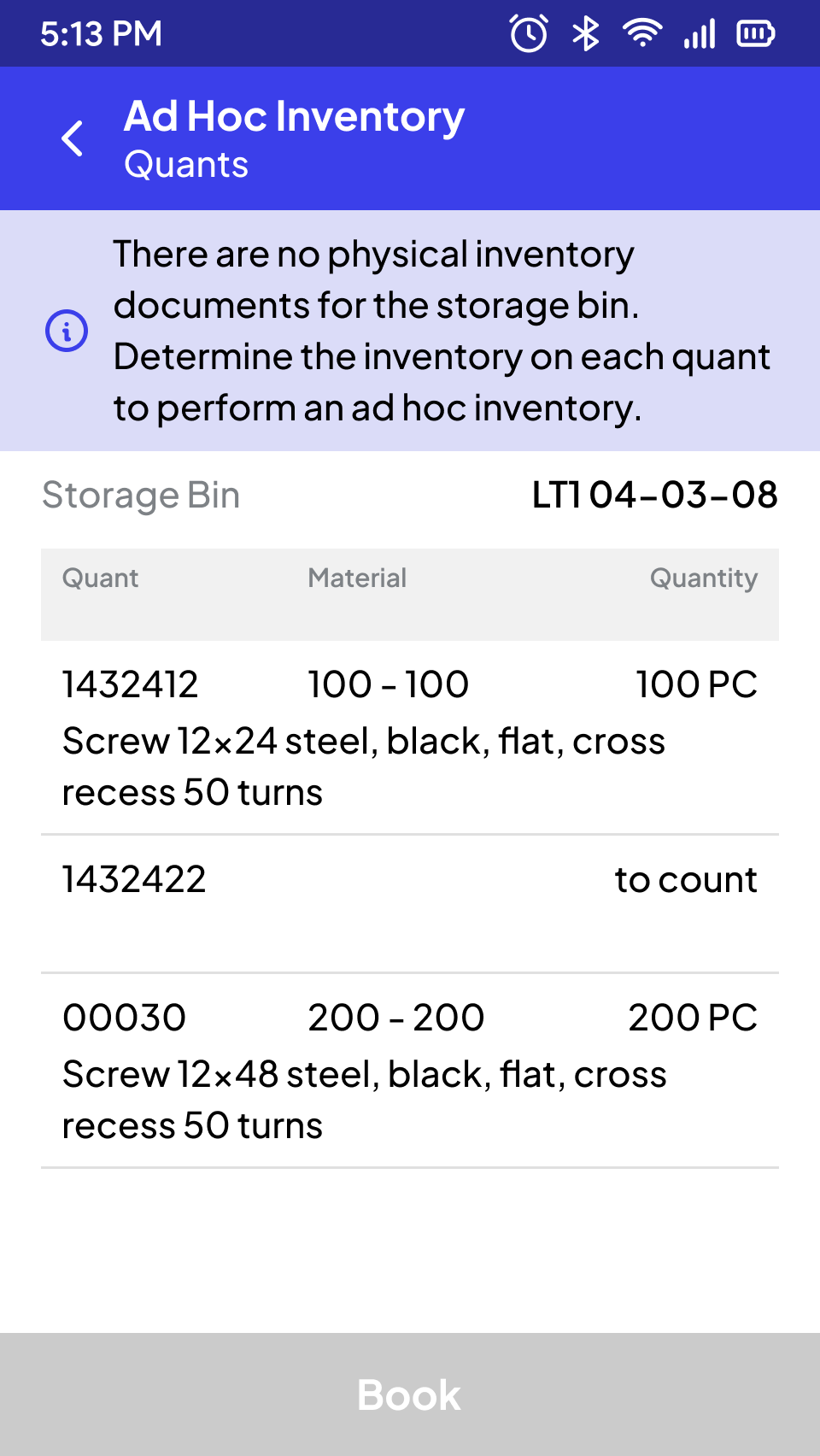
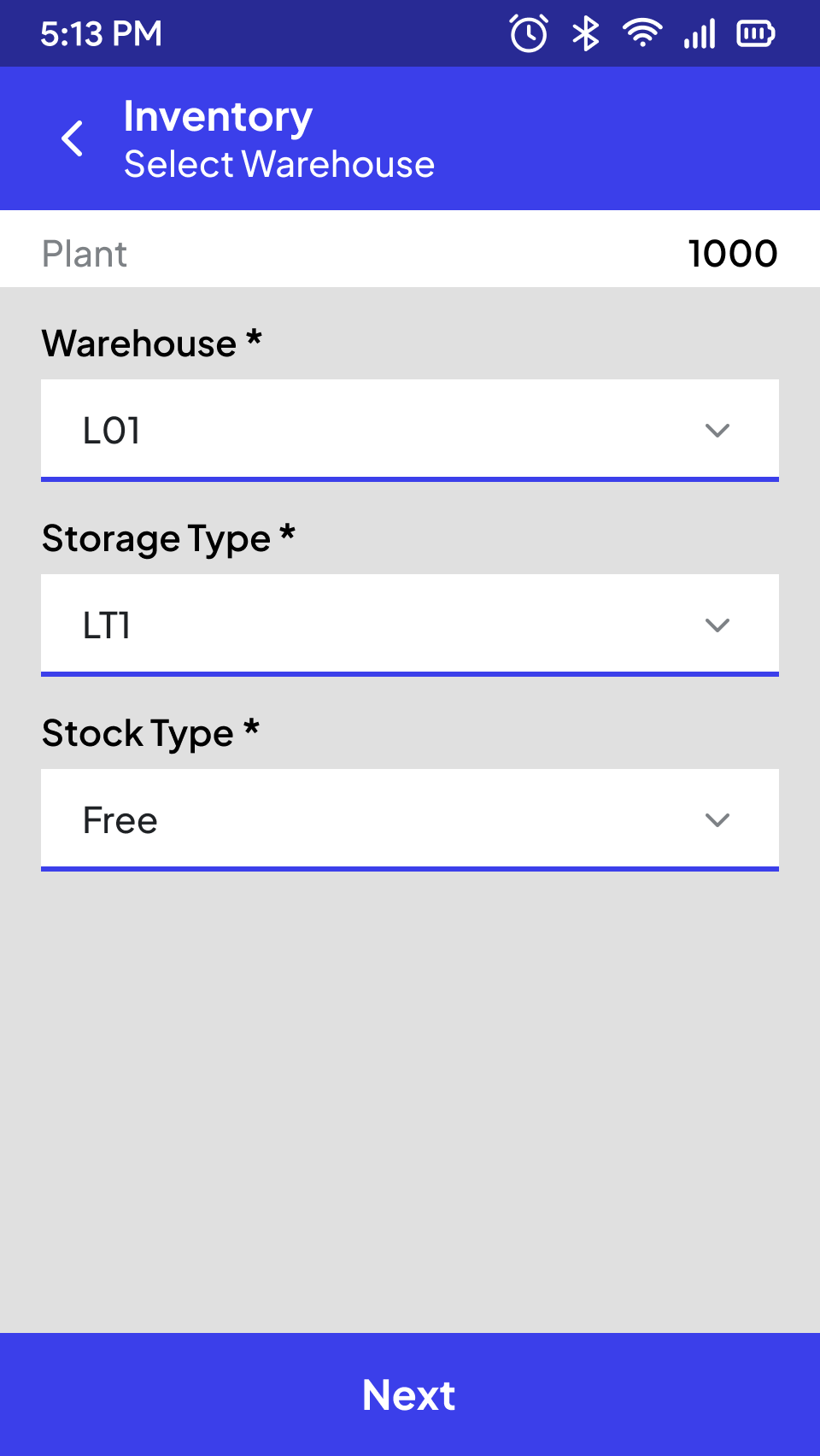
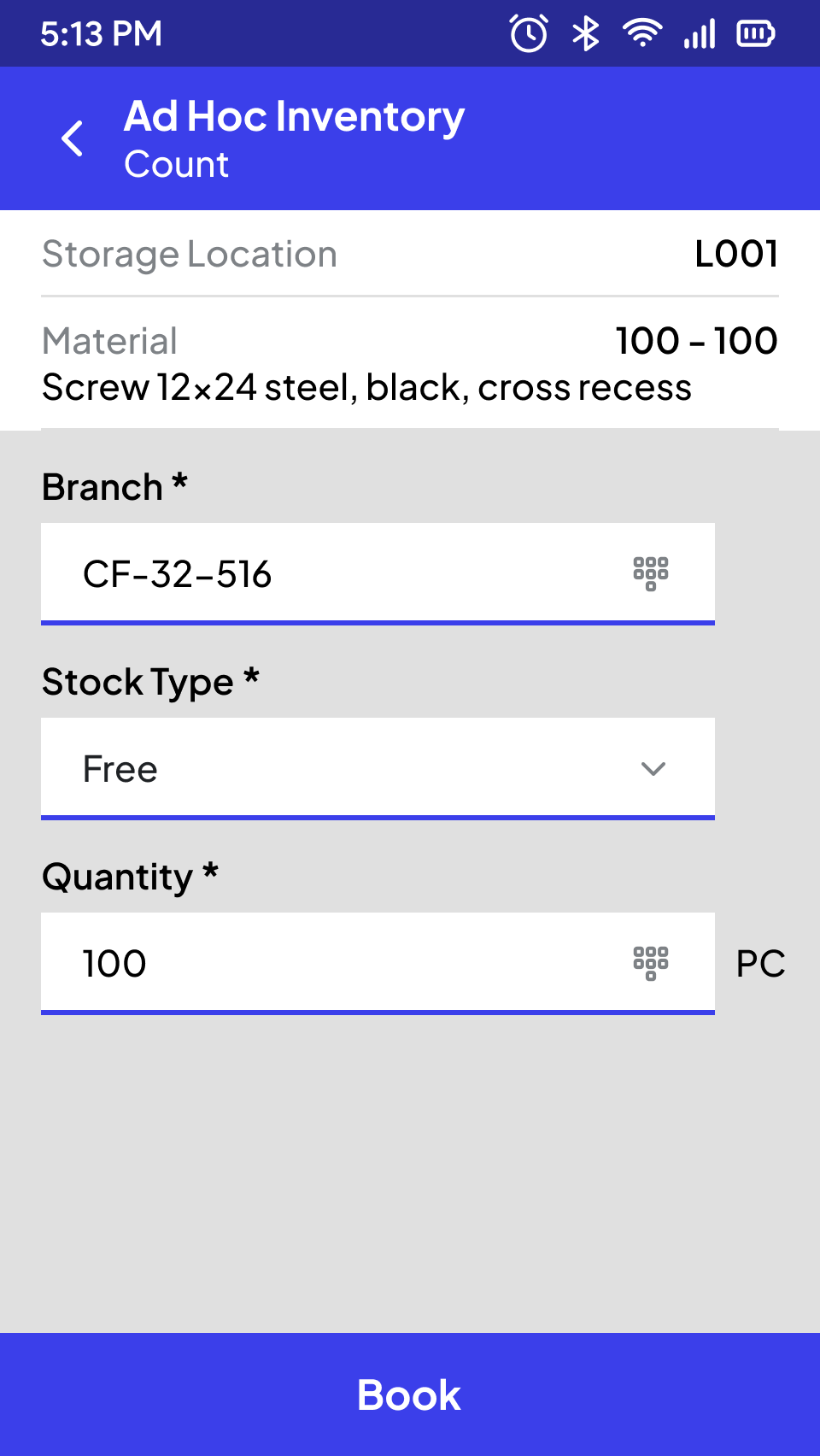
User-managed Ad Hoc Inventory
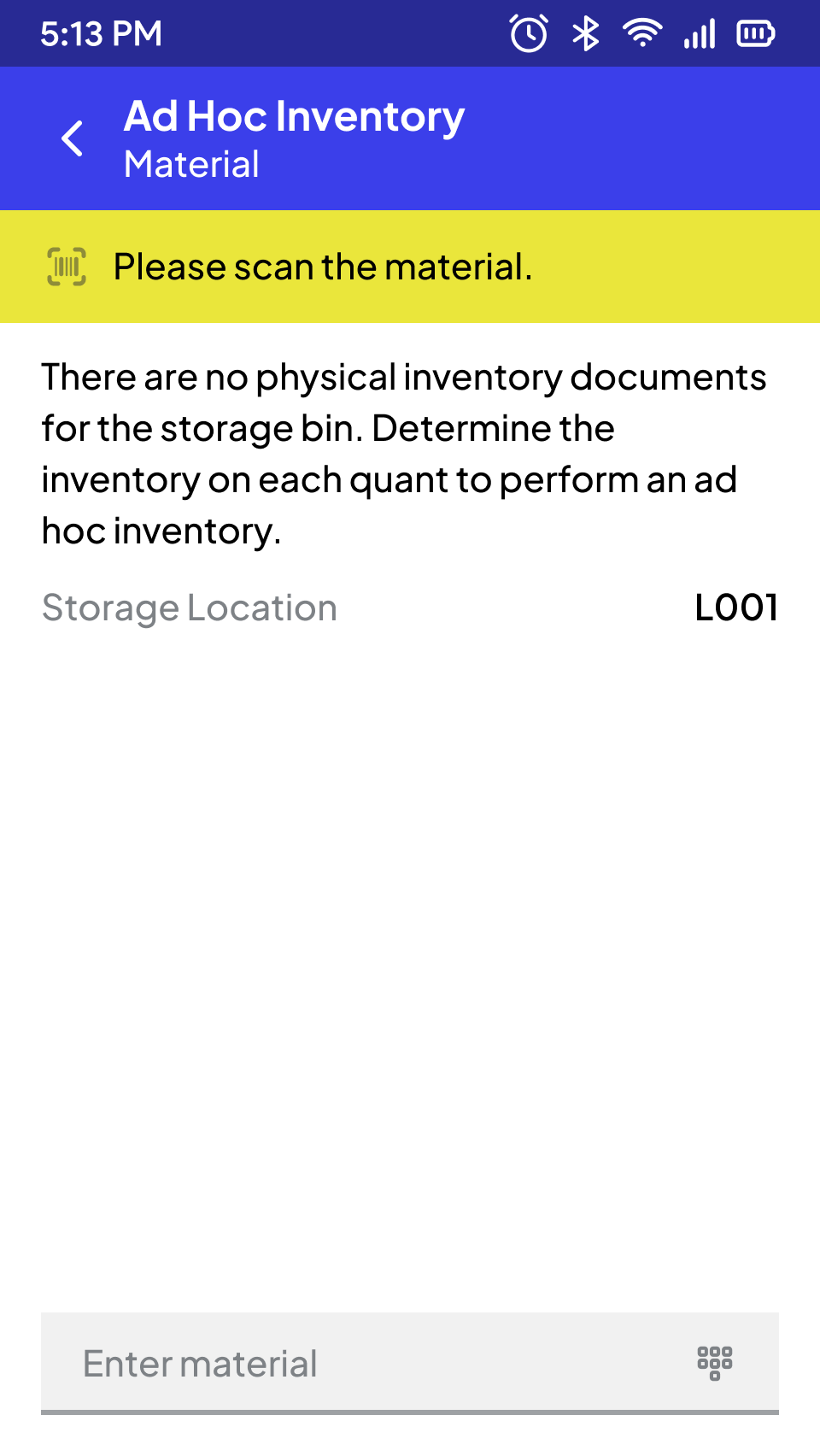
If there are no inventory documents to be counted for the storage location, an ad hoc inventory can be conducted.
In the so-called "user-managed" variant, the user determines the material to be counted and records the physically available quantity, as well as any additional information (unit of measure, batch if applicable, stock type, special stock indicator and number, and serial numbers). The user can record additional materials following the same process.
Warehouse (MM)
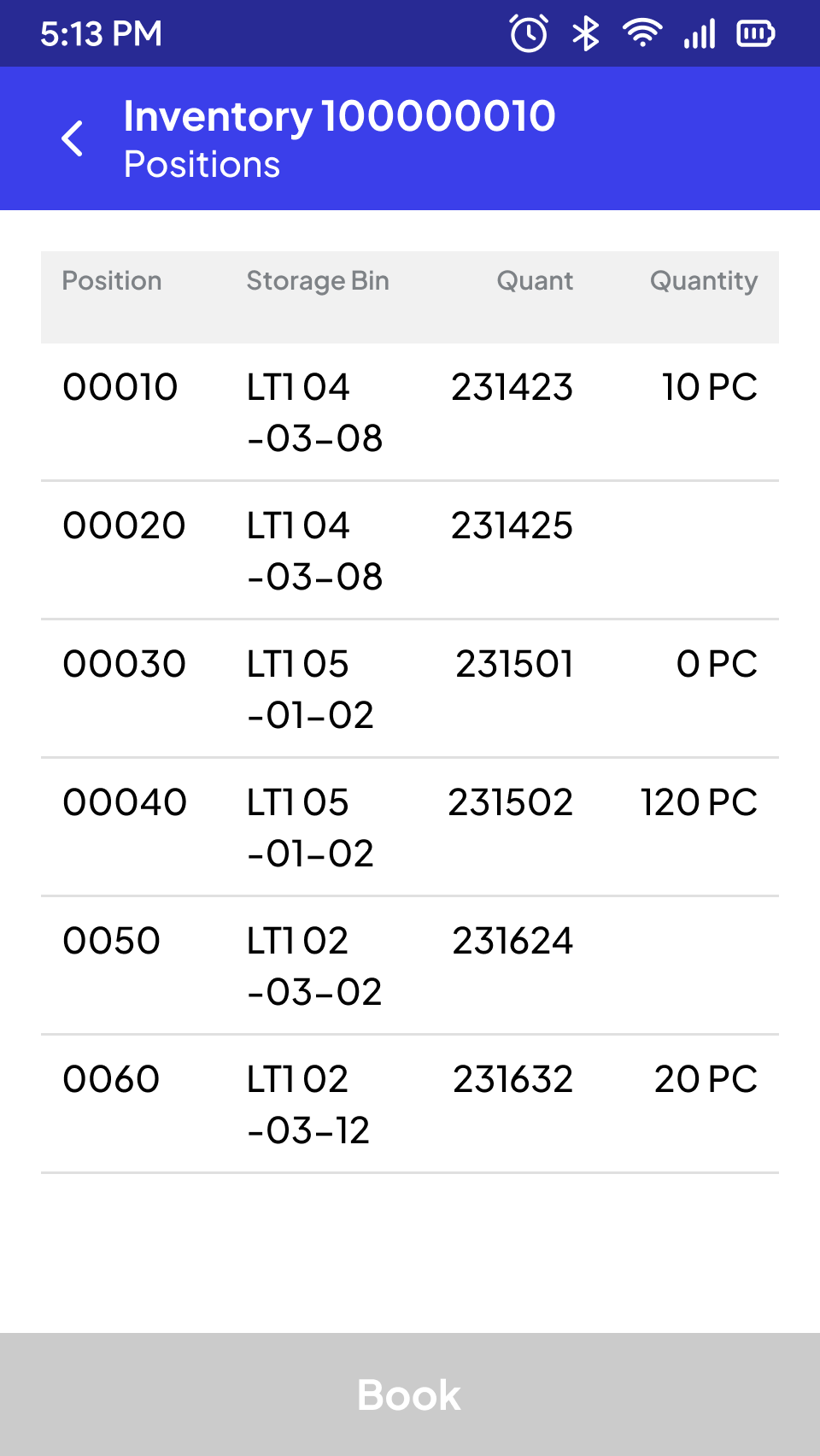
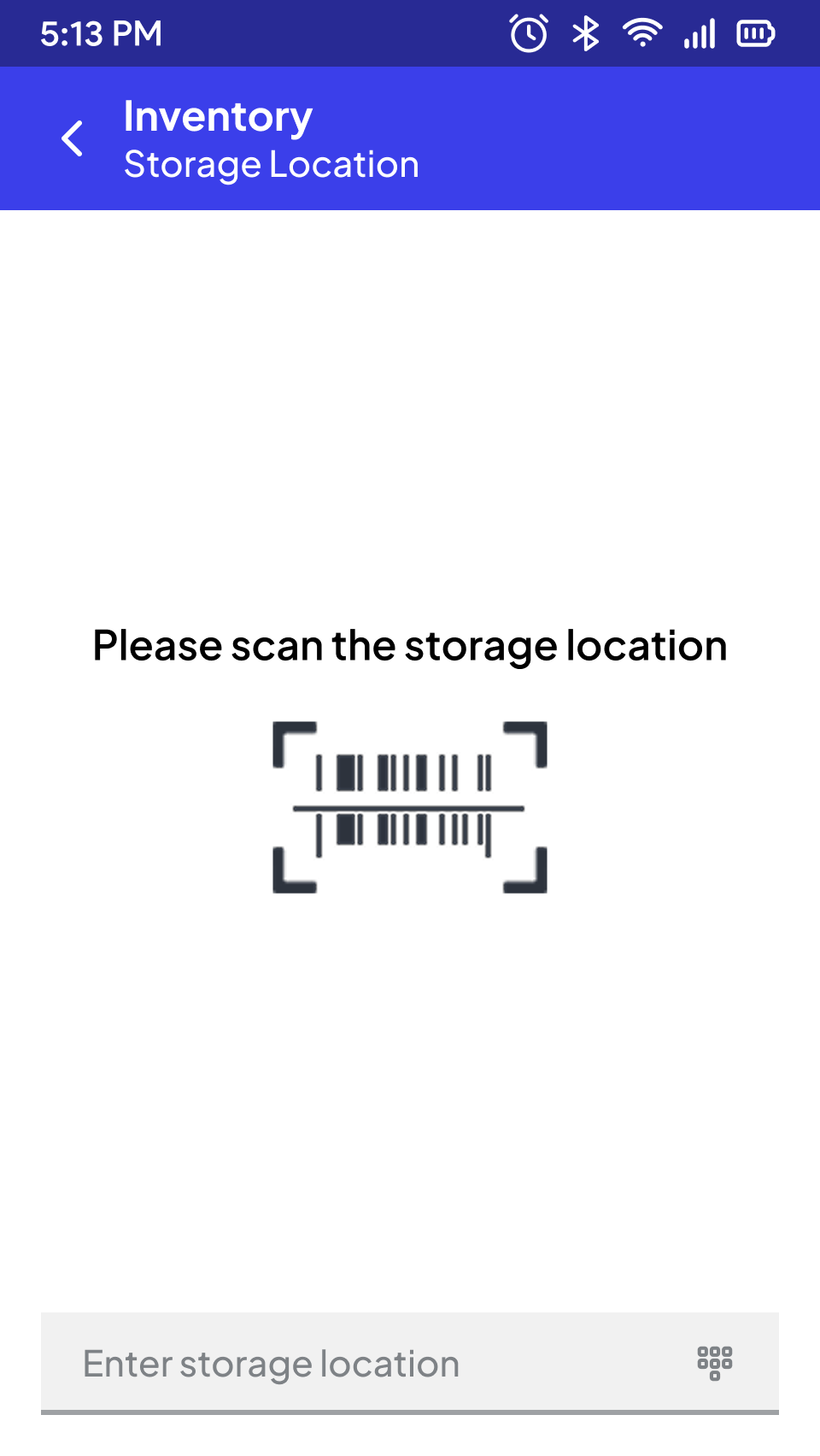
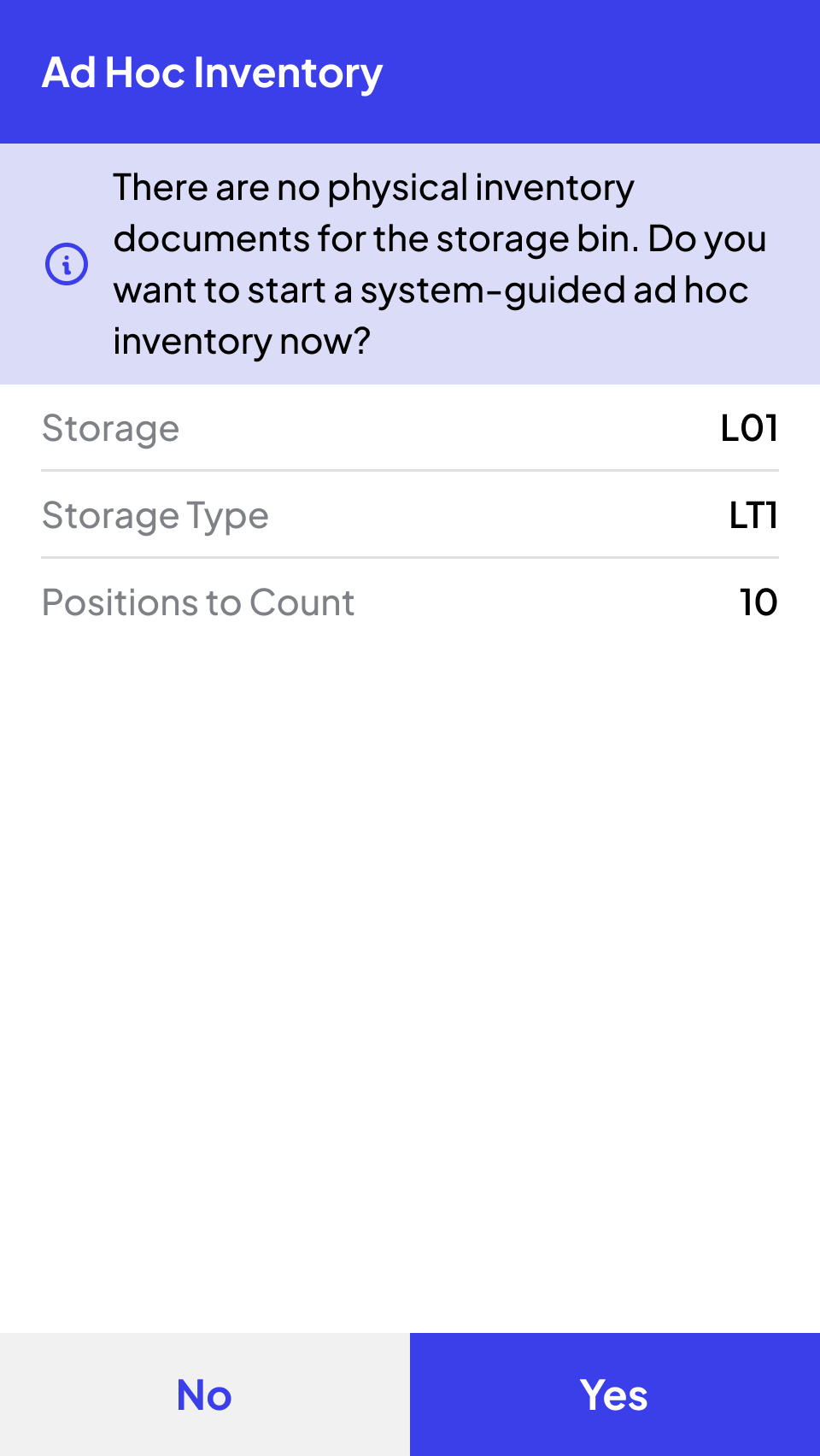
System-guided Adhoc Inventory
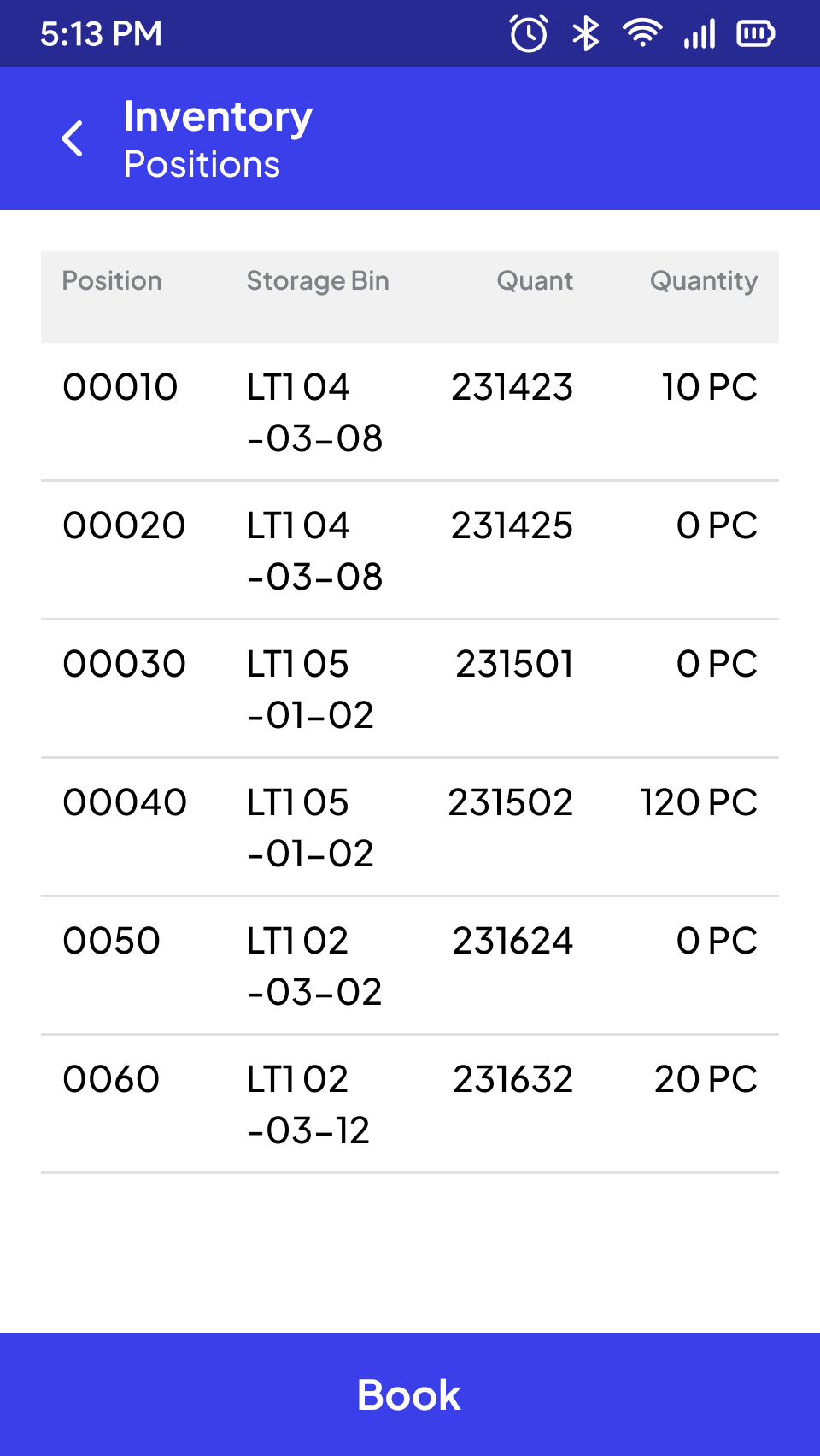
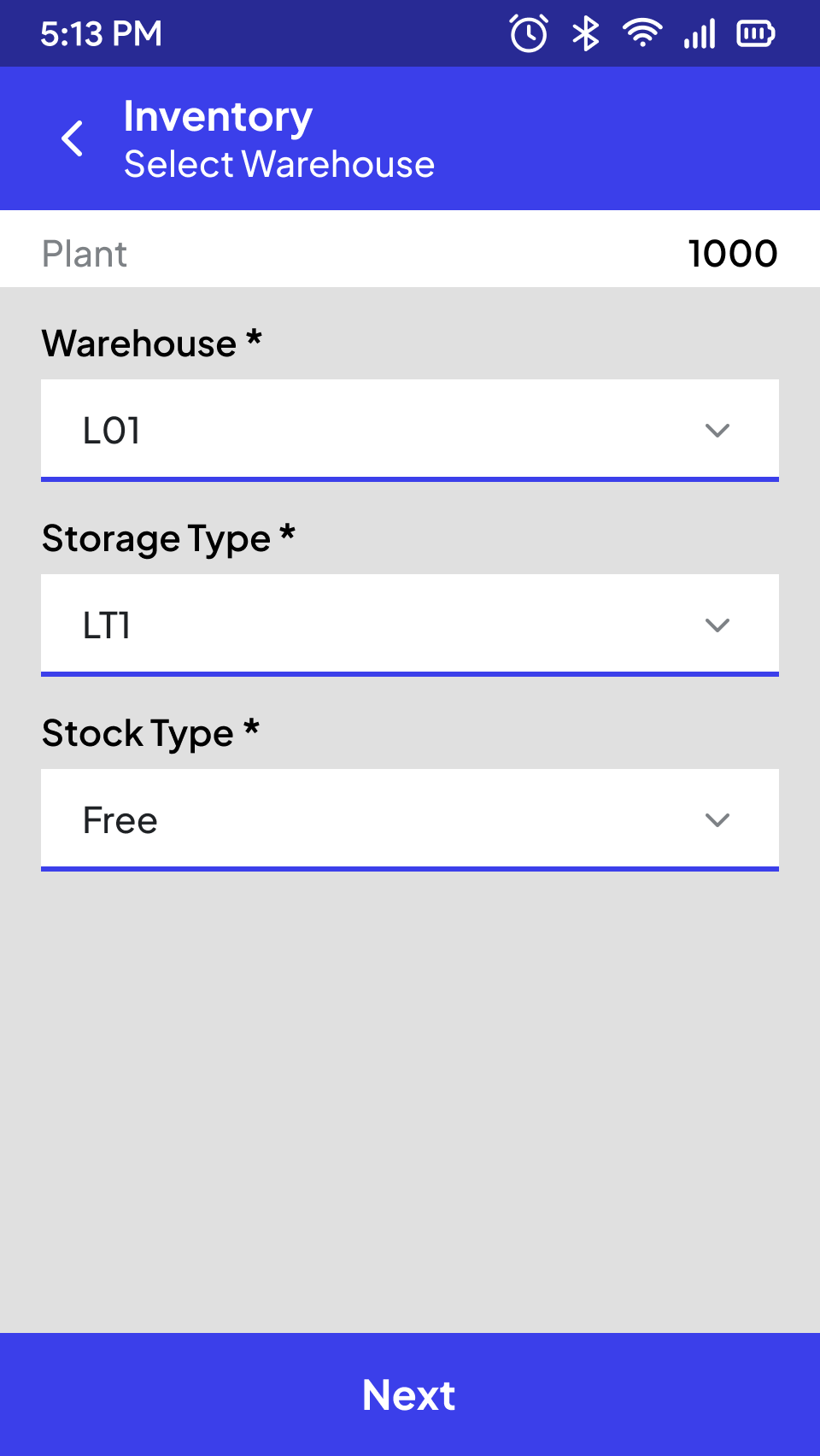
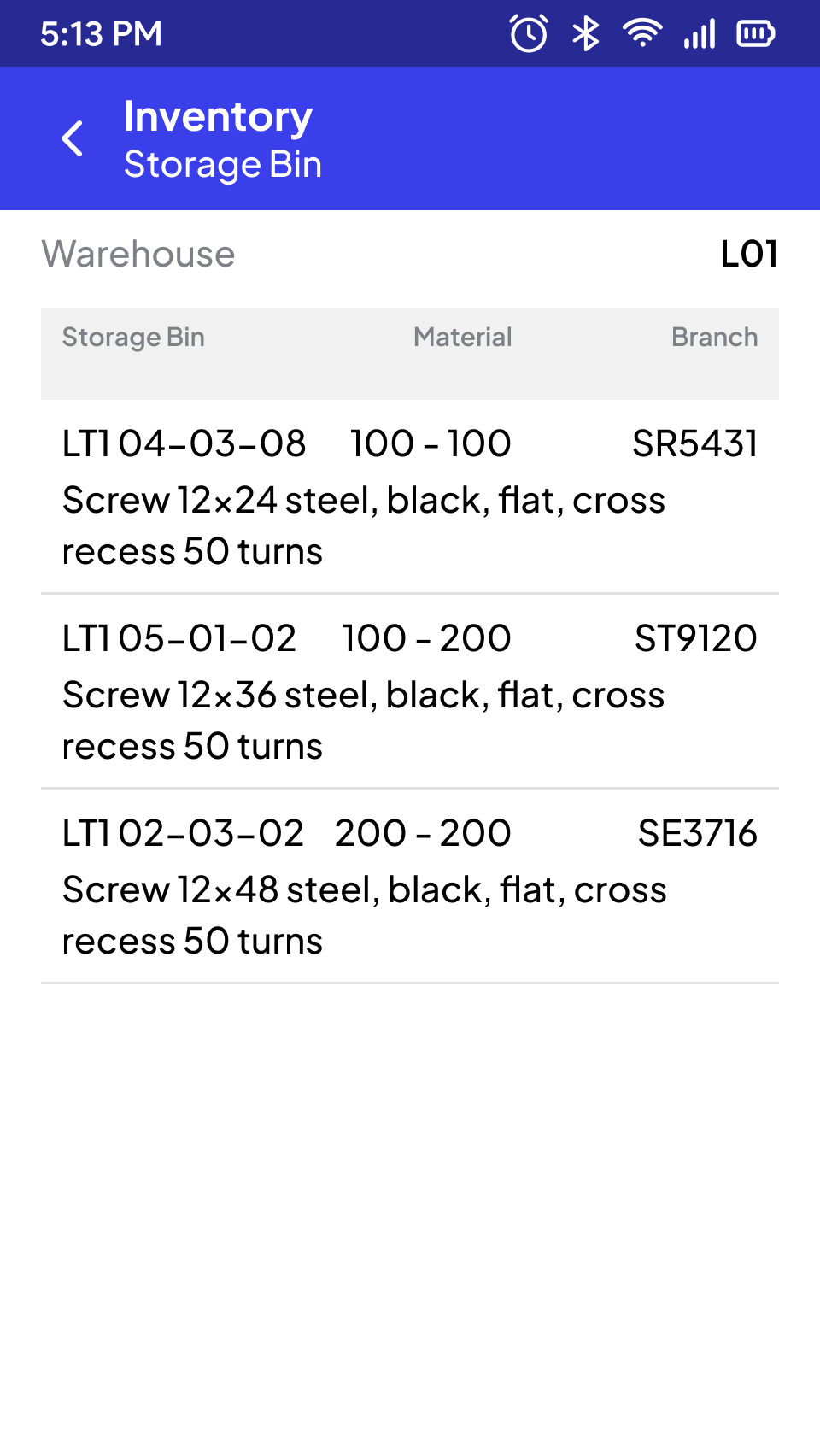
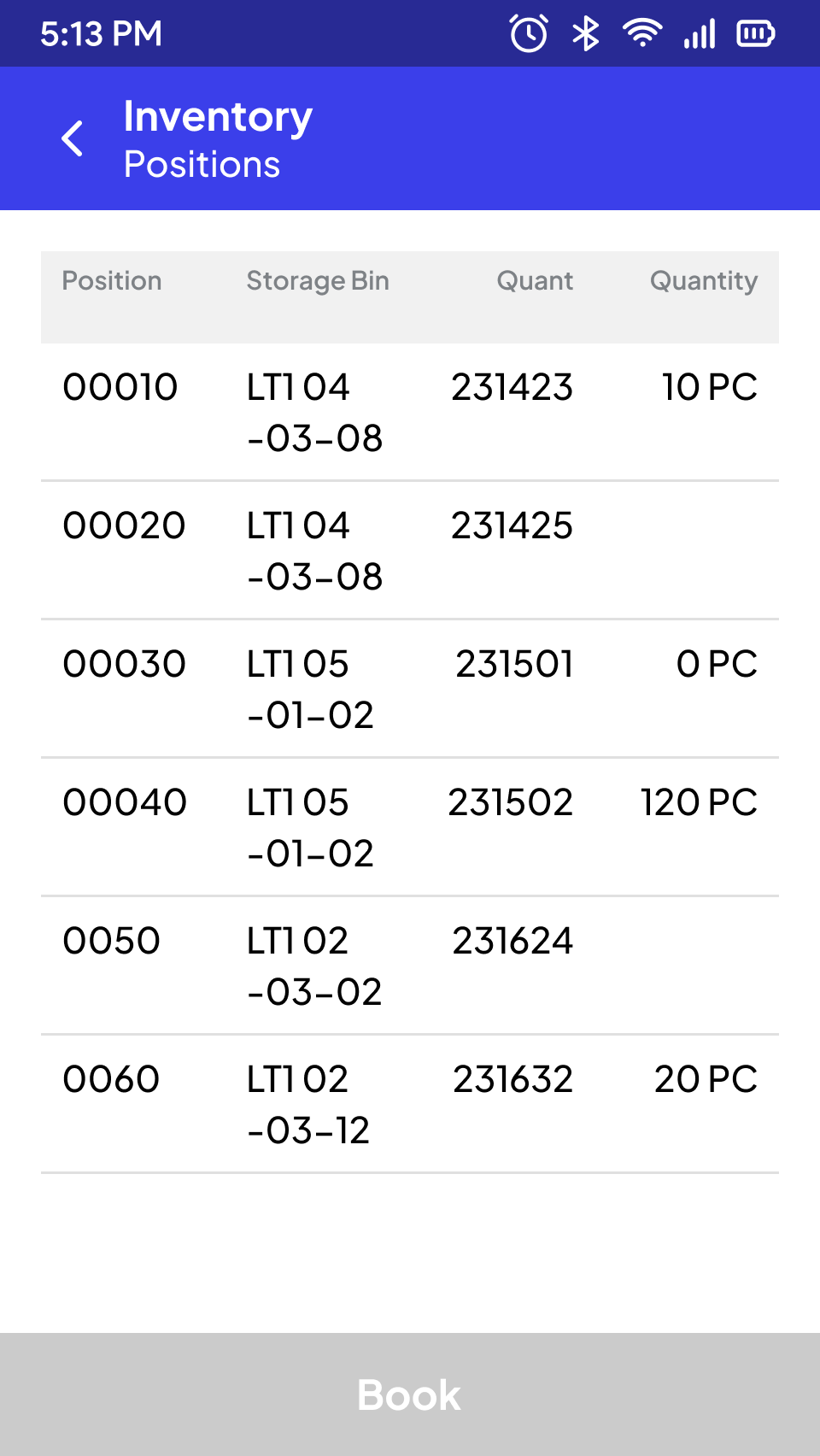
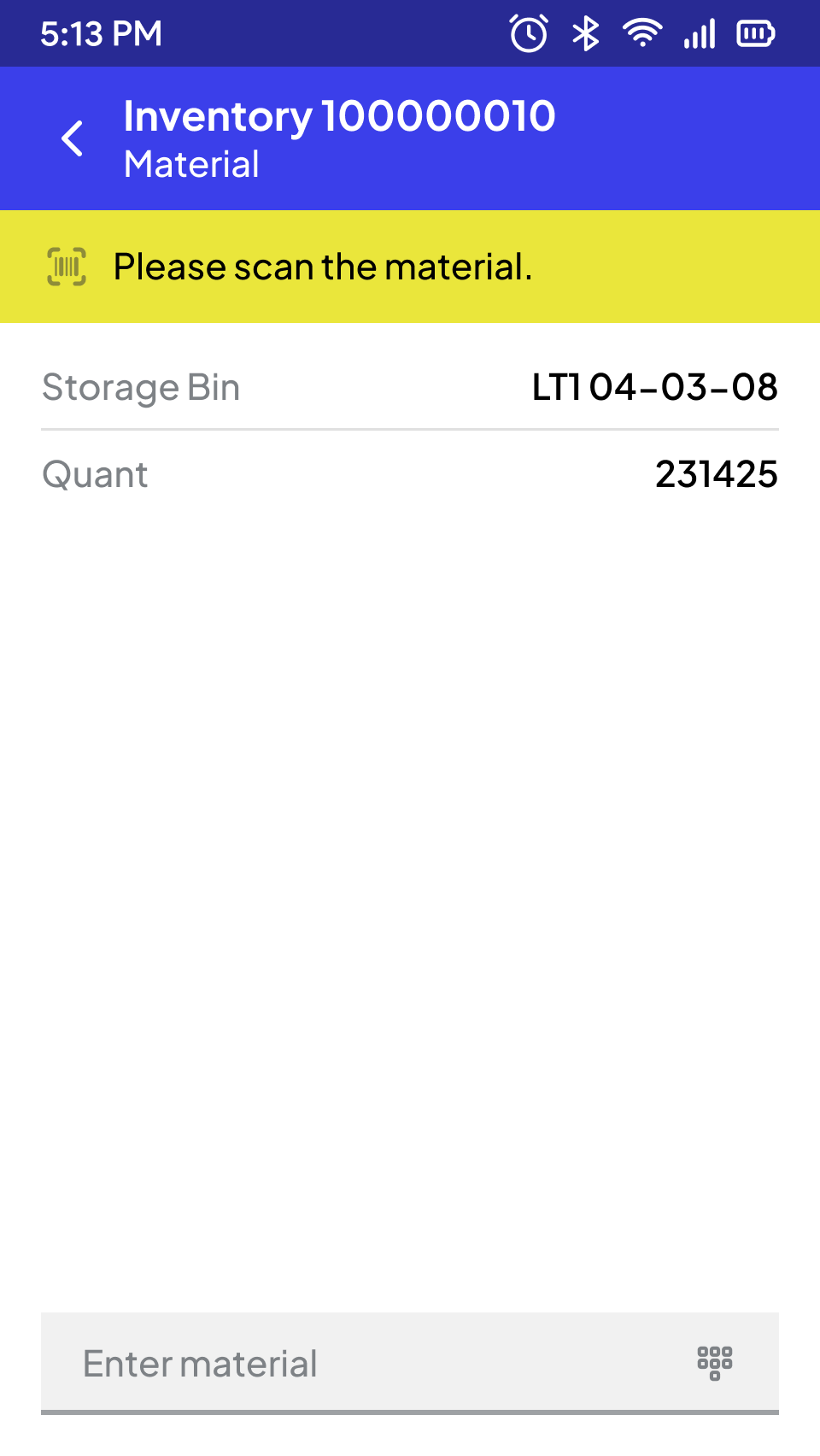
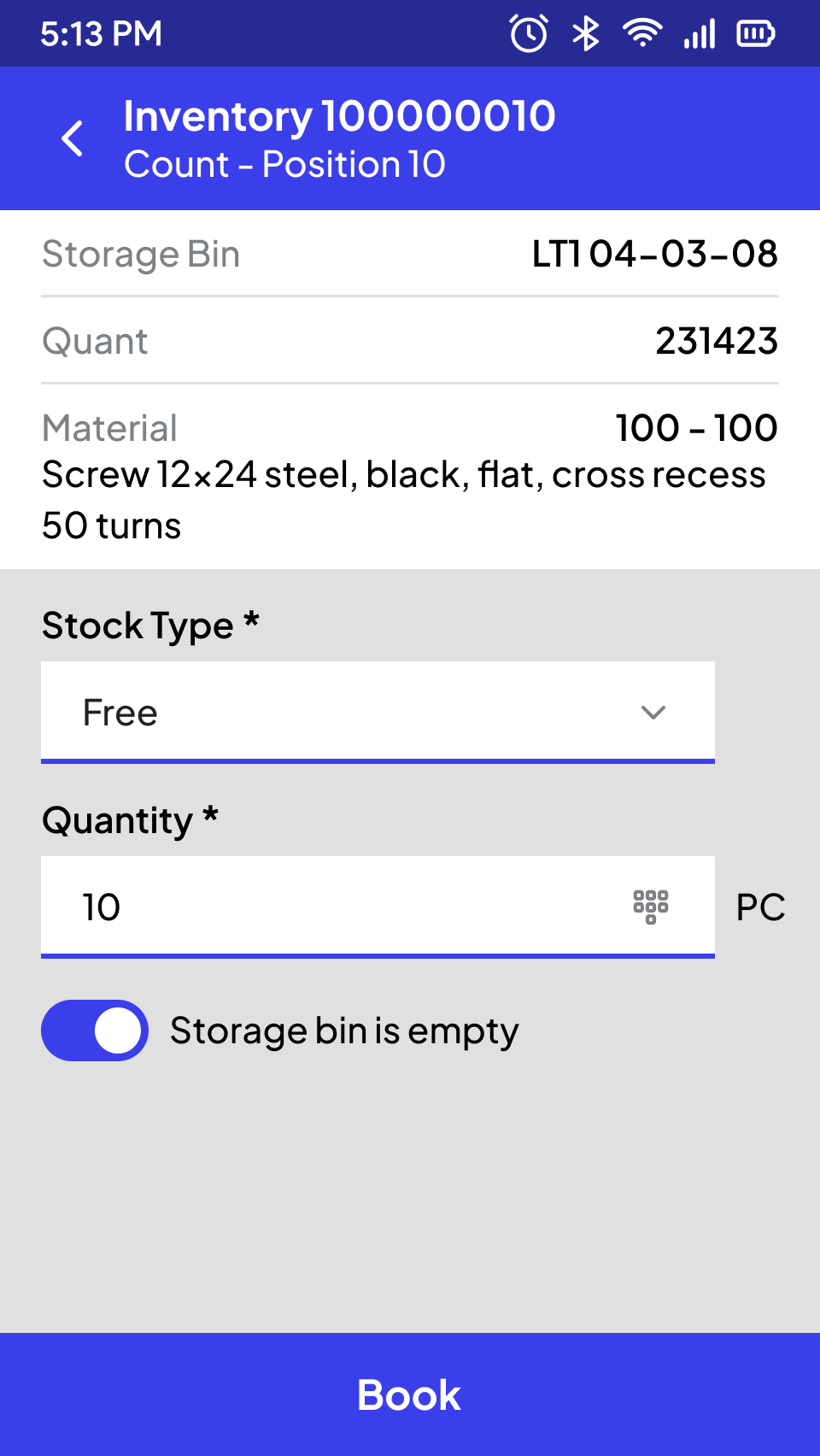
If there are no inventory documents to be counted for the storage location, an ad hoc inventory can be performed. In the system-guided variant, an inventory document with a predefined number of positions is automatically created in SAP based on the initially recorded storage location number and storage type. The system prefers selecting the storage locations that have not been counted for the longest period of time.
The user records the physically available quantity and any additional information (unit of measure, batch if applicable, stock type, special stock indicator and number, as well as serial numbers) for each position.
Storage
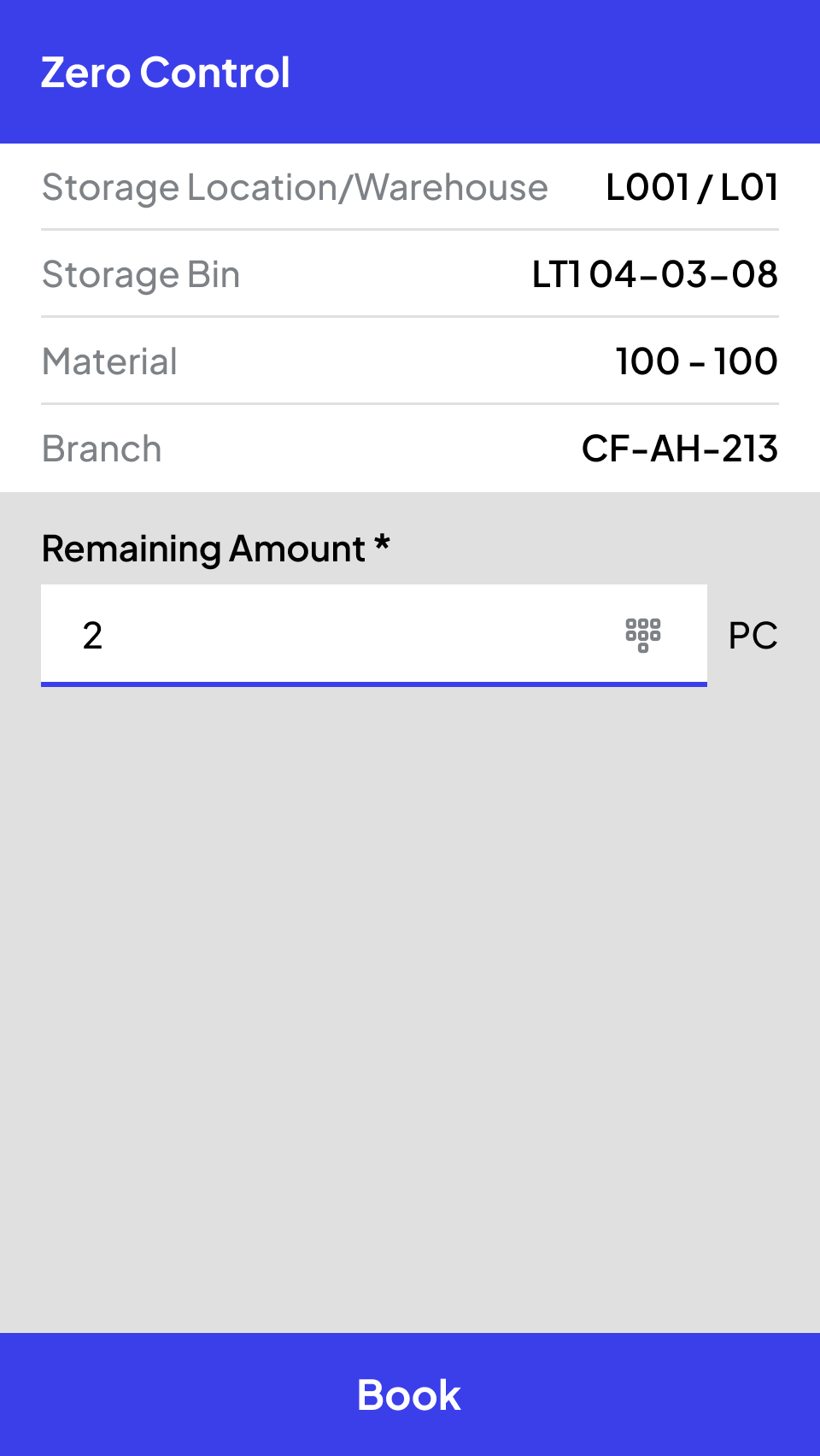
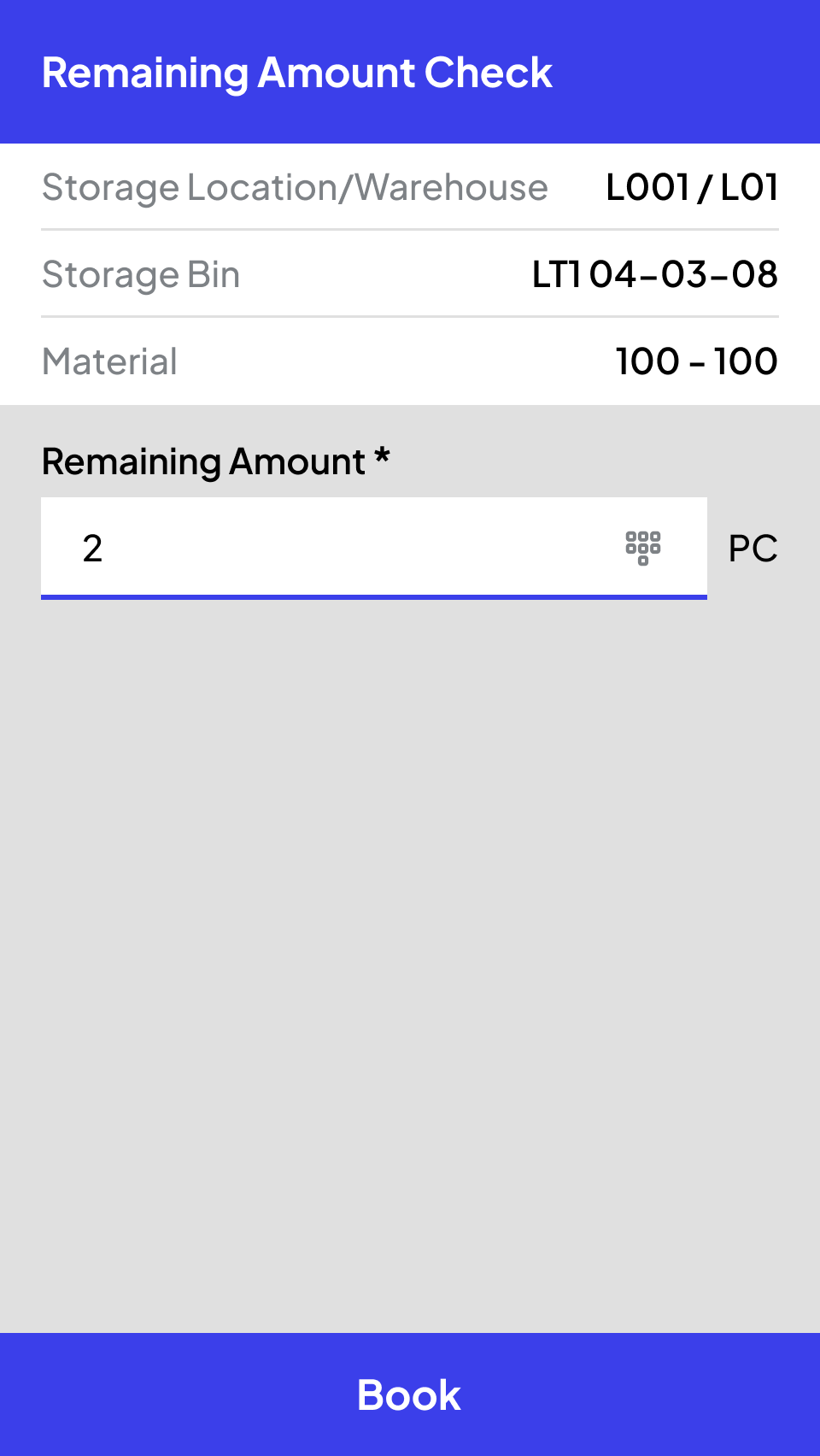
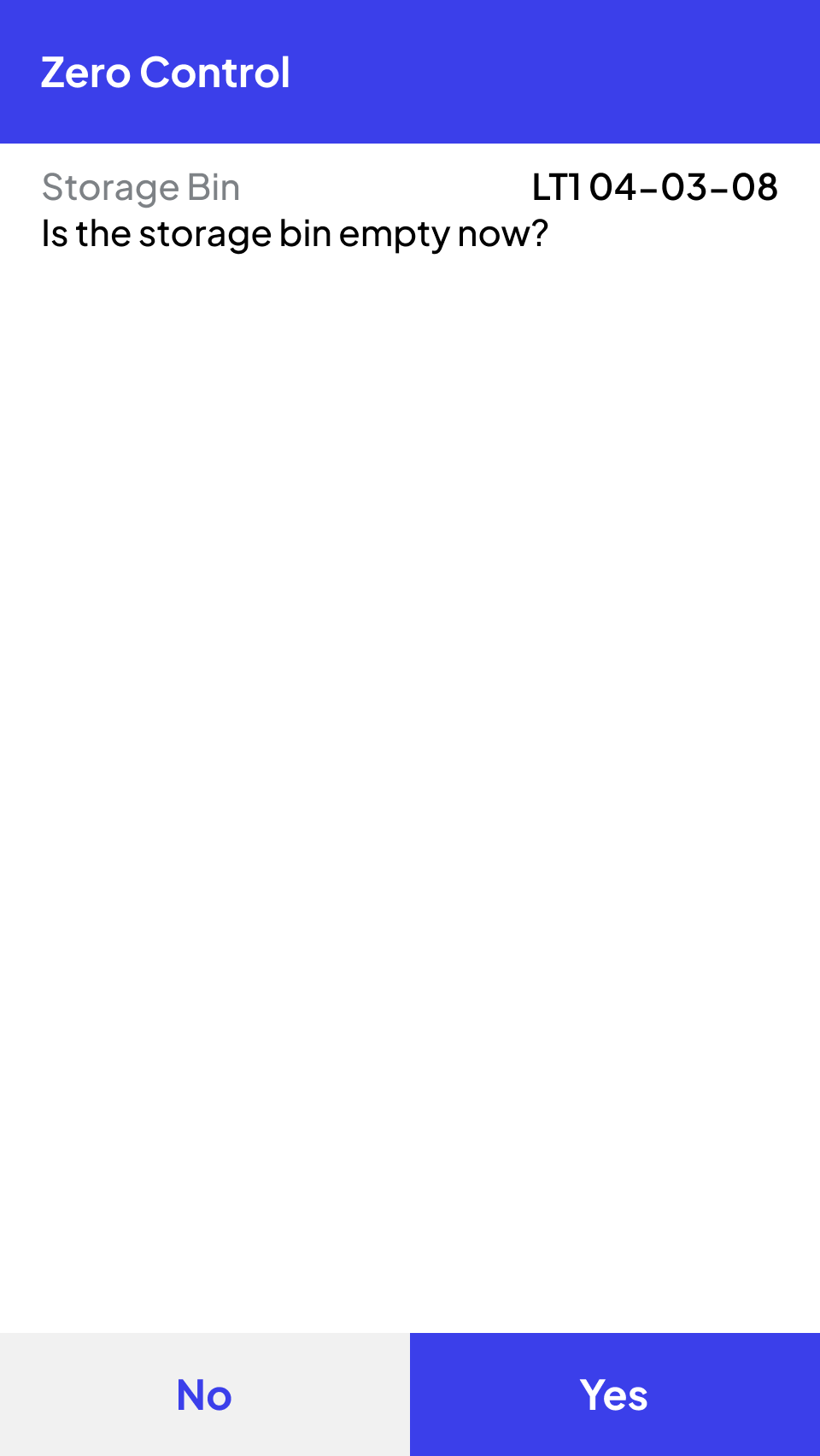
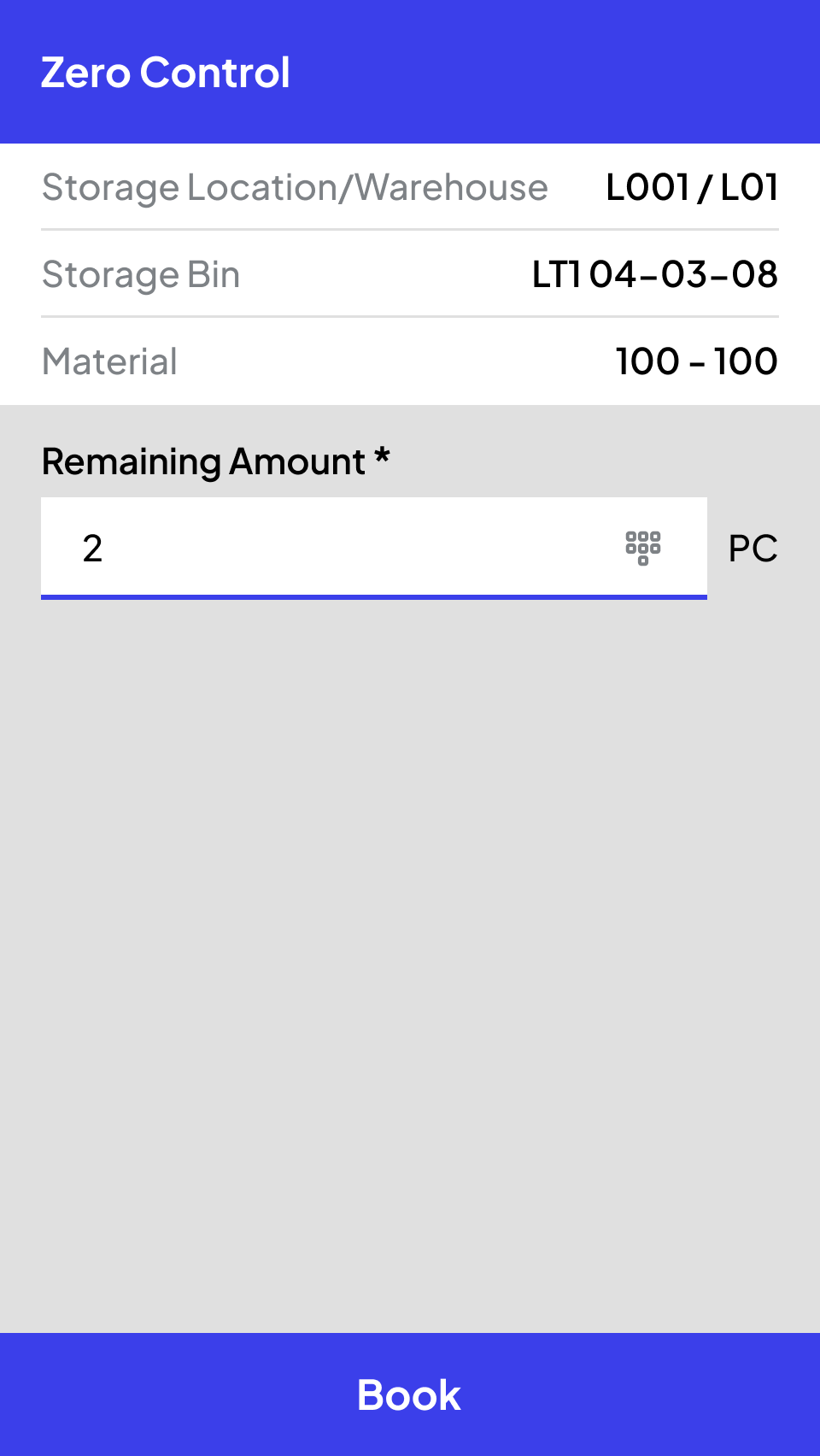
Zero Count and Remaining Quantities
During material withdrawals such as picking, transfers, or issues, both zero checks and residual quantity checks can be seamlessly integrated into operational processes. The execution of these checks can be determined by SAP standard mechanisms, such as indicators on the transfer order, or by customizable criteria within Ontego.
For example, checks can be triggered every 10th issue, when a withdrawal would empty the storage location, or when stock levels reach a predefined threshold based on the last inventory date. Additionally, various configurations such as mixed occupancy and total stock can be taken into account to optimize accuracy and efficiency.
Remaining Quantity Test
And many more processes
SCROLL DOWN
STEP BY STEP TO CREATE
THE PERFECT APP FOR YOU
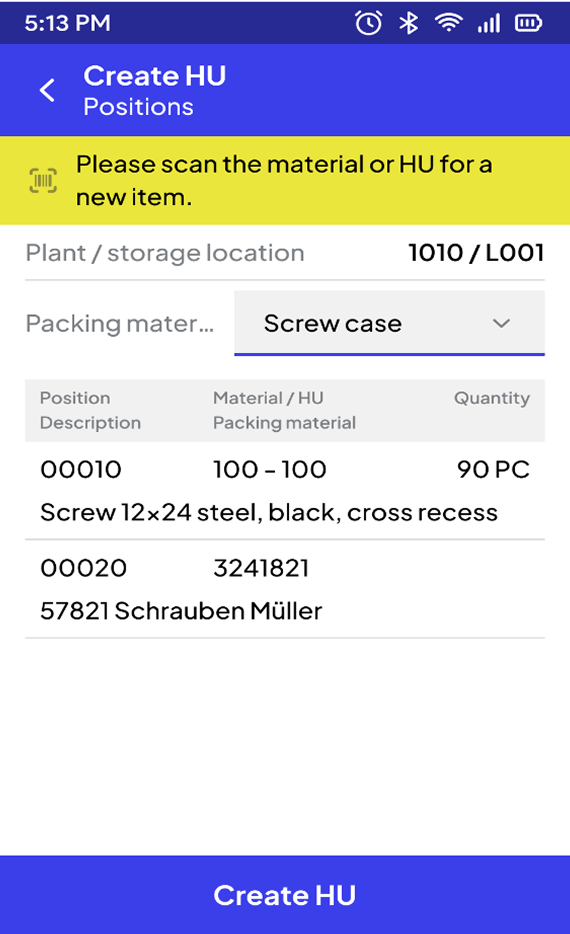
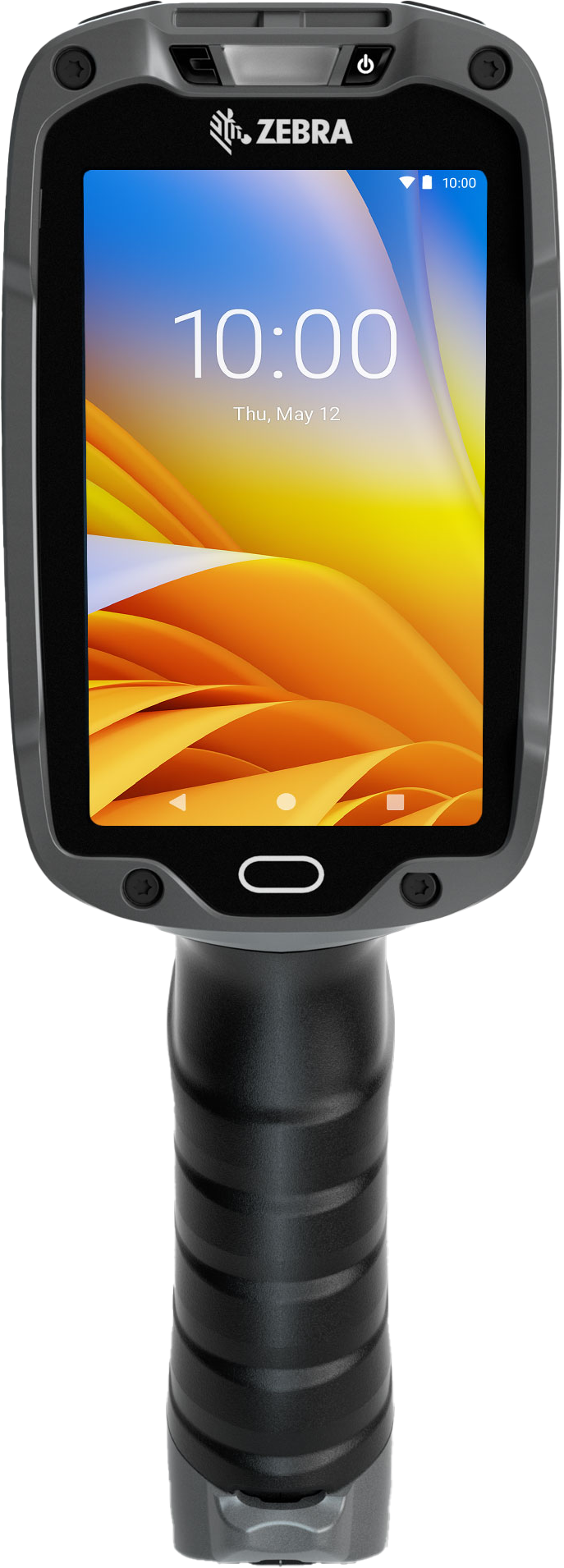
Ready-made Templates
All SAP Modules
Modern Technology
Best User Experience
#1 Jump-start into your processes
We begin by analyzing your current processes in our interactive cockpit. With over 120 pre-built templates for all relevant SAP processes, we quickly identify your specific requirements and accurately assess the project.
#2 Workshop with the Cockpit
The real work starts – together with our project manager, we take a deep dive, analyze your intralogistics on-site and collaboratively develop an optimal, quickly implementable solution.
#3 Concept Development and Prototyping
Based on the workshop results, our experts create a tailored concept and develop prototypes. Then, we move directly into implementation.
Insights from Warehouse Professionals
Real-world examples of efficiency improvement with Ontego for Mobile SAP.

Frequently Asked Questions About Ontego SAP
Discover everything about Ontego SAP to better understand its benefits, features, and industry applications.
How does Ontego support faster and more accurate stocktaking in SAP?
Ontego speeds up stocktaking by enabling mobile barcode or RFID-based inventory processes directly connected to your SAP system. Whether you're conducting annual, permanent, or ad hoc inventories, Ontego ensures real-time data updates and reduces manual entry errors to more accurate stock counts and streamlined audits.
How long does it take to train new or temporary staff on Ontego mobile inventory solution?
Ontego's focus on user-centric design drastically shortens the training process. The intuitive, easy-to-use mobile interfaces and structured workflows mean that new or temporary staff can be onboarded quickly and efficiently, especially during peak inventory cycles. This reduces the risk of human error and allows your team to become productive faster.
How often does Ontego mobile inventory app sync with our SAP data?
Ontego provides real-time, instantaneous synchronization with your SAP system. When a stock count, putaway, or any inventory-related action is completed on the mobile device, the data is immediately updated in your SAP MM, WM, or EWM system. This ensures that you always have up-to-the-minute visibility into your stock levels at the storage location and bin level.
Does Ontego's mobile app work offline during stocktaking?
Absolutely. The app continues capturing inventory data even without a stable network connection. Once the connection is restored, the data syncs with SAP—ensuring no disruptions during warehouse operations.