Reliable Maintenancein Your Daily Operations
Run SAP maintenance tasks seamlessly with Ontego's mobile-first solution.
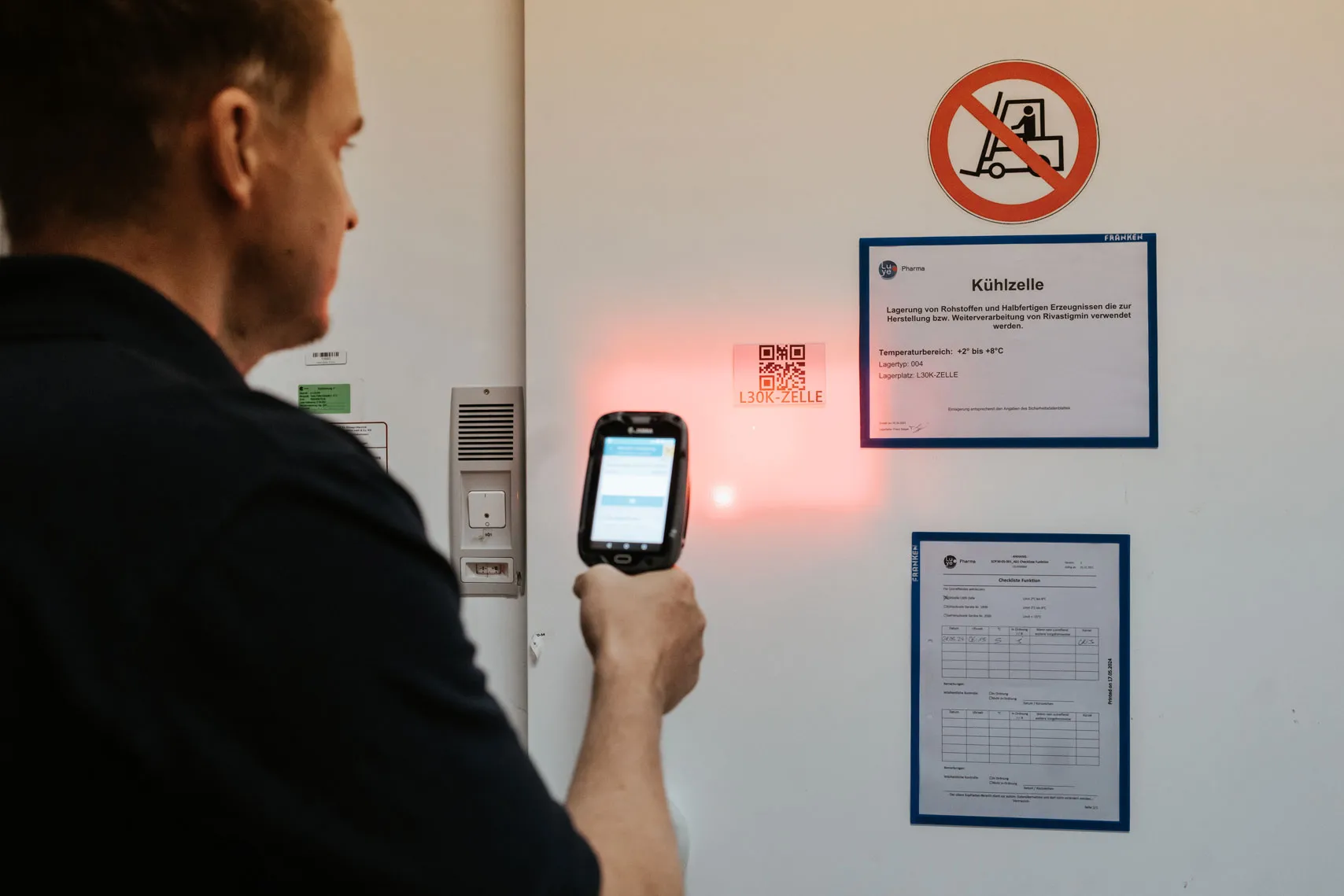
Scan equipment
access data instantly
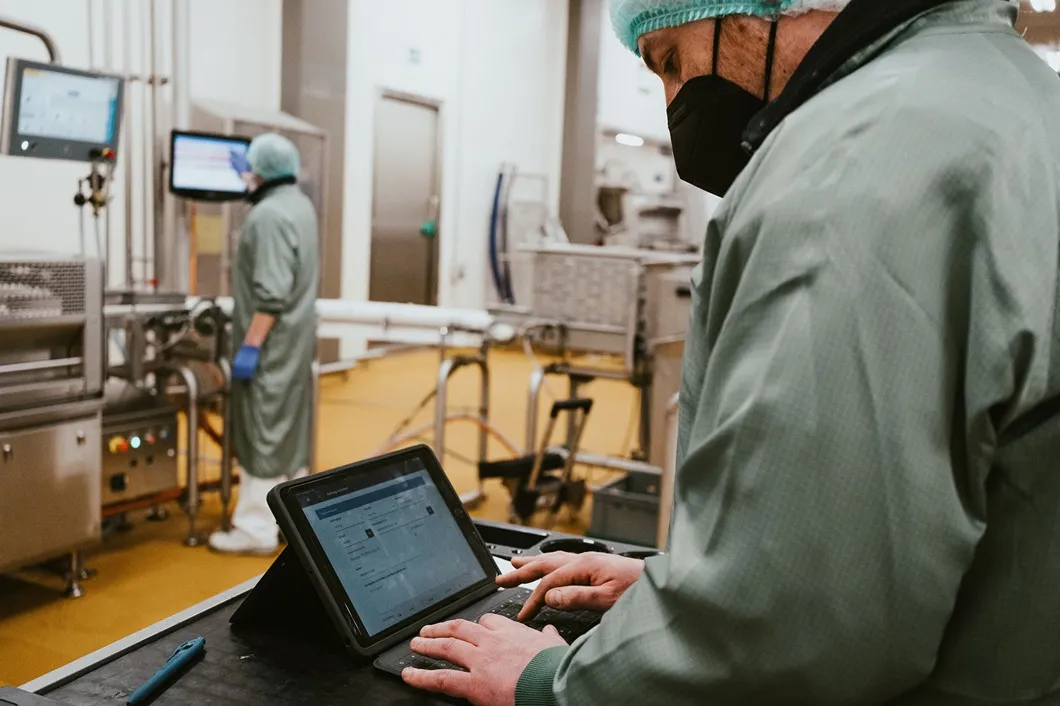
Create and manage
orders on-site
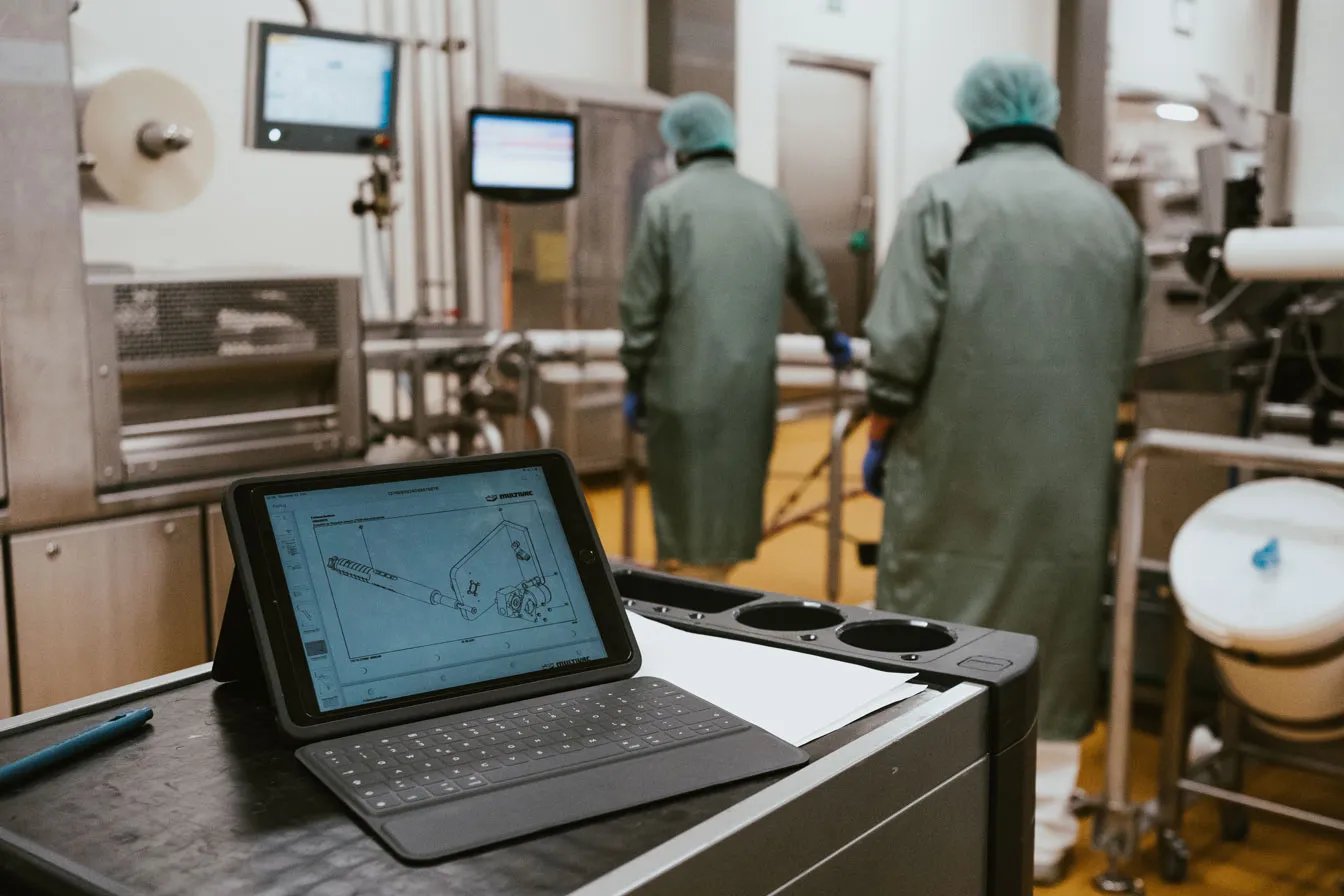
Enhance records
with visual uploads
Visualize equipment
with tree view

Track progress directly
from the field
SCROLL DOWN
Modern Maintenance Solutions
Ontego offers all the tools you need to simplify and optimize maintenance management.
Smart Barcode Scanning
Instantly access equipment data by scanning barcodes, reducing errors and saving time on-site.
Hierarchical Tree View
Navigate complex equipment structures with an intuitive, expandable visual layout.
Intelligent OCR (Optical Character Recognition)
Capture asset data quickly and accurately with automated text recognition.
Photo & Document Upload
Attach images and files directly to maintenance records for better context and traceability.
Task Assignment & Tracking
Assign and track tasks in real time to improve team coordination and accountability.
TAKE A SNEAK PEEK
INTO OUR COCKPIT
Curious about our mobile apps? Explore a selection of over 120 templates.
Getting Information About Maintenance Object
Entry is made by identifying an object (e.g. by barcode scanning or manual entry of an identification number).
Once an object has been identified, detailed data (e.g. description or manufacturer data) is loaded and displayed.
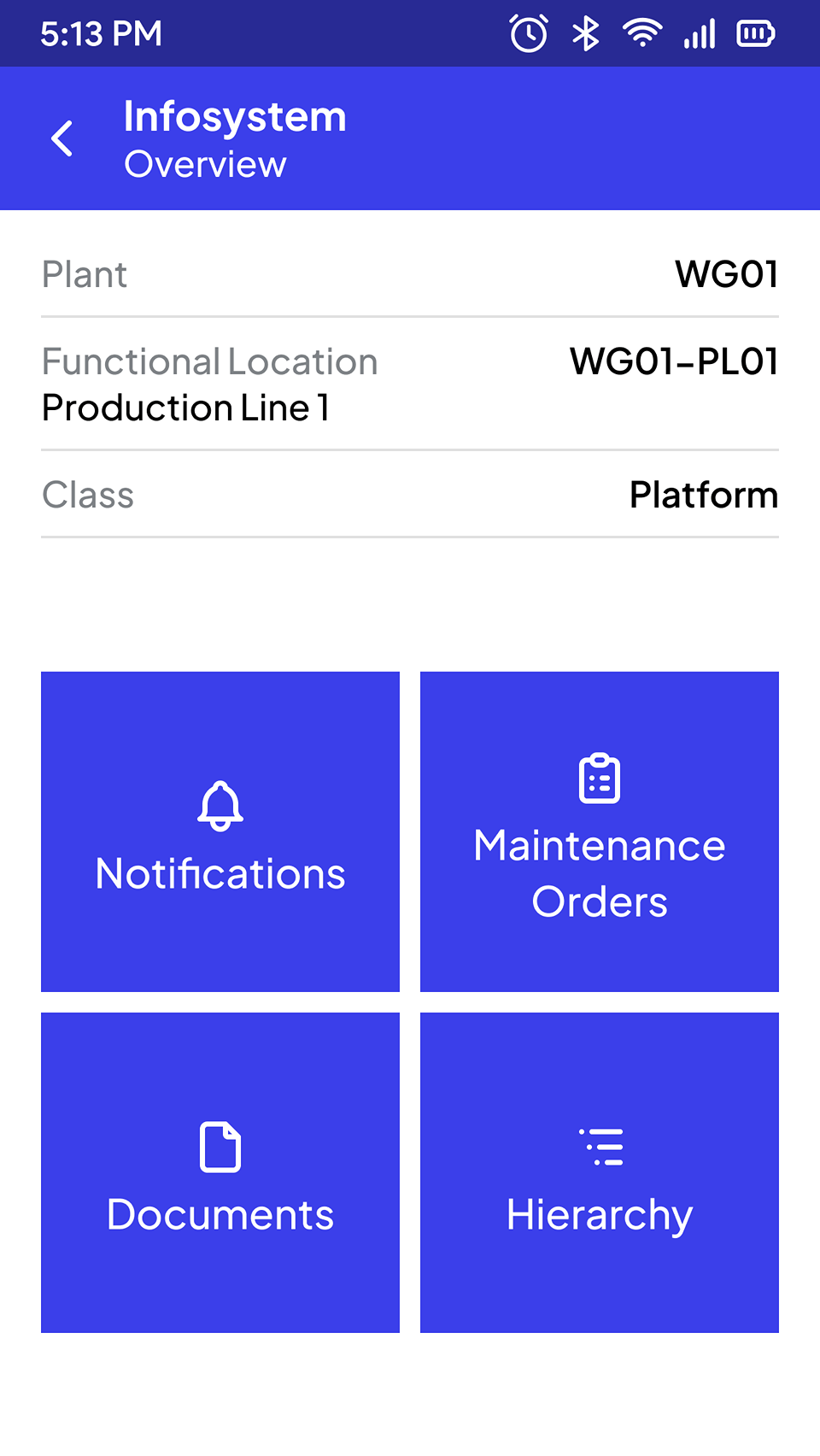
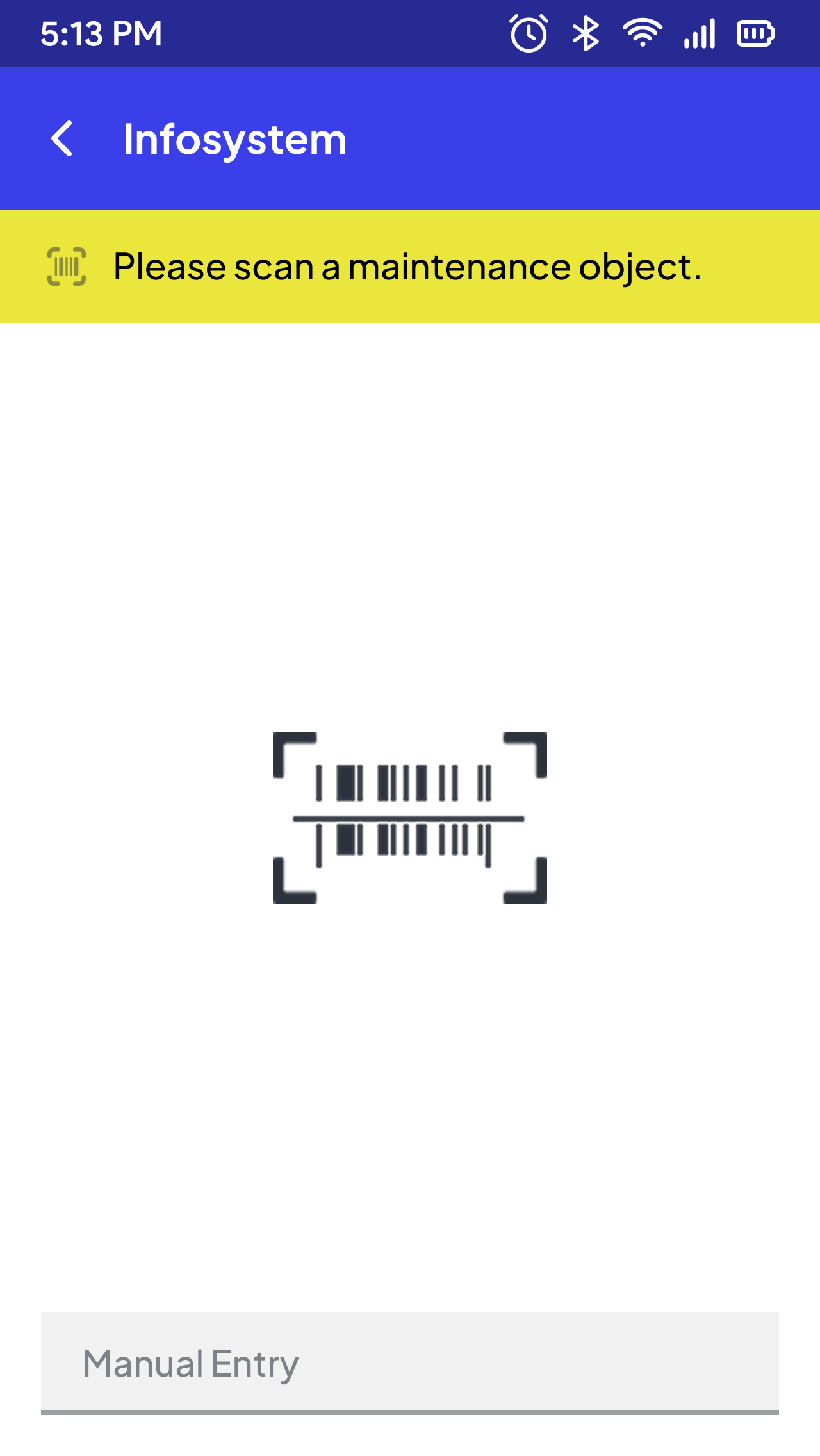
Maintenance Object
Getting Information About Documents
The availability of documentation for technicians can significantly support the performance of maintenance activities. Such documents can include, for example, manuals, exploded views, notes from other employees about the object and photos.
The documents can be accessed via the overview of the object.
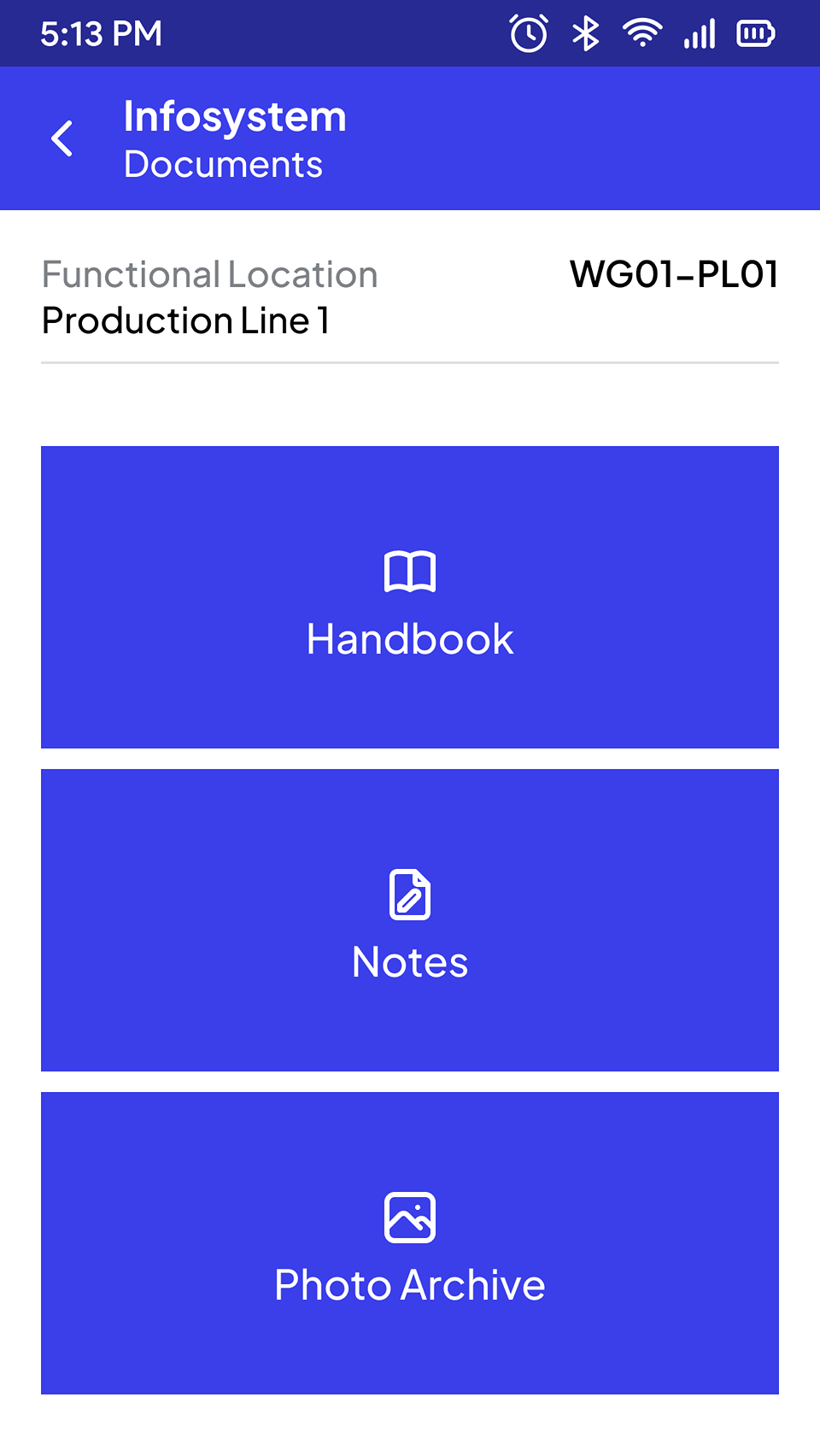
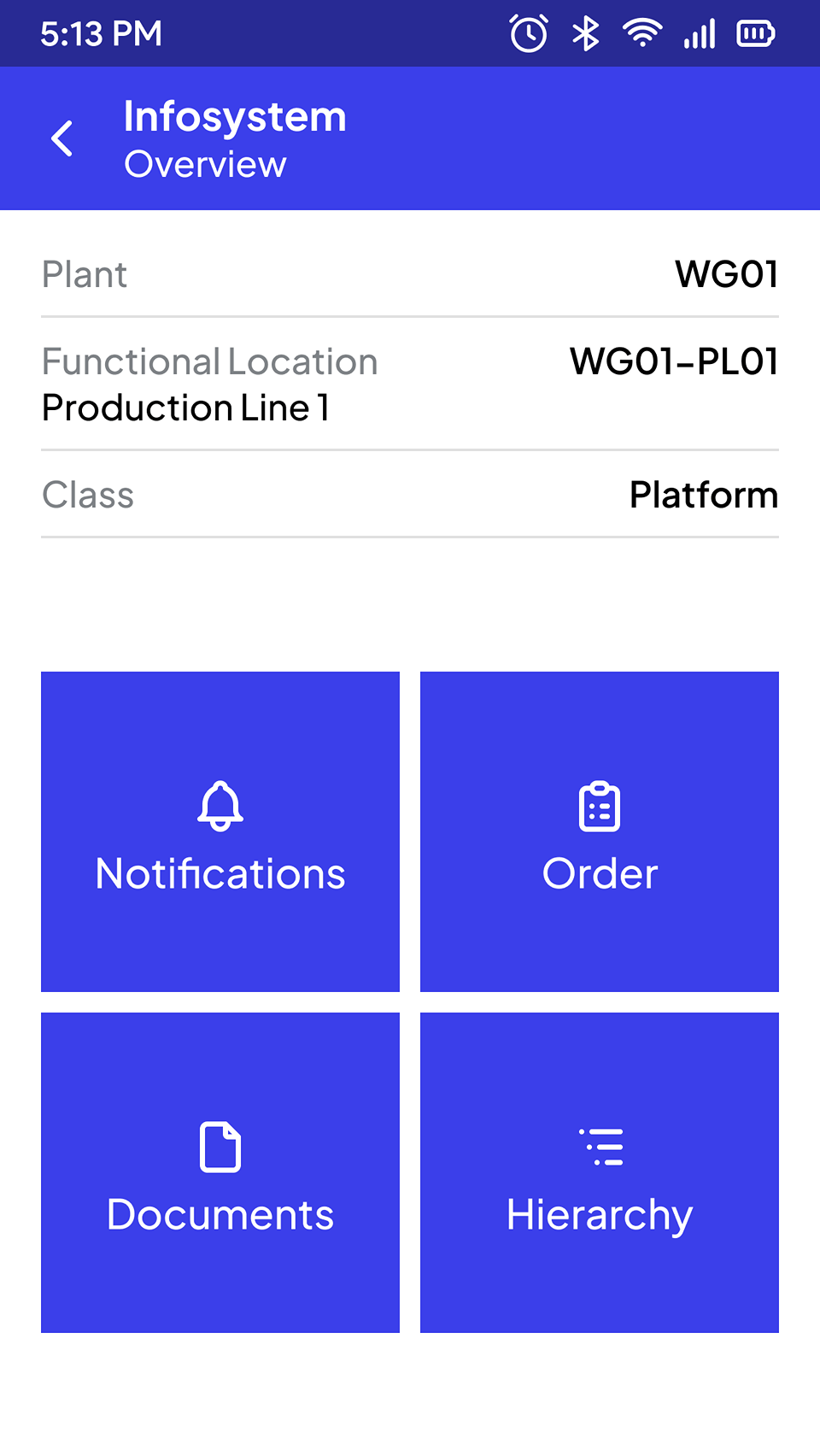
Overview
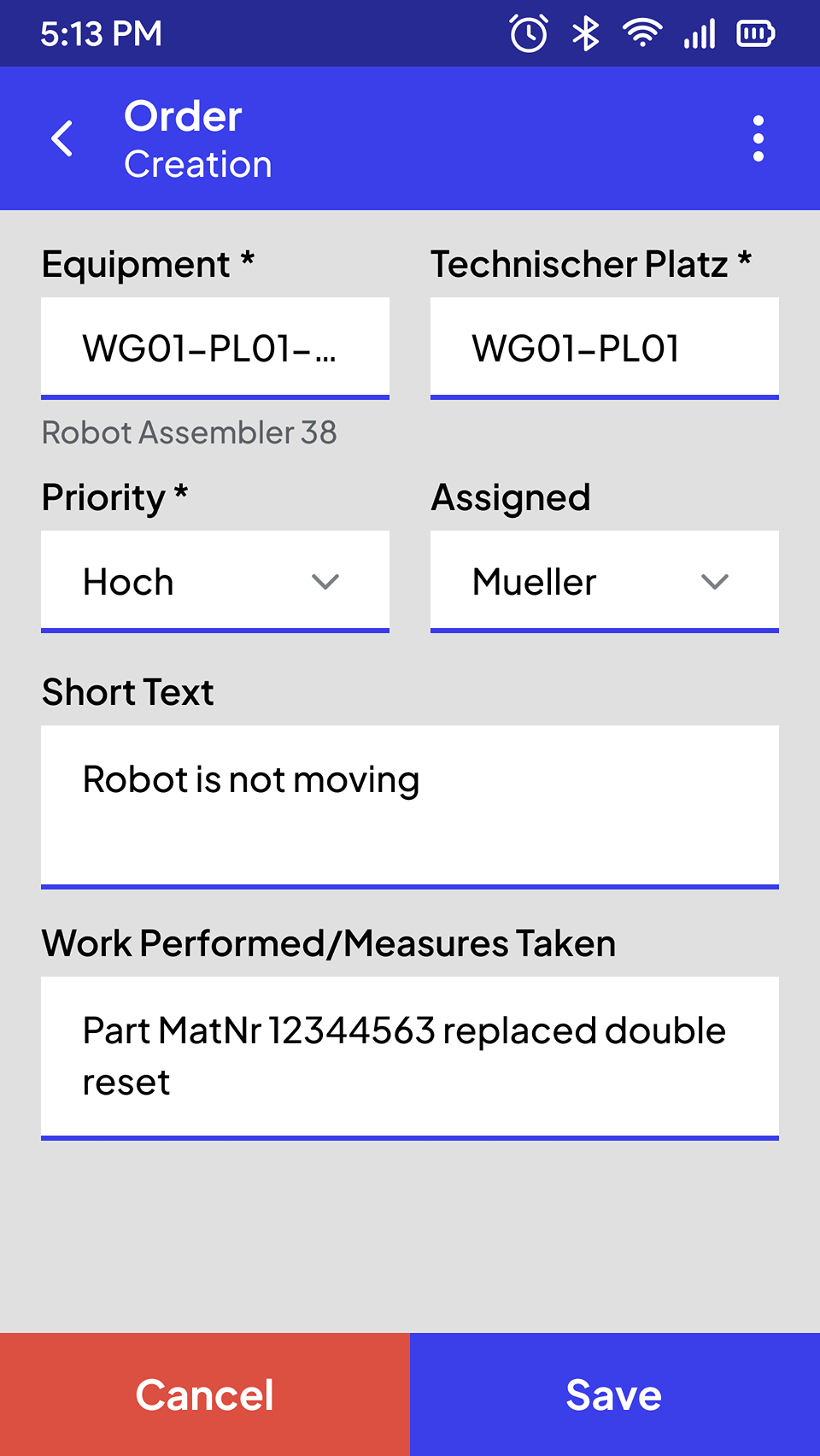
Creating and Executing CMO with Notification
Access is via the identification of the maintenance object for which the notification is to be recorded. This can either be scanned or entered manually.
Relevant maintenance notification data can then be entered (e.g. priority, notification text). The recorded data is updated in SAP via a confirmation function and a new notification is created. Input field in the form of a selection list can be provided for individual fields (e.g. priority). This list is filled with defined data (e.g. all priorities defined in SAP).
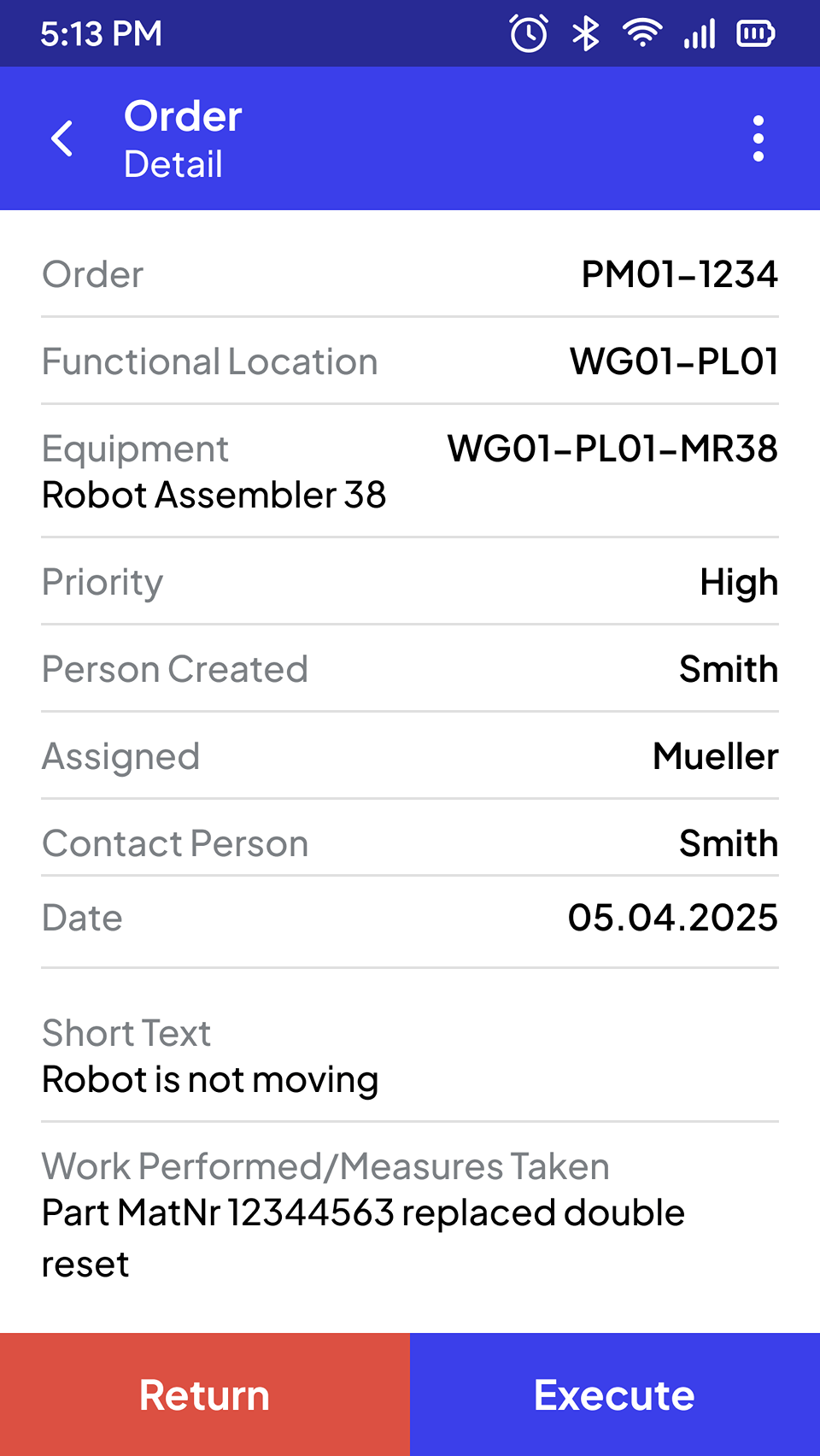
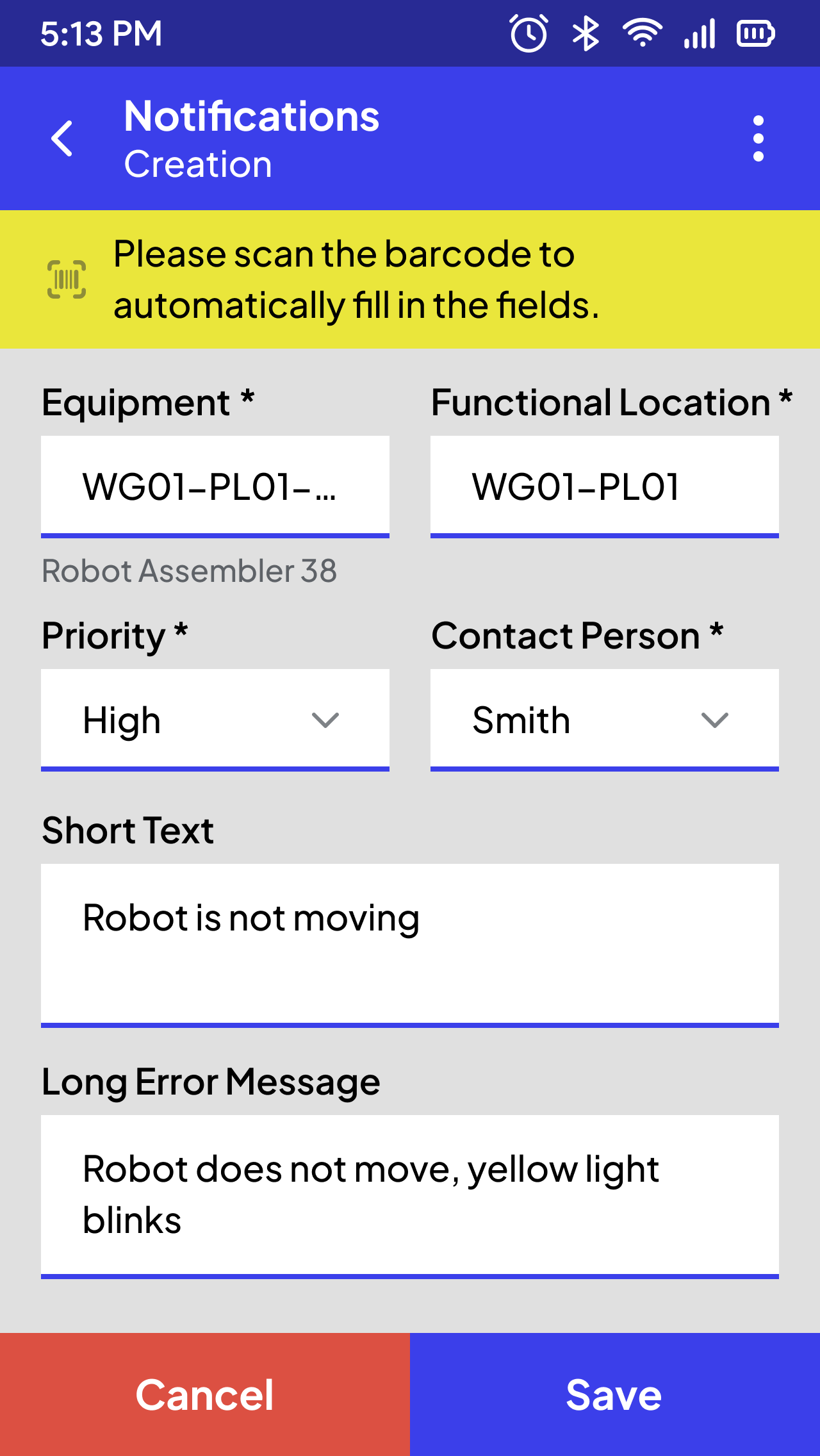
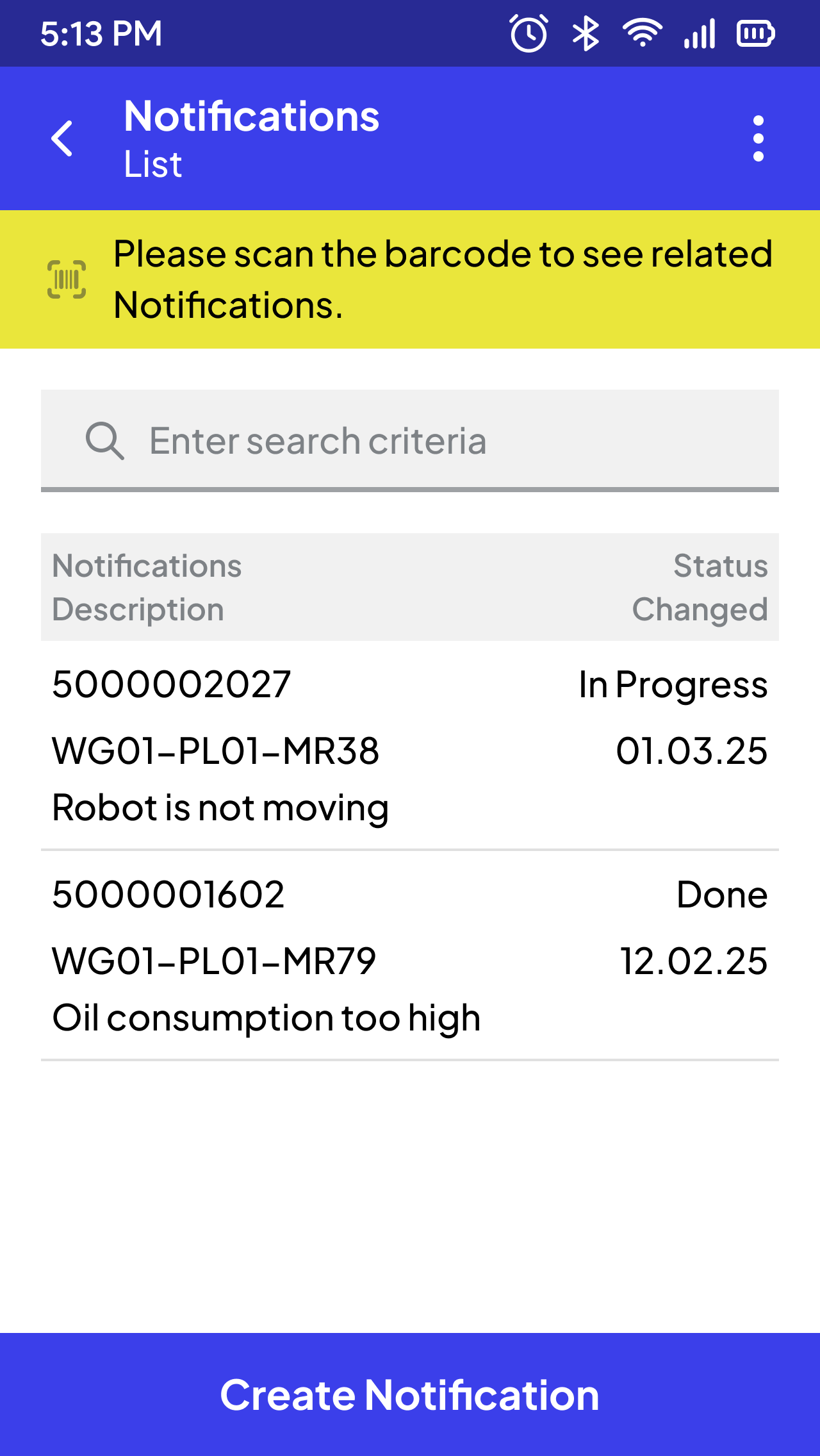
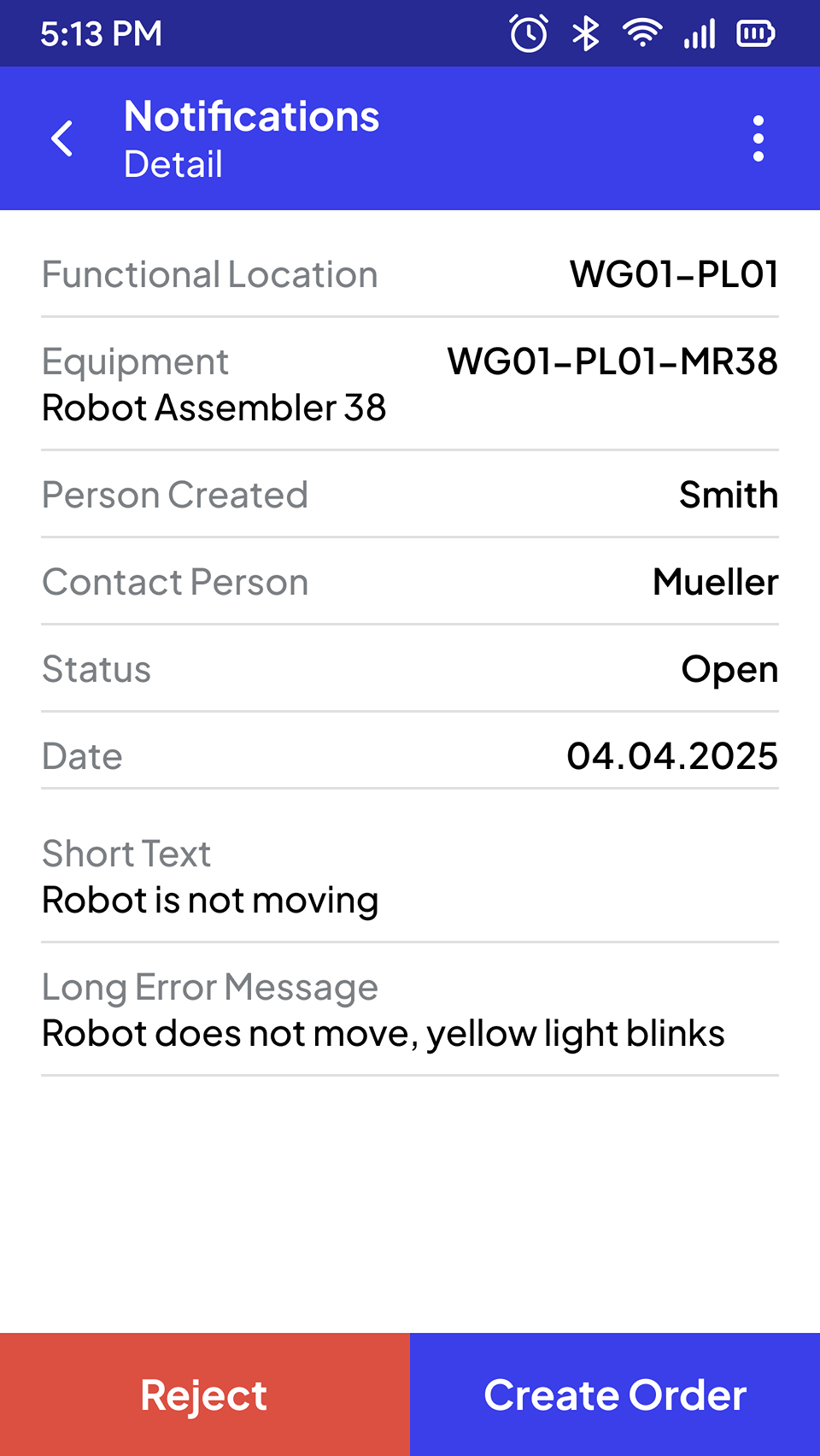
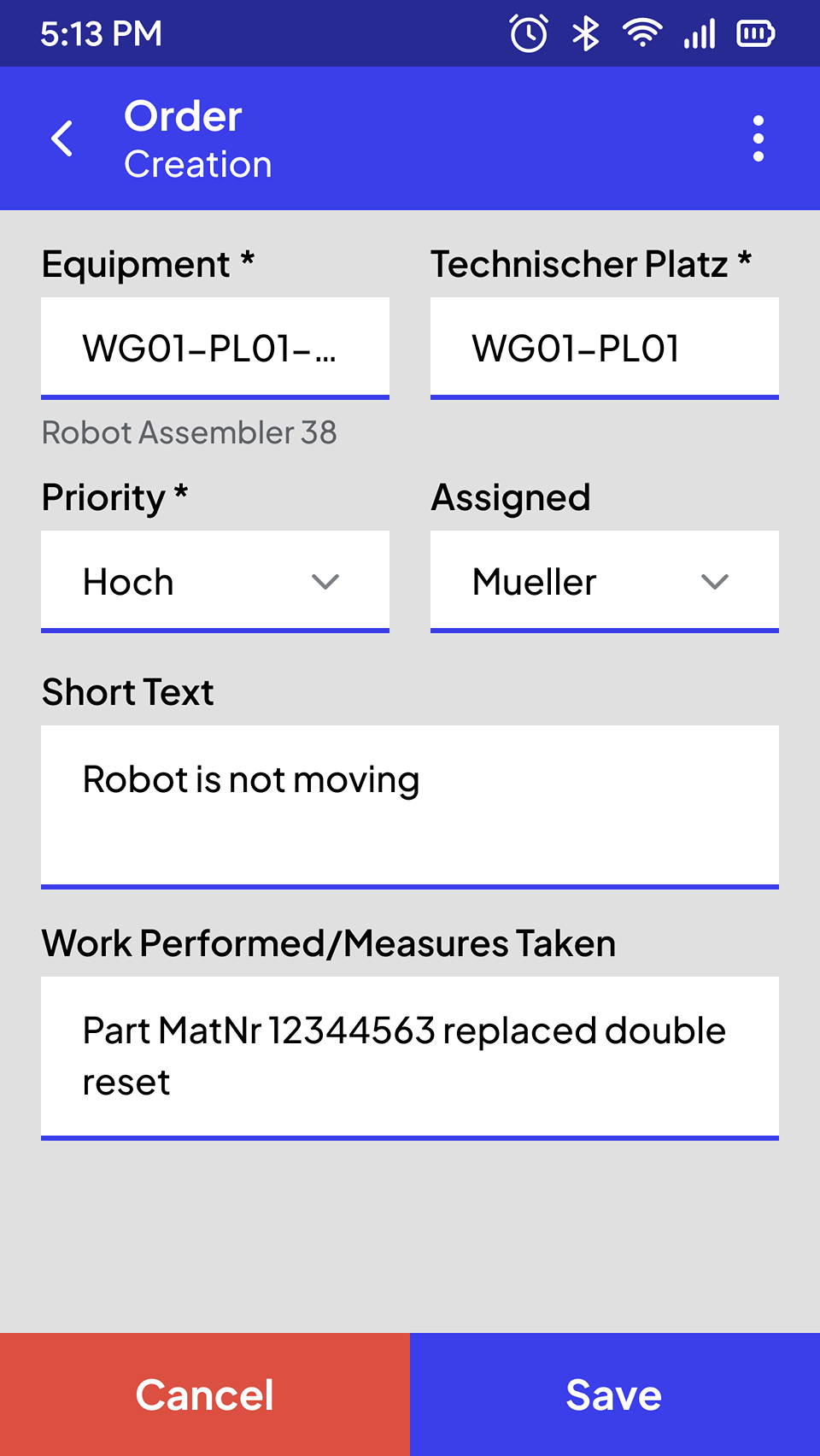
Create a Notification
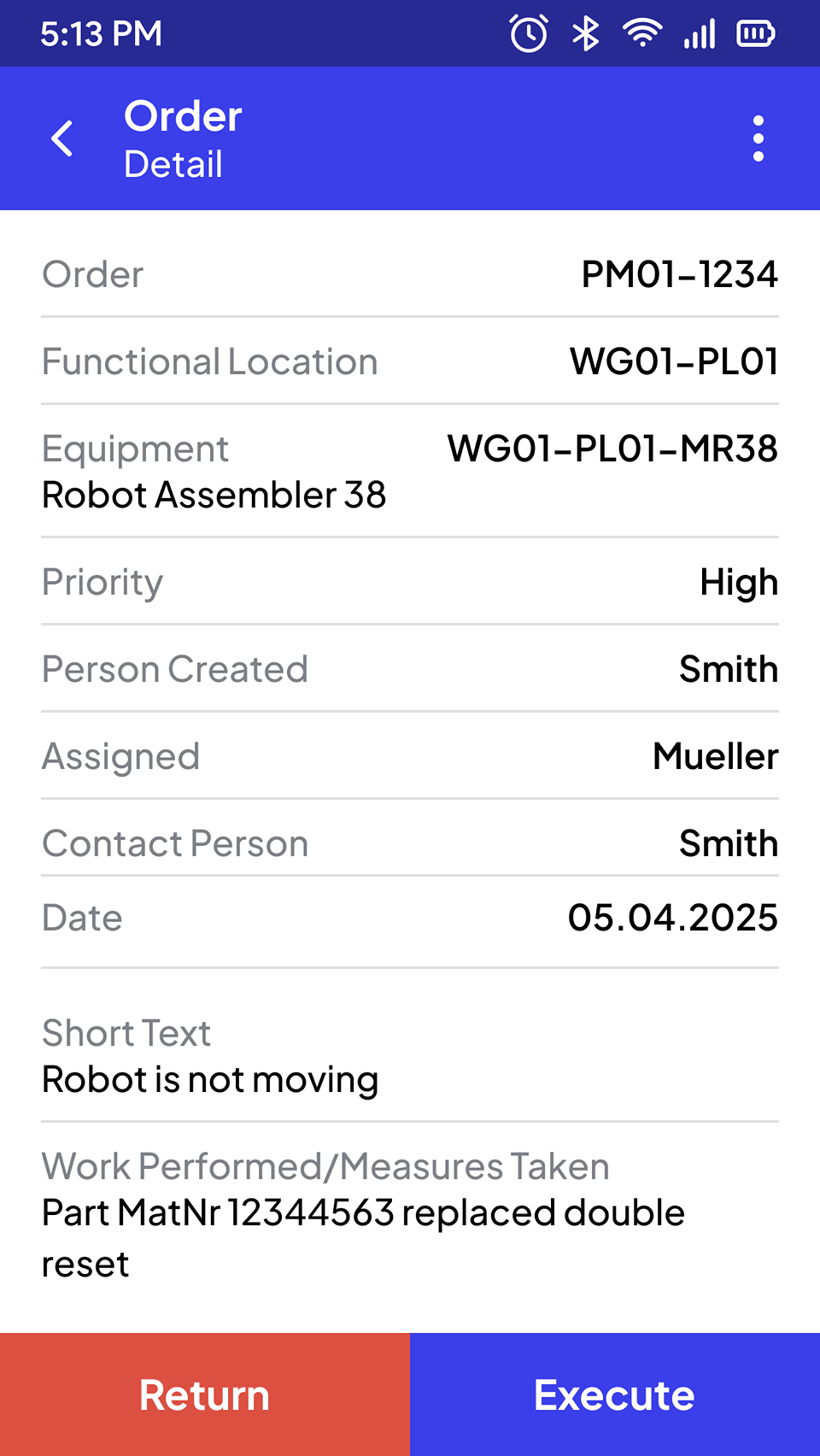
Assigning an Order
After a maintenance notification has been successfully created, it may be necessary for an authorised person (e.g. shift supervisor) to check and assign the job to a technician to continue the maintenance process.
For this purpose, all created and unassigned orders are provided as a list with quick filters. This list contains information such as a brief description and maintenance object number as well as the status and date of the last status change. The list can be searched.
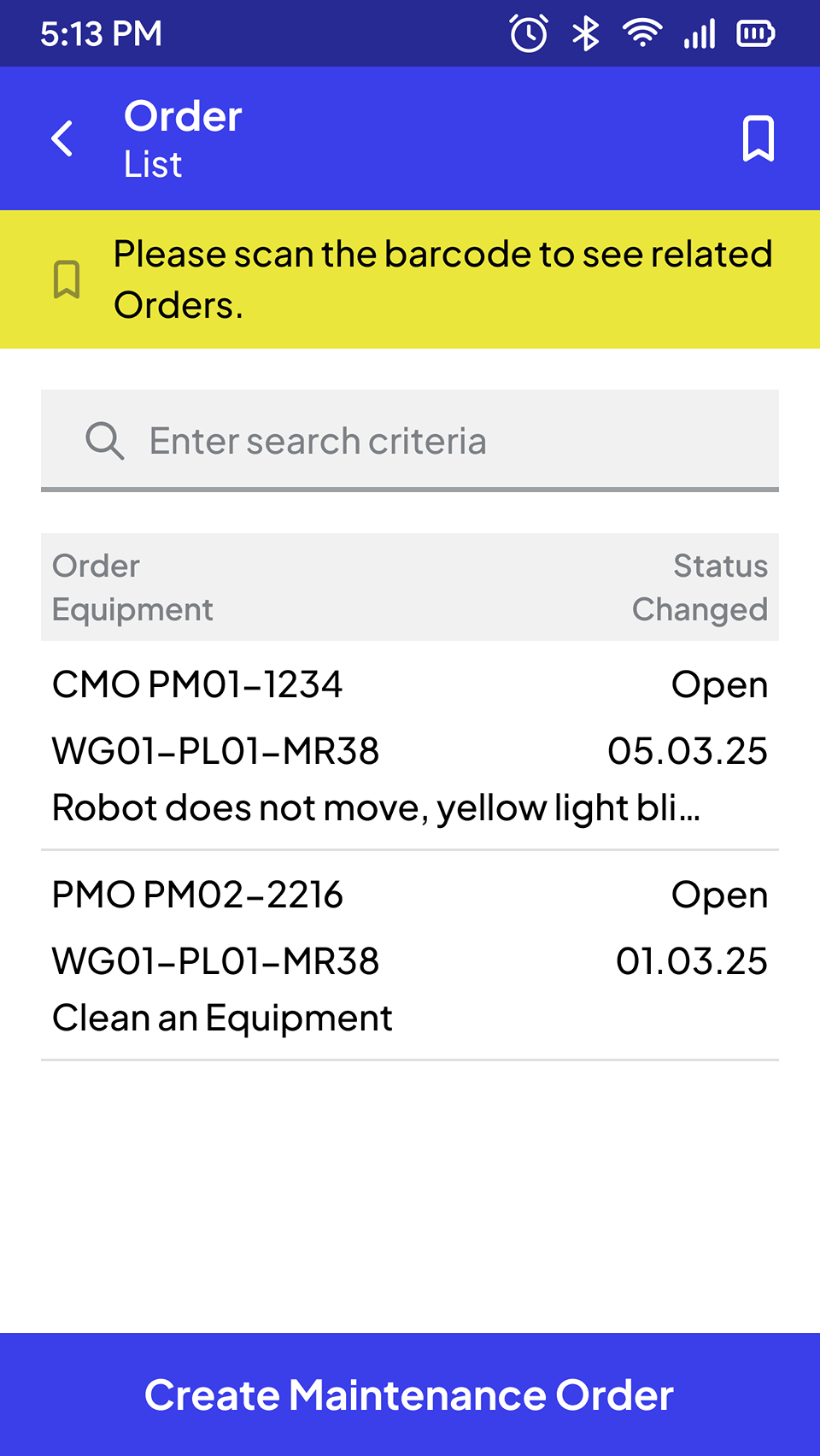
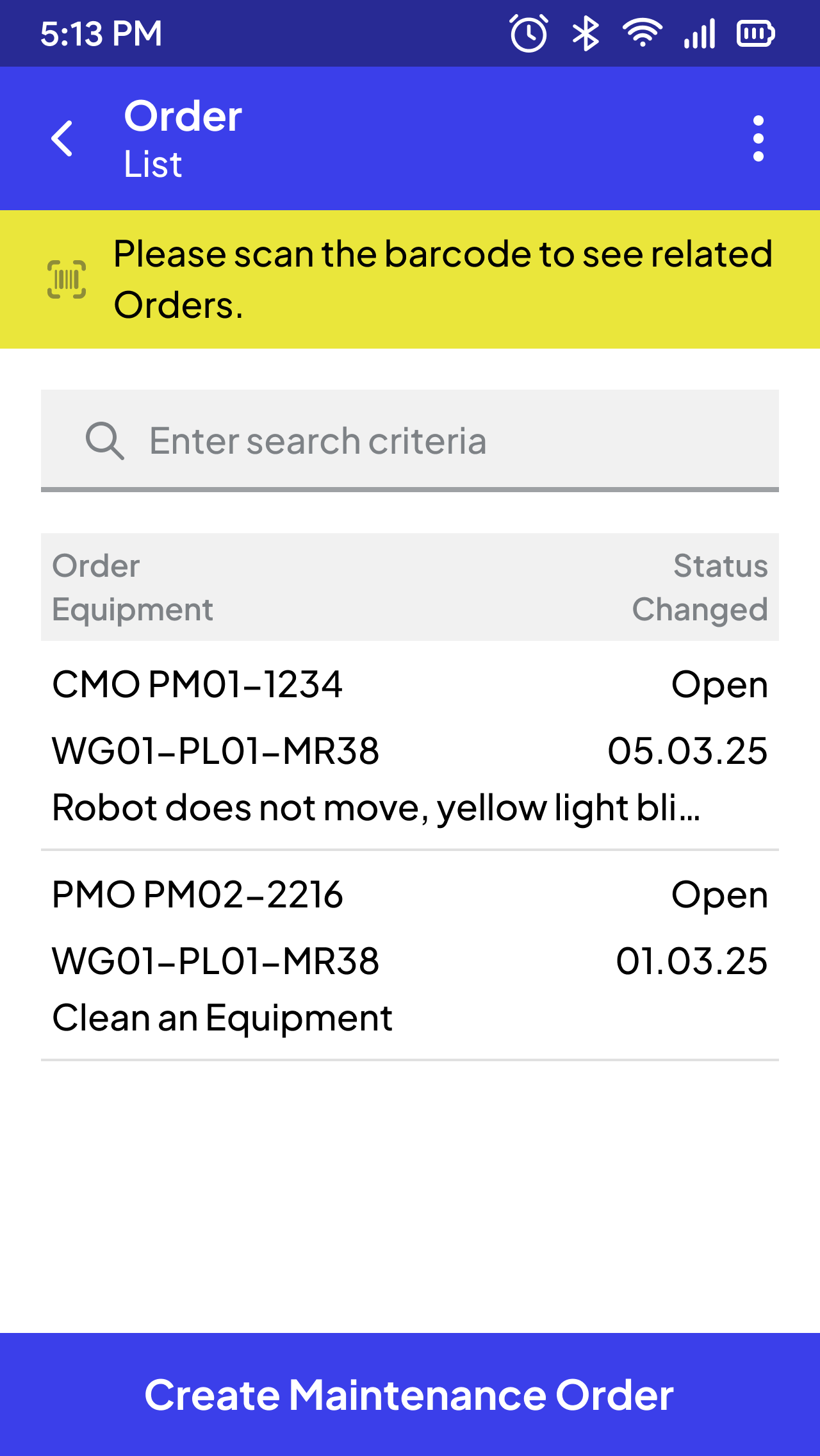
Order List
And many more processes
SCROLL DOWN
STEP BY STEP TO CREATE
THE PERFECT APP FOR YOU
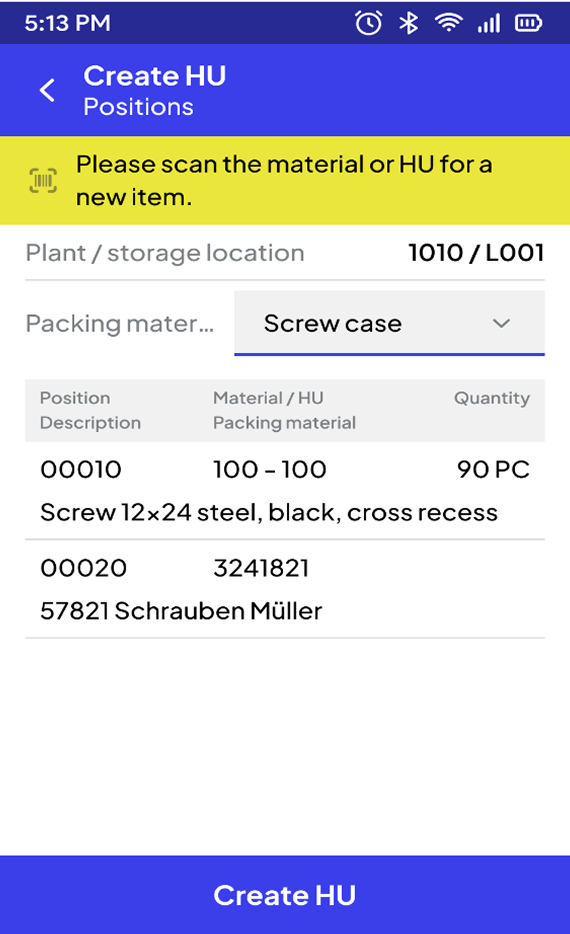
Ready-made Templates
All SAP Modules
Modern Technology
Best User Experience
#1 Jump-start into your processes
We begin by analyzing your current processes in our interactive cockpit. With over 120 pre-built templates for all relevant SAP processes, we quickly identify your specific requirements and accurately assess the project.
#2 Workshop with the Cockpit
The real work starts – together with our project manager, we take a deep dive, analyze your intralogistics on-site and collaboratively develop an optimal, quickly implementable solution.
#3 Concept Development and Prototyping
Based on the workshop results, our experts create a tailored concept and develop prototypes. Then, we move directly into implementation.
Why Maintenance Team Count on Us
Real-world examples of efficiency improvement with Ontego for Mobile SAP.

Frequently Asked Questions About Ontego SAP
Discover everything about Ontego SAP to better understand its benefits, features, and industry applications.
Why use Ontego instead of SAP built-in apps for mobile maintenance?
Ontego is built specifically for field technicians, with a mobile-first, user-friendly design that simplifies complex maintenance tasks. Our apps provide intuitive interfaces and structured workflows for everything from object identification with barcode scanning to work order management, reducing training time and enabling faster adoption compared to standard SAP solutions.
Can the Ontego mobile maintenance app be used offline?
Yes. Ontego's mobile app is 100% offline-capable, which is crucial for field technicians working in remote areas or locations with poor network coverage. The app continues to function and collect data on the device, and all information is securely stored until a connection is re-established. The data is then automatically and seamlessly synchronized with your SAP system, ensuring no loss of information or downtime.
Can Ontego support IoT integration for maintenance operations?
Yes, Ontego can be integrated with IoT devices to enhance maintenance workflows. For example, sensors can automatically trigger a maintenance notification in SAP when a machine's temperature exceeds a certain threshold. This enables predictive and proactive maintenance, moving your operations beyond reactive repairs.
How does Ontego ensure real-time coordination between field technicians and supervisors?
With Ontego, tasks can be assigned and tracked in real-time within your SAP system. When a field technician updates a work order, creates a notification, or scans an asset, the information is instantly synchronized. This provides supervisors with an up-to-the-minute view of maintenance activities and asset status, improving communication and coordination across the entire operation.