
Scanning in outdoor warehouses is a challenge. Wi-Fi is often spotty or completely unavailable, and pallet labels are too small to scan. When sunlight comes into play, the frustration is quickly complete: The laser aiming point of the mobile data entry (MDE) device is difficult or impossible to see, and reflections on the MDE screen make work difficult. However, solutions exist to implement efficient scanning processes even in the outdoor areas of a warehouse.
The Scenario: Automotive Supplier with an Expansive Outdoor Area
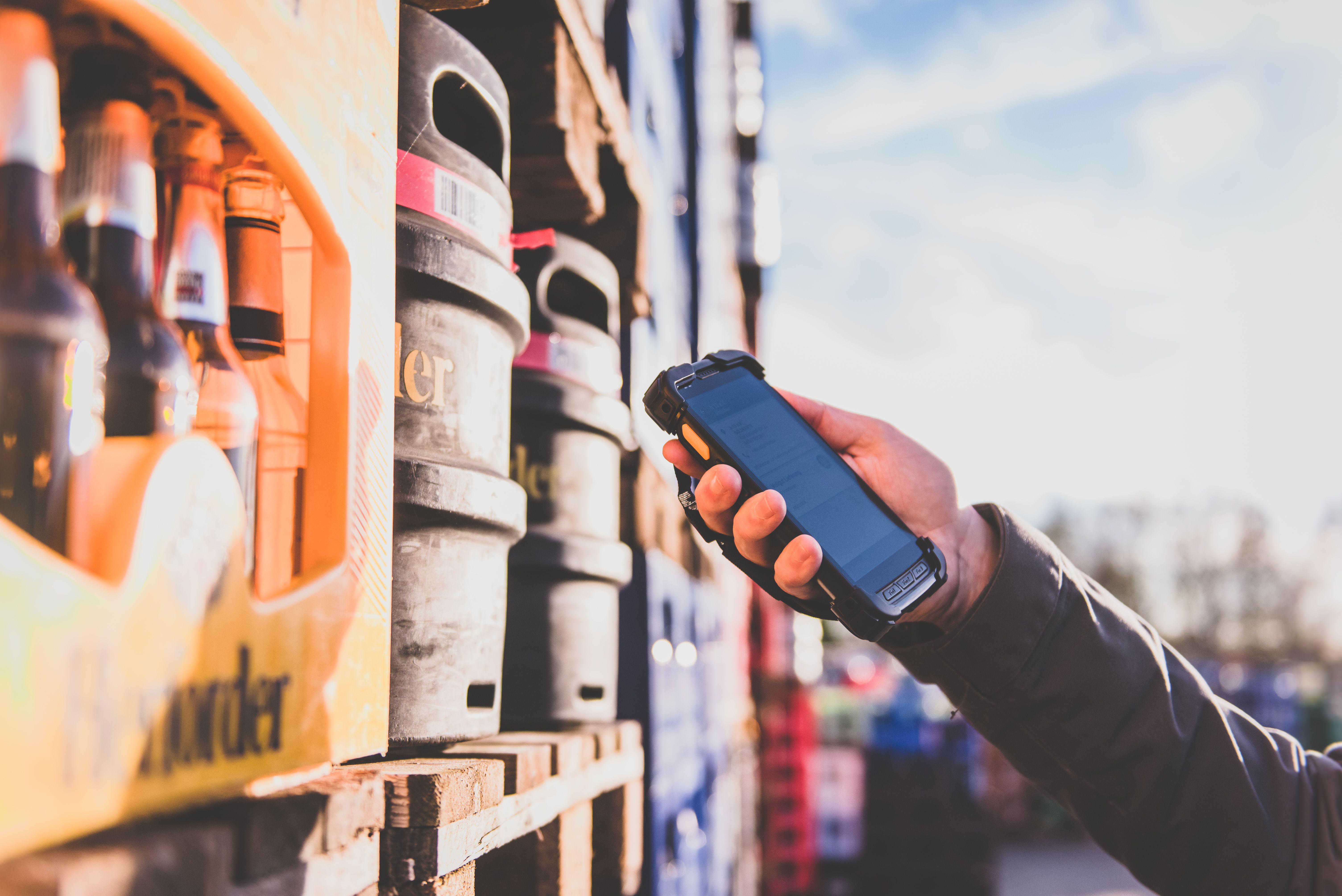
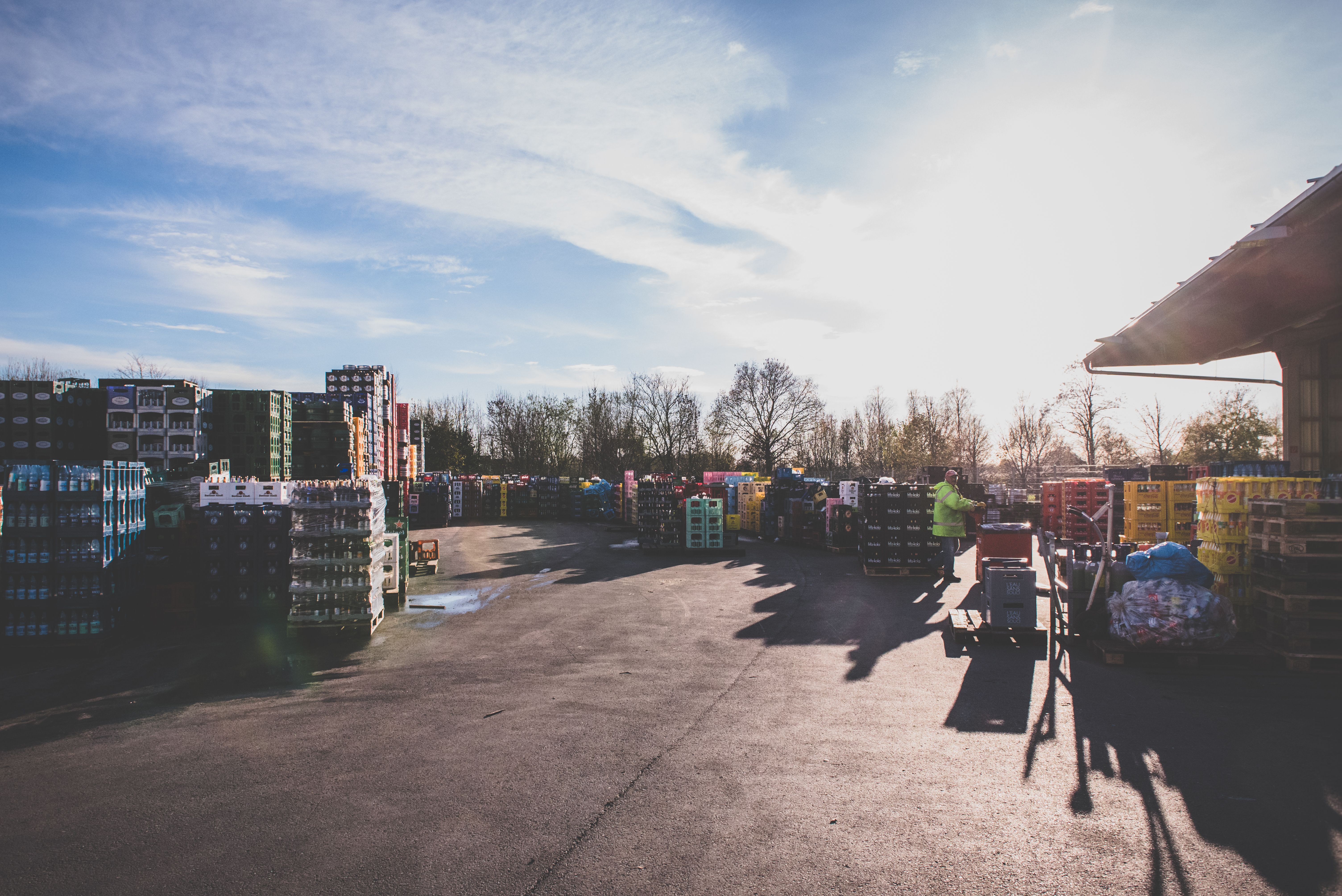
Pallet picking in an outdoor warehouse
Scanning in an outdoor warehouse is not easily feasible, this is a regularly expressed opinion from logistics managers. This was the case, for example, within the SAP-controlled intralogistics of a global automotive supplier. A large portion of the produced metal parts is stored by the pallet in an expansive outdoor area. Forklift drivers handle the needs-based picking and shipping preparation of the pallets. The goal was to digitally map the previously paper-based processing of picking and customer orders. Ideally, mobile handheld scanners or back-of-hand scanners were to be used for this.
Several Unsuccessful Hardware Tests
Several hardware suppliers were invited to conduct on-site tests with various hardware. The result: All test runs failed. The problem was that the forklift drivers could only reliably scan the 1D barcodes on the pallets in bad weather. In bright sunshine, the mobile terminals often failed to read the barcodes. As a result, the MDE project was put on hold.
If I had only listened to the hardware experts, it would still be impossible today.
The Path Forward
Many logistics managers are confronted with this problem. While essential parameters like Wi-Fi infrastructure or lighting conditions can be controlled inside a warehouse, certain factors in outdoor logistics areas are highly variable. You can prepare for these factors when planning a mobile project to ensure its success. Experts in mobile work, such as hardware partners or specialized software providers, offer valuable practical insights.
Scanning in the Outdoor Warehouse: A Step-by-Step Guide
The following steps need to be implemented:
- 1. Wi-Fi or mobile network
- 2. QR Codes of a Minimum Size
- 3. Devices with Long-Range Imagers
- 4. Easier Barcode Scanning
- 5. User-Friendly Software
1. Deciding Between Wi-Fi or Mobile Network
In our example company, finished products are packed on pallets and stored in a large open area. Forklift drivers ensure the precise movement of pallets as required. Ideally, the outdoor warehouse is covered by Wi-Fi access points to guarantee online communication with the ERP or warehouse management system. If no wireless infrastructure exists, selected industrial handhelds can also communicate with the (SAP) backend via a cellular connection.
2. Using QR Codes of a Minimum Size
Each pallet has a label that, depending on the process, is generated directly from SAP (e.g., goods receipt from production, picked goods, etc.). Typically, a 1D EAN barcode was printed on these labels, which could be easily read with a hand scanner from a short distance.For a functional scanner solution, it is recommended to use 2D barcodes, such as QR codes. These 2D barcodes should have a minimum size of 10 x 10 centimeters and a white "quiet zone" (border) separating them from the next piece of information. This allows barcodes to be reliably captured from a long distance with a hand scanner.
3. Using Mobile Devices with Long-Range Imagers
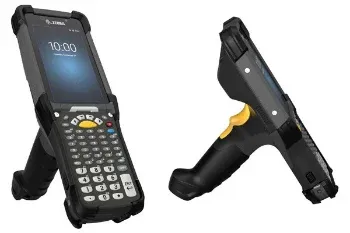
Once the basic infrastructure is in place, the planning can move to the details, which means selecting the right hardware. Both handheld computers and a combination of forklift terminals and hand scanners are conceivable. Regardless of the choice, the focus should be on a high-performance scan engine that can securely read barcodes over distances of several meters.
One more note: Only selected devices in this application area are cellular-capable—this aspect should be checked during selection if needed. An alternative could be a so-called matrix camera, such as the EVS144 from the Swedish manufacturer Ident System, which is mounted on the forklift roof and captures barcodes from there.
4. Making Barcode Capture Easier
Even after a successful test (following the points above), challenges can still arise. A nearly unsolvable issue is optically aiming at the barcodes. On an overcast day, forklift drivers can see the crosshairs or the "aiming dot" of the mobile scanner on the pallets and can comfortably trigger the scan.
The problem: In bright sunlight, the aiming dot is only visible from a very short distance, which is impractical for forklift operations. The only solution here is a compromise: The barcodes are applied to the pallets in a size, position, and height that is optimal for the forklift drivers, allowing the driver to scan the barcode almost "blindly" and while in motion. Some forklift drivers aim the handheld flat, like a pistol. Others attach "iron sights" (a front and rear sight) to the devices using adhesive to simplify aiming.
Visibility is also an issue when it comes to the displays of the mobile hardware. Here, it helps to maximize the screen brightness—be sure to use a high-performance battery—or to apply special anti-reflective films.
5. Using User-Friendly Software
Anyone who considers the aspects mentioned so far in planning their mobile scanner solution is on the right track. The only thing left is to select mobile software that can connect to the existing backend system, such as SAP, and offers the forklift drivers a practical user interface and, consequently, a suitable SAP User Experience.
Conclusion
Scanning in an outdoor warehouse is a challenge that demands specific solutions. However, those who know the relevant levers to pull can confidently mobilize their outdoor logistics processes.
Free Guide
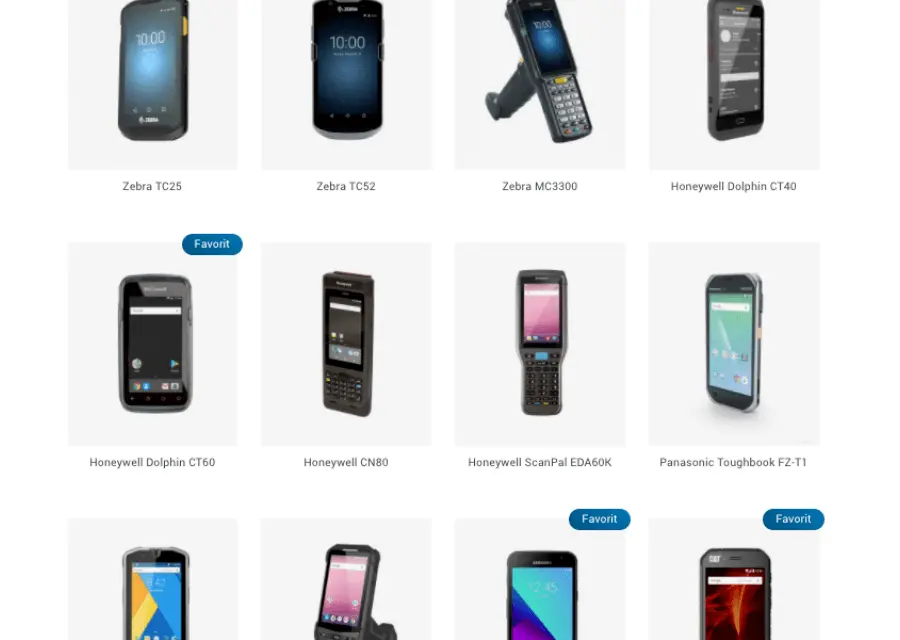
Use our Hardware Finder to choose the right mobile device.