
When you choose Wilkhahn furniture, you're not just buying a chair; you're bringing a unique vision for your office to life. Behind these designs is a cutting-edge, functional production process, powered by Ontego Mobility for SAP.
Every chair and workstation that leaves a Wilkhahn facility passes through a tightly coordinated production and logistics chain: shop floor confirmation, quality checks, warehouse putaway, and outbound packaging. Keeping that chain accurate was the challenge Wilkhahn Australia set out to solve with mobile data capture.
Paper-Based Processing as the Starting Point
Before mobile devices entered the shop floor, Wilkhahn's production and time confirmation ran on paper. Work and break times, production order feedback, and quality assurance sign-offs were recorded manually before being transferred into SAP — a process that limited how current the data ever really was, and put an administrative burden on staff whose real job was building furniture, not filling out forms.
Wilkhahn's goal from the outset was to replace that paper-based processing directly with mobile, SAP-connected data capture — accurately tracking work and break times for every team member in production and shipping, with real-time visibility into production orders rather than a delayed paper trail.
Implementation: Step by Step
Wilkhahn's rollout followed a deliberately staged approach rather than a single big-bang deployment:
- Foundation phase: time and break tracking, real-time production order confirmation, and quality assurance logging for shop floor and shipping staff, replacing the paper-based process described above
- Warehouse phase: storage bin assignment using Ontego's pre-built warehouse logistics templates, plus direct label printing for crates and cardboard packaging — a feature staff singled out for how much easier it made their day-to-day work
- Platform migration: porting the original Windows Mobile solution to Android, carrying every previously mobilized process forward rather than starting over
- SAP Warehouse Management phase: extending the mobile solution into full SAP WM-led processes — goods receipt, putaway, ad-hoc transfer postings, stock inquiry, transfer-order lookups, and cycle counting
Scanning Instead of Paperwork: The New Daily Workflow
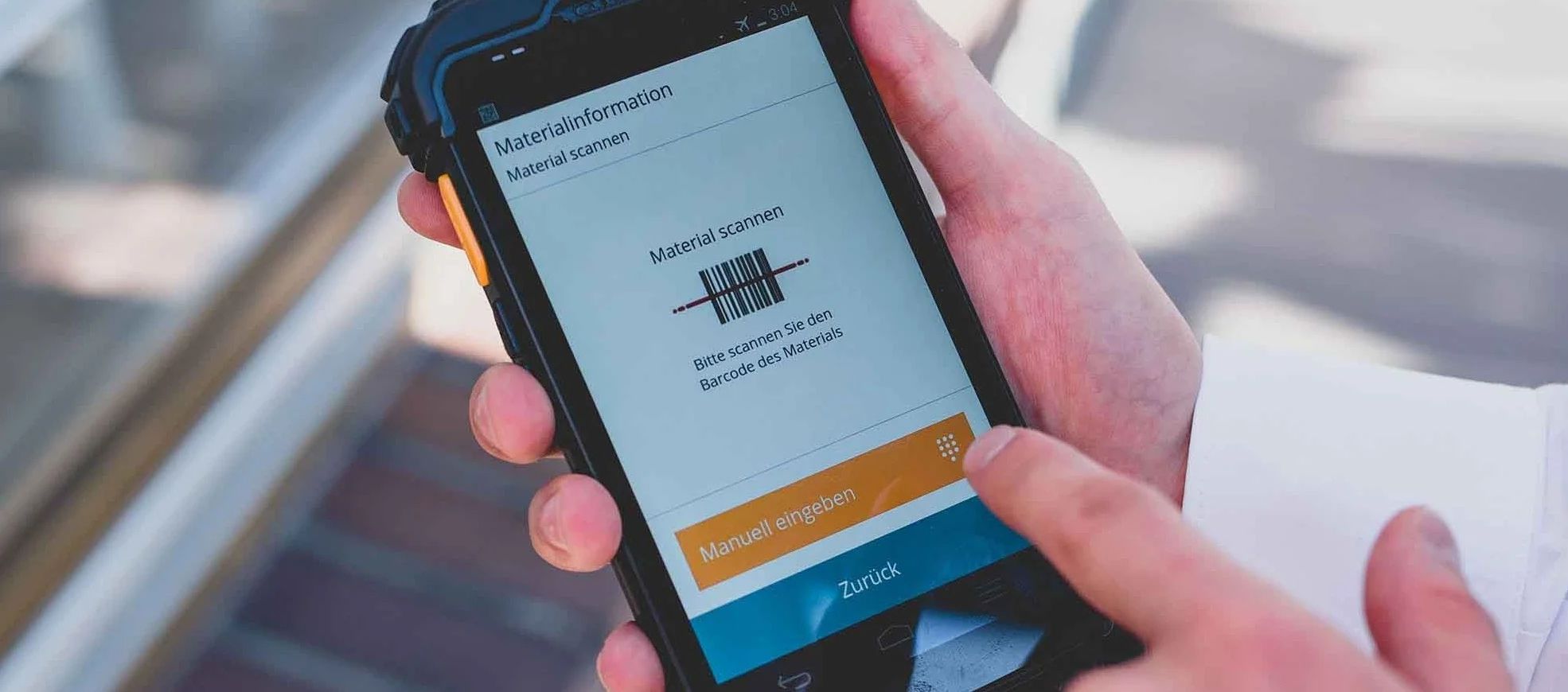
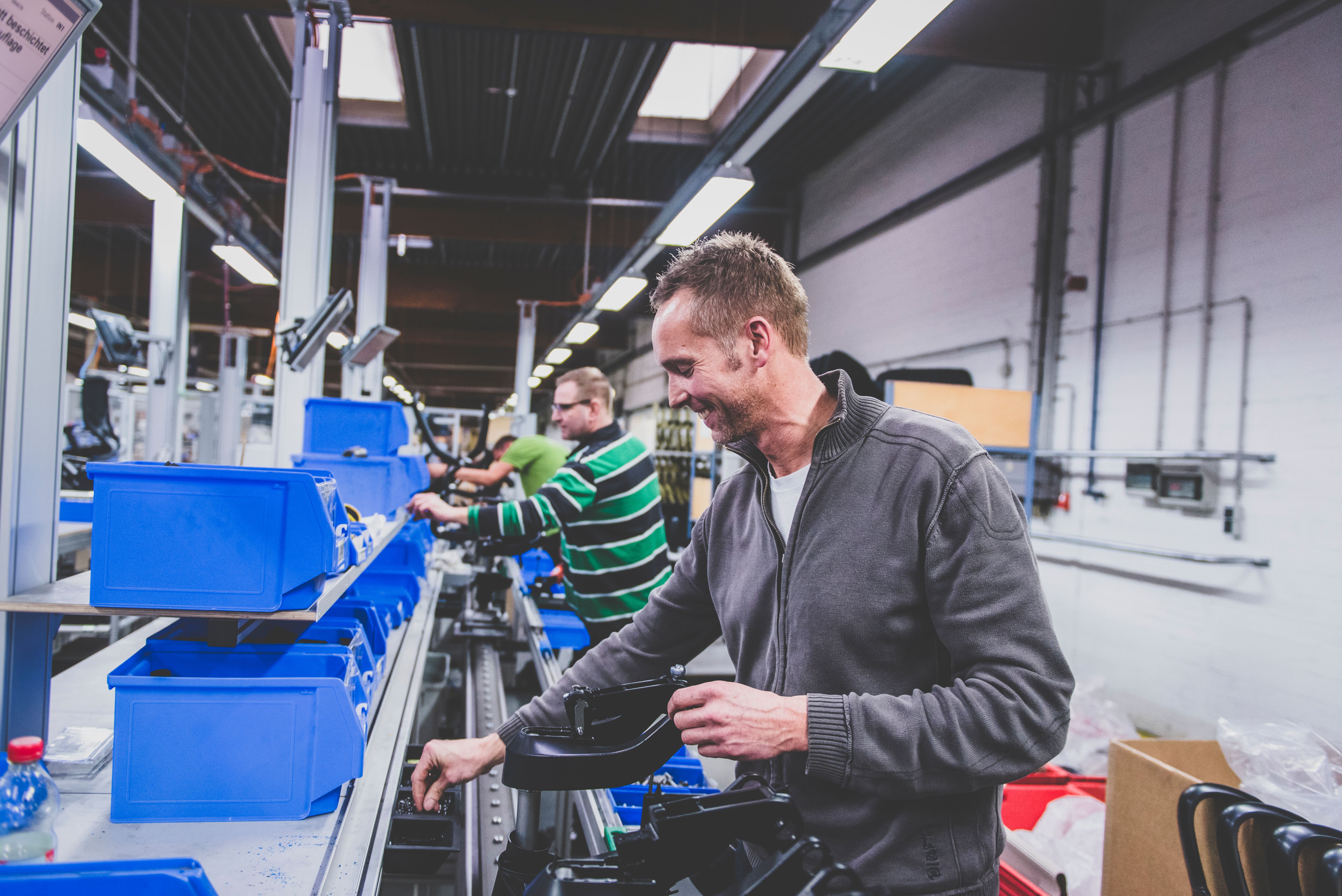
On the shop floor, employees confirm production orders and clock time and breaks directly on Android handhelds, with the data posted straight into SAP. Quality assurance checks are logged at the same point in the process, rather than as a separate paperwork step afterward.
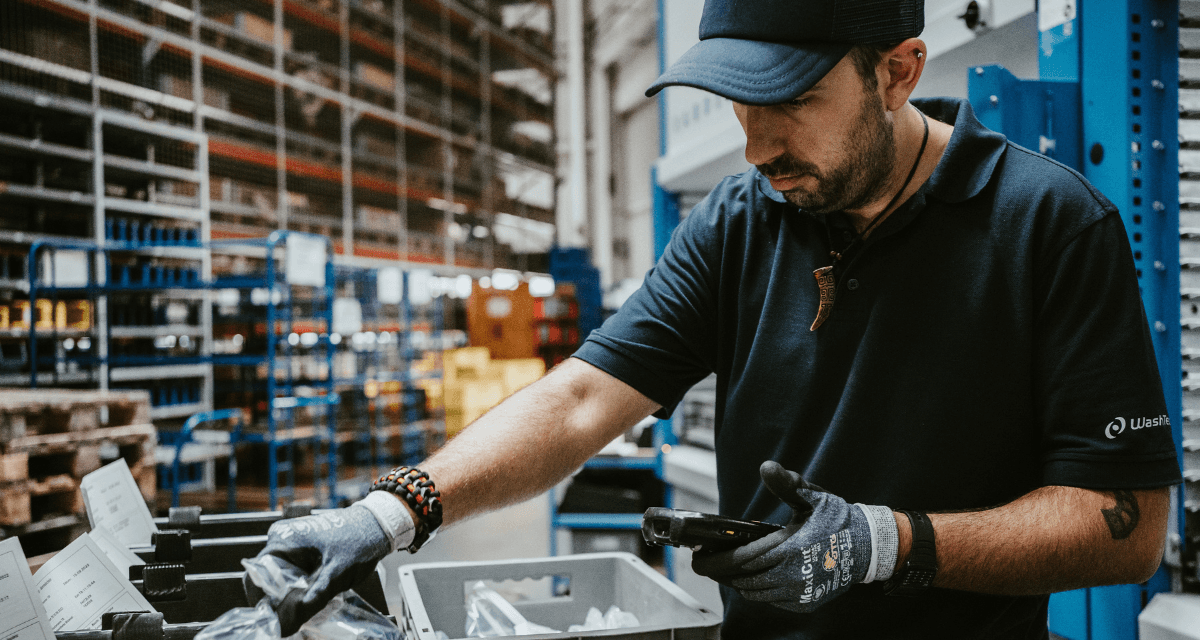
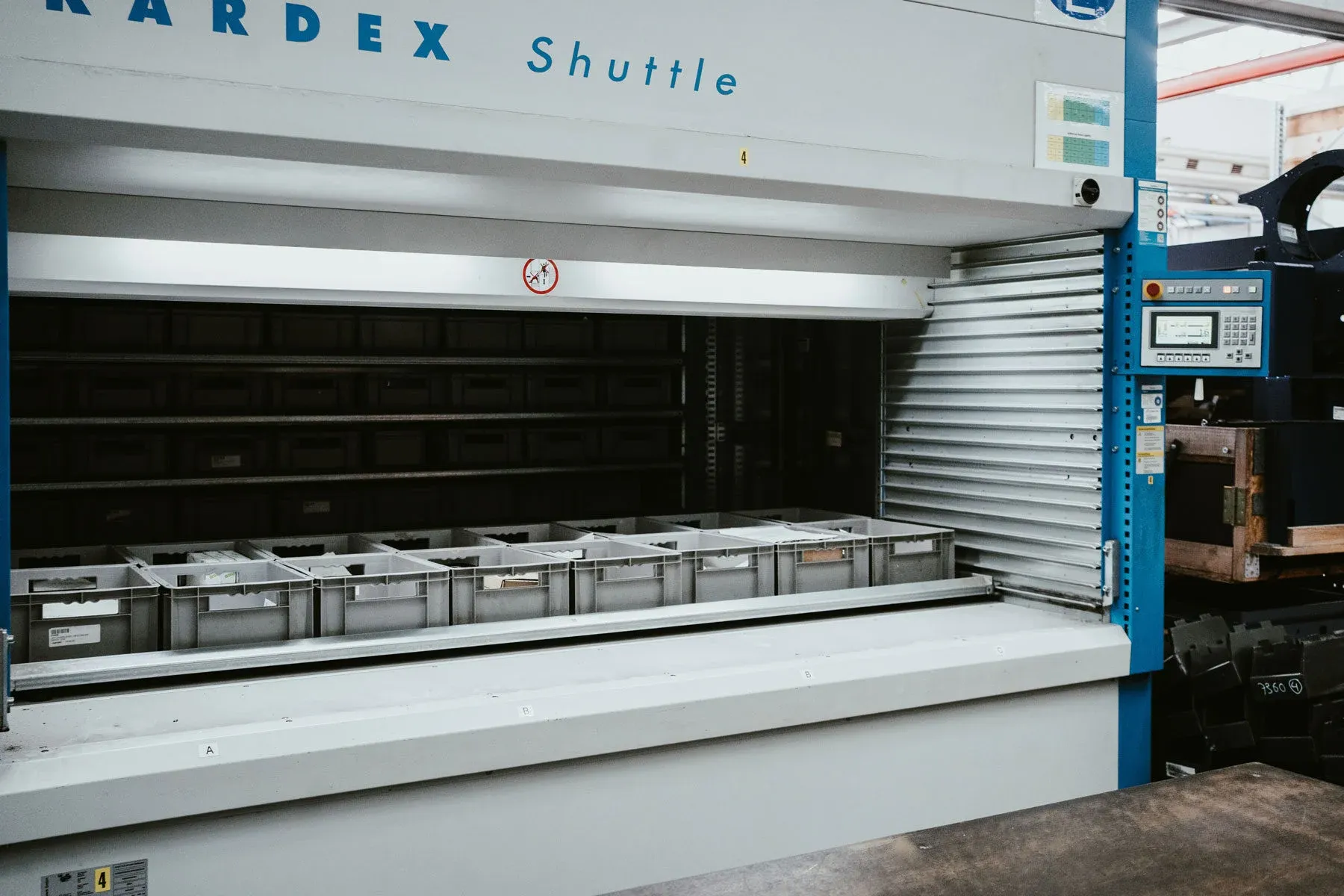
In the warehouse, goods receipt now captures palletizing data directly against the purchase order, putaway is processed against SAP queues and pre-staged transfer order items, and staff handle ad-hoc bin-to-bin transfers — including Kanban-driven replenishment — from the same device. Stock and transfer-order lookups let a team member scan a label and jump straight into the relevant confirmation screen, and cycle counts are carried out at the bin level on a set schedule.
Label printing for crates and cardboard packaging — one of the earliest features rolled out — remains a staff favorite, since it removed a manual, separate step from the packing process.
Results
- Replaced paper-based time, production, and quality confirmation with real-time, SAP-connected mobile data capture
- Extended from time-tracking and production confirmation into full SAP Warehouse Management–led processes — goods receipt, putaway, transfer postings, stock inquiry, and cycle counting — within a planned 16–18 week implementation
- Migrated the entire solution from Windows Mobile to Android without losing any previously mobilized process
- Built on a platform designed for extensibility — new sites, processes, and user counts can be added without rebuilding the underlying SAP integration
Earning the Team's Buy-In: The Key to Success
Using mobile devices on the factory floor isn't a new concept, but it always requires a shift in routine. Wilkhahn Australia took an inclusive approach, starting by rolling out features that genuinely made colleagues' lives easier. The newfound transparency in time-tracking led to more accurate payroll and fair, achievable goals for everyone. From day one, Ontego's interface was designed to be fast and intuitive, so the focus could remain on the skilled work at hand, not on navigating software.
The Ontego Mobility solution is the key — it's straightforward and built for everyone to use with ease. Ultimately, it allows every employee to work with SAP, even if they don't realize it. Wilkhahn's mobile SAP journey shows what a platform-first approach looks like in practice: start with the processes that matter most to the people doing the work; extend deliberately into deeper SAP-led processes as the business is ready.