.jpg)

Optimised Distribution of Work Orders Is a Key Issue for Logistics Managers in SAP Picking as Well as in Production Supply. The use of a customised warehouse control centre (Leitstand) for warehouse management, combined with mobile devices for warehouse employees, measurably improves SAP warehouse processes.
Picking as a Central Task
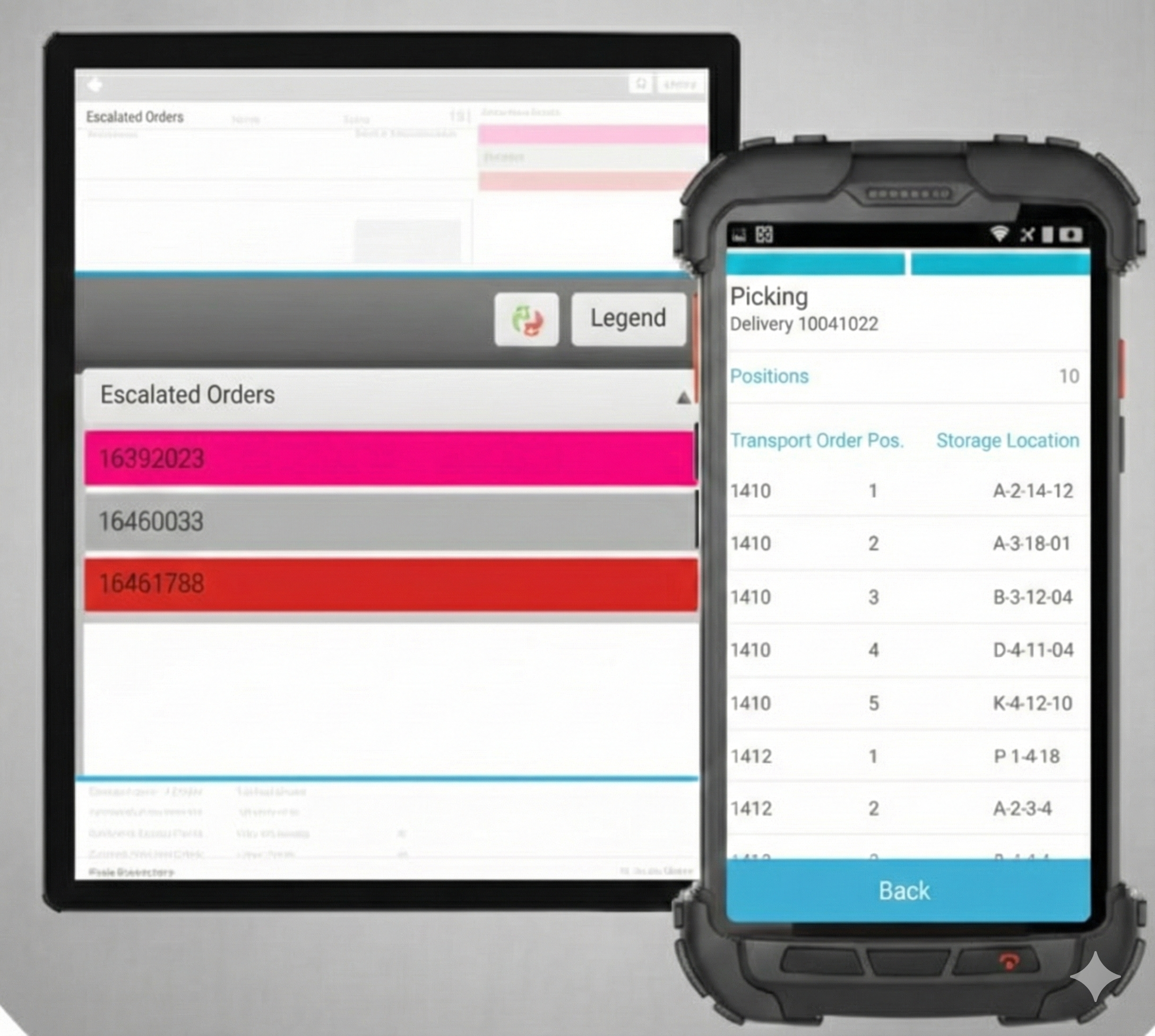
Planning capacities in advance, steering the processing of orders intelligently—even up to full automation and assigning and monitoring priorities: these are the core tasks of a warehouse control centre. Depending on the SAP processes to be managed, disposition in the control centre begins with count lists, transport orders, or picking lists. The control-centre software typically receives the orders and additional information such as shift schedules, order criteria, or warehouse zones directly from SAP. Processing then takes place either according to SAP queue management or using its own queues independent of SAP. Moreover, orders can be split if required by the warehouse organisation.
Example:
In the case of different warehouse areas where different resources or employees are assigned, staff receive only those order items that are relevant to their specific warehouse area. After successful completion and confirmation on the mobile device, the control centre consolidates the work results and ensures correct posting in SAP.
An escalation routine monitors the processing of work orders according to defined parameters and alerts the dispatcher in good time when delays occur. This enables the responsible employee to react, adjust the disposition, or inform customers of underdeliveries.
Challenges Are Multifaceted
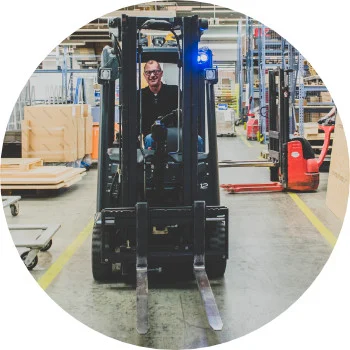
A warehouse control centre typically includes resource management. A resource—such as a warehouse employee or a workstation in production—can inherit characteristics from SAP or be enriched with additional parameters directly in the control centre. If an employee has a forklift licence, for example, they can be assigned to high-bay warehouse tasks, whereas a colleague may not. The capacity of the forklift vehicle and its temporal and spatial availability may also play a role.
These characteristics, along with the individual skills of warehouse employees, flow into order disposition. What does this mean in concrete terms? When the warehouse control centre is used for the first time, the software calculates a target duration for order processing based on initial settings. Over time, however, the control centre determines individual performance parameters for each resource and applies them to future planning.
SAP Control Centre vs. Lean Third-Party Component
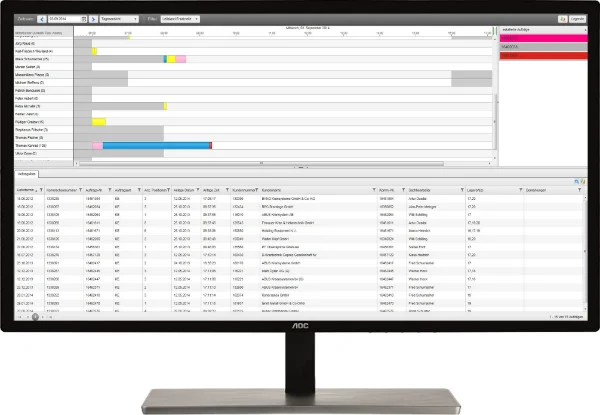
Especially in the SAP environment, various control-centre solutions fully integrated into SAP can be found. These solutions are often characterised by high complexity and significant effort in implementation and maintenance. As an alternative, third-party control-centre modules can be considered. Based on configurable modules, they are adapted to the specific requirements of the company.
This approach has the advantage that only those functions that are actually relevant to the responsible staff are used. In addition to SAP integration, third-party solutions also often support the connection of additional software systems or applications such as MDE. Practical experience shows that tailored, lean solutions are not only easier to implement—employee acceptance and utilisation are also significantly higher. And only when used can a warehouse control centre demonstrate its advantages over disposition performed using Excel, paper lists, or whiteboards.
Linking with Mobile Apps Unlocks Potential
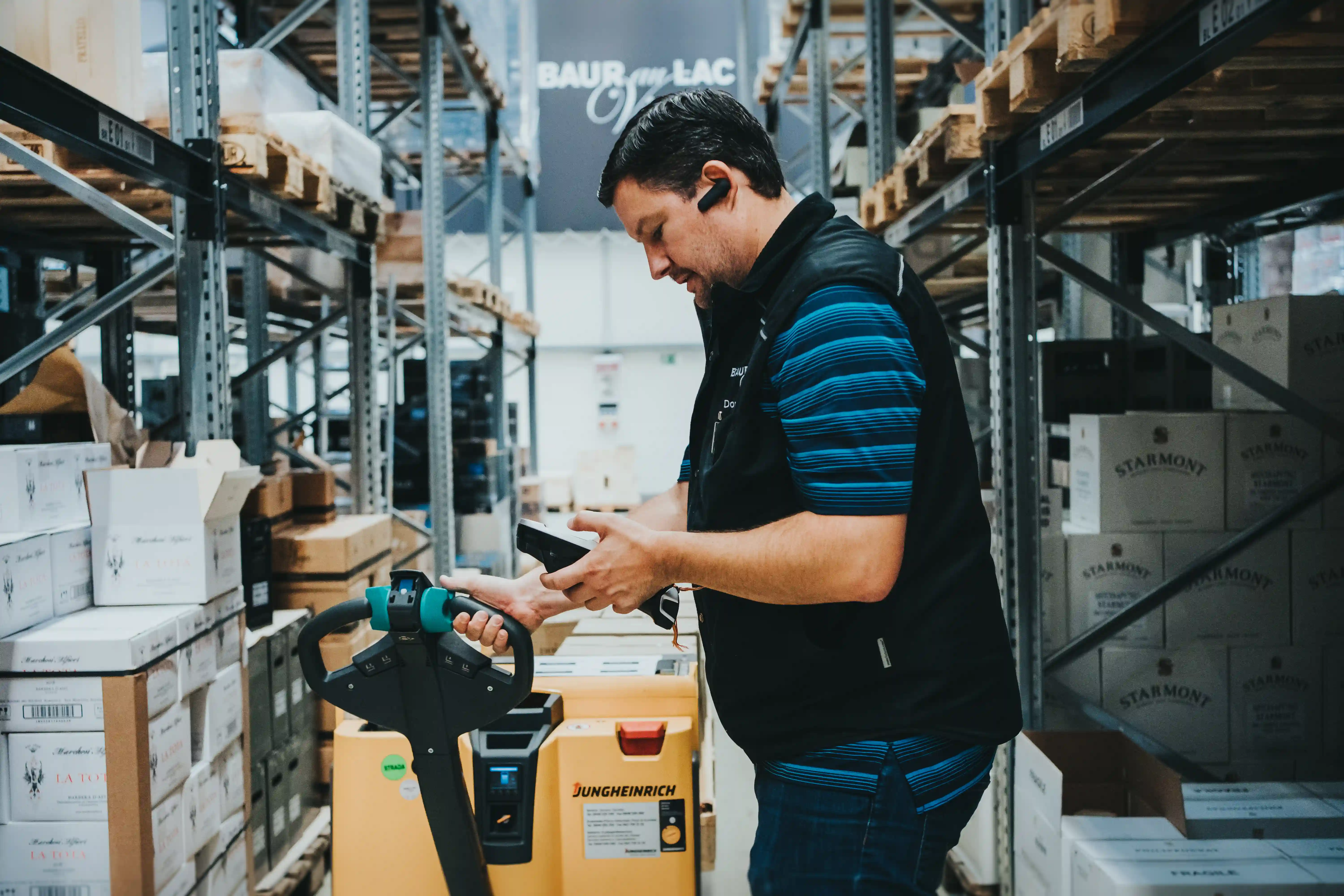
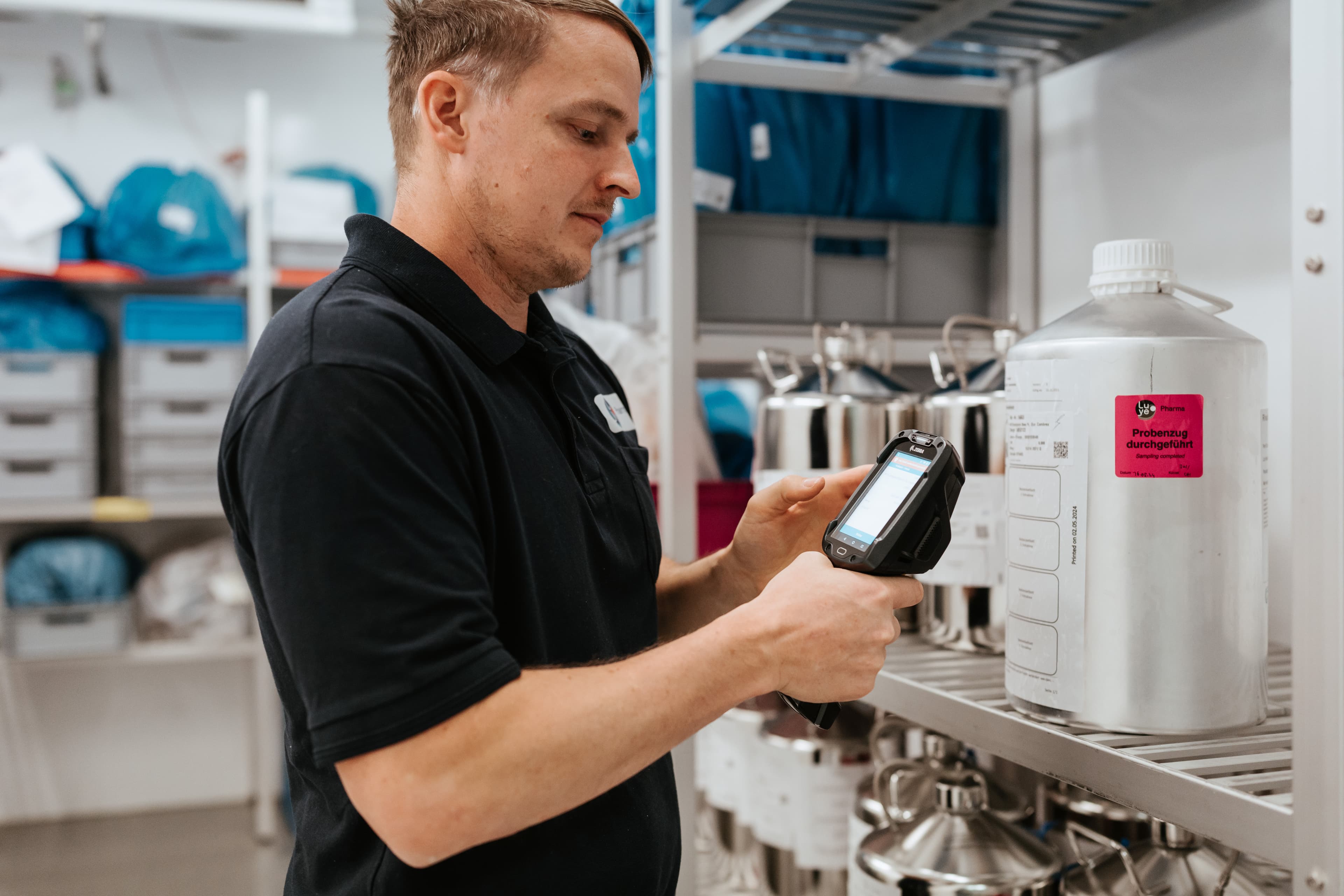
Before introducing a warehouse control centre with SAP integration, it is worth taking a holistic look at warehouse processes. The use of mobile devices for mobile SAP postings by warehouse employees enables continuous optimisation of the actual warehouse processes as well.
As mentioned earlier: by digitally processing work orders on forklift terminals, handhelds, or back-of-hand scanners, information about individual steps flows more quickly to the control centre or directly back into SAP. Digital mobile working also enables guided processes that become more robust against errors thanks to control scans at storage locations or item barcodes. Direct feedback additionally enables real-time verification of order processing as well as continuous monitoring and controlling.

Warehouse managers also gain the ability to measure relevant KPIs through activity tracking, continuously evaluating and improving logistics processes. This increased flexibility becomes clear in the following two examples:
Interaction During Inventory
- Inventory documents are created in the SAP system and transferred to the warehouse control-centre software.
- The inventory manager can assign specific count lists to employees or distribute them automatically; depending on implementation and process requirements, employees may also request their own count lists or start a count flexibly.
- The inventory manager sees an overview of items already counted.
- Employees receive their respective count lists on the mobile device and report them back directly to the warehouse control centre.
- The inventory manager immediately sees discrepancies and can react (repeat counting or manual correction).
- In the event of employee failure or major errors, the manager can quickly react and redistribute count lists depending on resource availability.
- Only after the inventory is completed without errors can the manager transfer the consolidated results back to the leading SAP system—eliminating the need for correction or subsequent error searching there. The timing of the final posting can be controlled specifically.
Interaction in the Disposition of Transport Orders
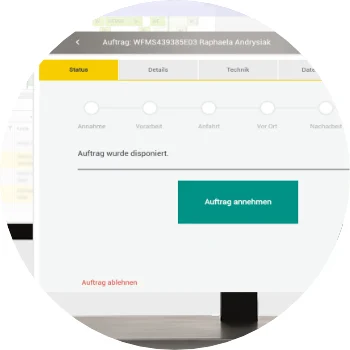
- Order data is loaded into the warehouse control centre from the SAP system and displayed to the dispatcher.
- The dispatcher receives a clear graphical representation (hourly, daily, or weekly view), showing which orders need to be executed or scheduled.
- Escalations should already be detectable here via a personal watchlist, fed by automated and manual entries.
- The overview shows the status of open or processed transport orders.
- From a pool of orders, the dispatcher can assign the appropriate resources; depending on the required skills and the resource’s capabilities, colour coding indicates whether the employee may/can be assigned to the order.
- The employee’s mobile device retrieves new relevant data automatically or manually depending on the configured interval.
- The employee actively accepts the order.
- The dispatcher sees in the graphical overview (planning board) that the status of the order has changed.
- Errors or delays in processing the order again trigger escalations in the dispatcher’s watchlist, allowing them to redistribute, reschedule, or provide assistance.
- Successfully completed orders can then be reported directly back to the leading SAP system via the mobile device, eliminating the need for intermediate storage in the control centre (only the status is marked as completed).
For picking or the disposition of maintenance orders, the scenarios are similar and always follow the same basic pattern: consolidating various data, clear visualisation, transparent assignment based on dependencies and priorities, execution, and subsequent control and troubleshooting.
Not to Be Underestimated: Ease of Use!

User comfort plays a crucial role when planning a warehouse control centre. A modern and streamlined user interface that includes user-friendly features—such as drag-and-drop of orders in a graphical planning board for resource assignment—should be considered a standard requirement. An important point: the warehouse manager or dispatcher is often a desktop worker who usually completes disposition tasks at a stationary workstation. The interface should therefore be optimised for this environment.
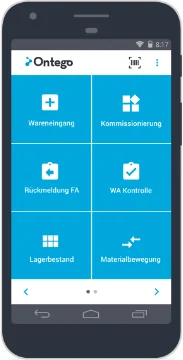
The design of the mobile warehouse app, however, may differ. Warehouse employees typically work with a mobile device in tablet or smartphone format. Here the rule applies: less is more. Employees today are accustomed to certain app standards from their private lives—especially regarding usability and user guidance. Business apps in the SAP warehouse environment should offer the same experience. Information from SAP-GUI—such as for transfer postings or picking processes—cannot simply be transferred one-to-one to a mobile device. The warehouse apps should enable simple, intuitive workflows for each process and ideally be designed to interact seamlessly with the warehouse control centre.
These optimisations succeed when warehouse managers and warehouse employees work from the same data foundation and the same functions—albeit in different roles. Thoughtful usability and consistent process logic must always be ensured.
Conclusion
A warehouse control centre is a valuable tool that enables warehouse managers and dispatchers to optimise and simplify the processing of SAP work orders. The combination of a control centre with mobile warehouse apps enables fully optimised processes and continuous performance measurement. It is essential that both the control centre and the mobile apps have a modern, clear user interface and can be effectively extended in combination.

Know-how
Speak to an expert in mobile data capture in SAP logistics.