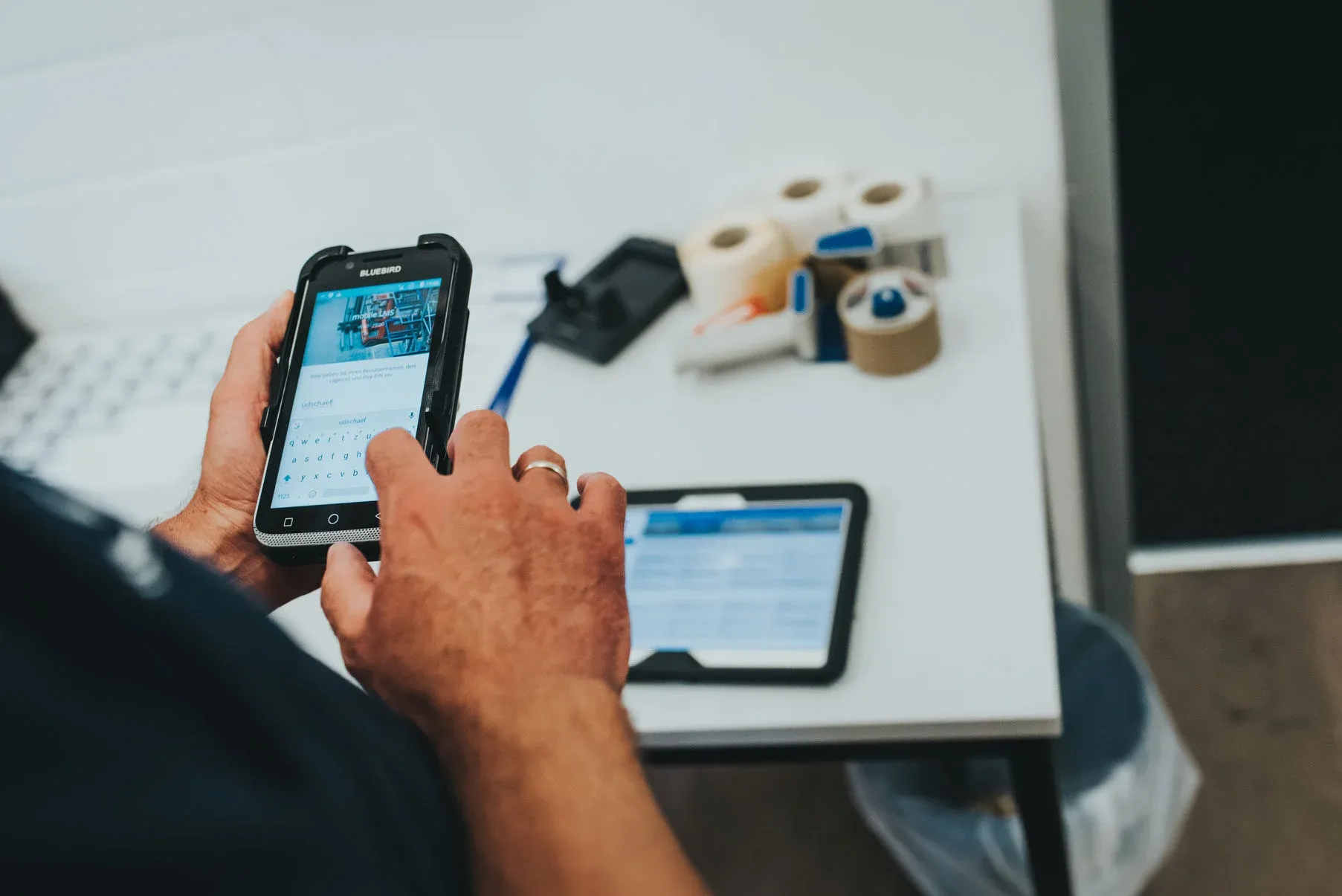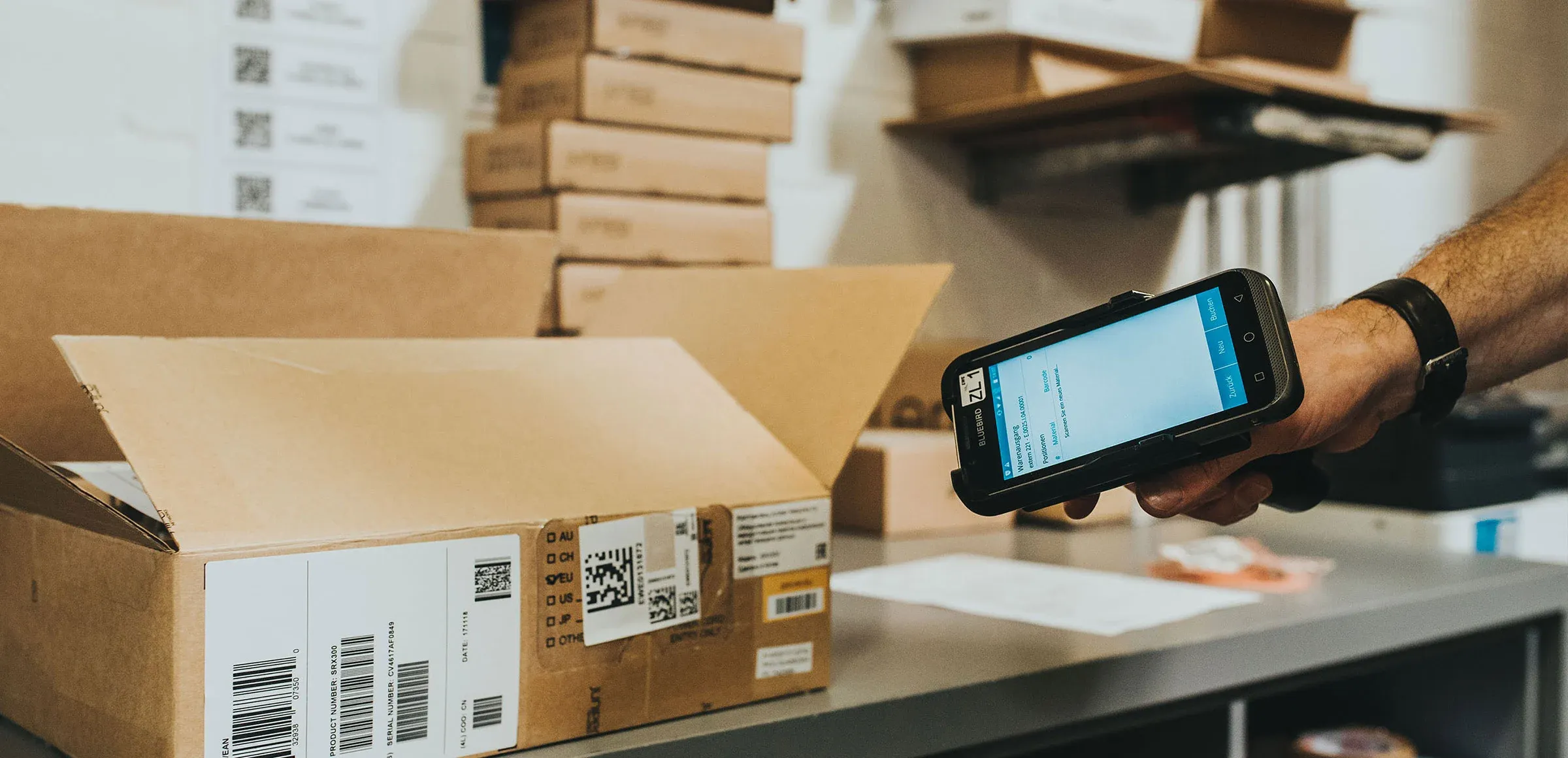

SAP MDE applications – such as warehouse apps in intralogistics – require an interface with the SAP system. SAP offers various standard technologies for communication between mobile clients and ERP: some enable direct communication without detours; others require a middleware component.
Mobile remote control of the SAP system
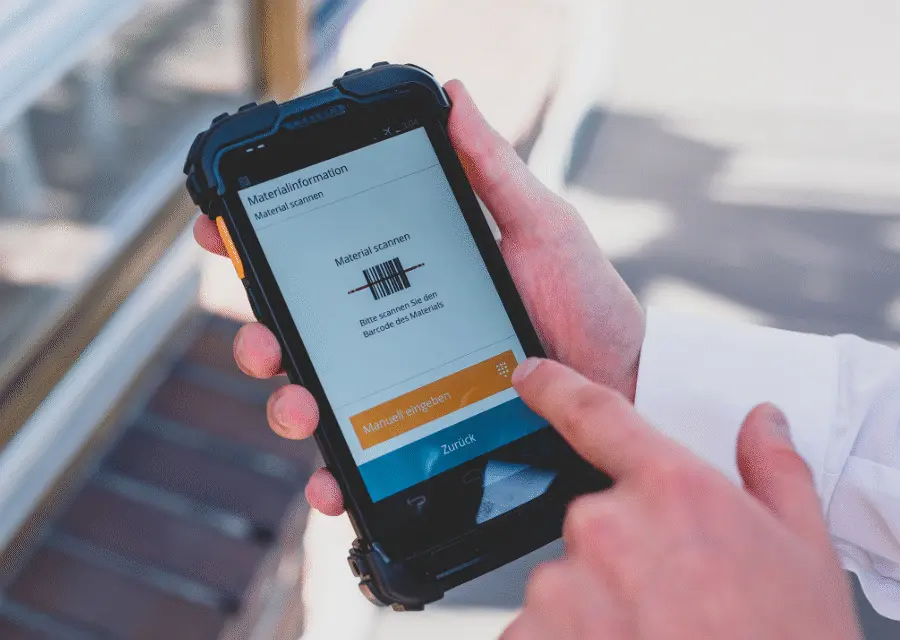
An MDE software solution in intralogistics with SAP usually has only limited application logic on the client side. Essentially, it is a matter of capturing data decentrally within the framework of mobile processes and posting it to SAP. The data is captured independently of the classic SAP GUI via the mobile device and with the help of specific mobile input masks that enable a customized SAP user experience. This allows frequently used mobile transactions such as MIGO to be used and standard function modules (BAPI) or individual Z modules to be called up. Master data, process logic, user rights, rules, etc. are and remain located in the SAP system.
Direct Communication with SAP – without Middleware
Inside Out Web Services
SAP offers the option of making existing function modules web service-enabled using the Inside Out procedure (SAP standard). This means that the functionality is encapsulated in a platform-independent service and released for defined external access. These SAP WebServices are based on the HTTP protocol and can be called up by virtually all network-enabled applications, for example, by a mobile handheld scanner solution in the warehouse. Inside-Out WebServices are created and configured in the SAP Object Explorer and in the SOA Manager.
OData Services
The OData interface protocol integrated in SAP is another option for connecting mobile data capture solutions to SAP. OData enables both reading and writing in SAP. From a business perspective, the advantage is that the services can be handled entirely with familiar SAP standard tools: OData services can be developed with ABAP, and the services can be conveniently managed in the SAP Gateway Service Builder.
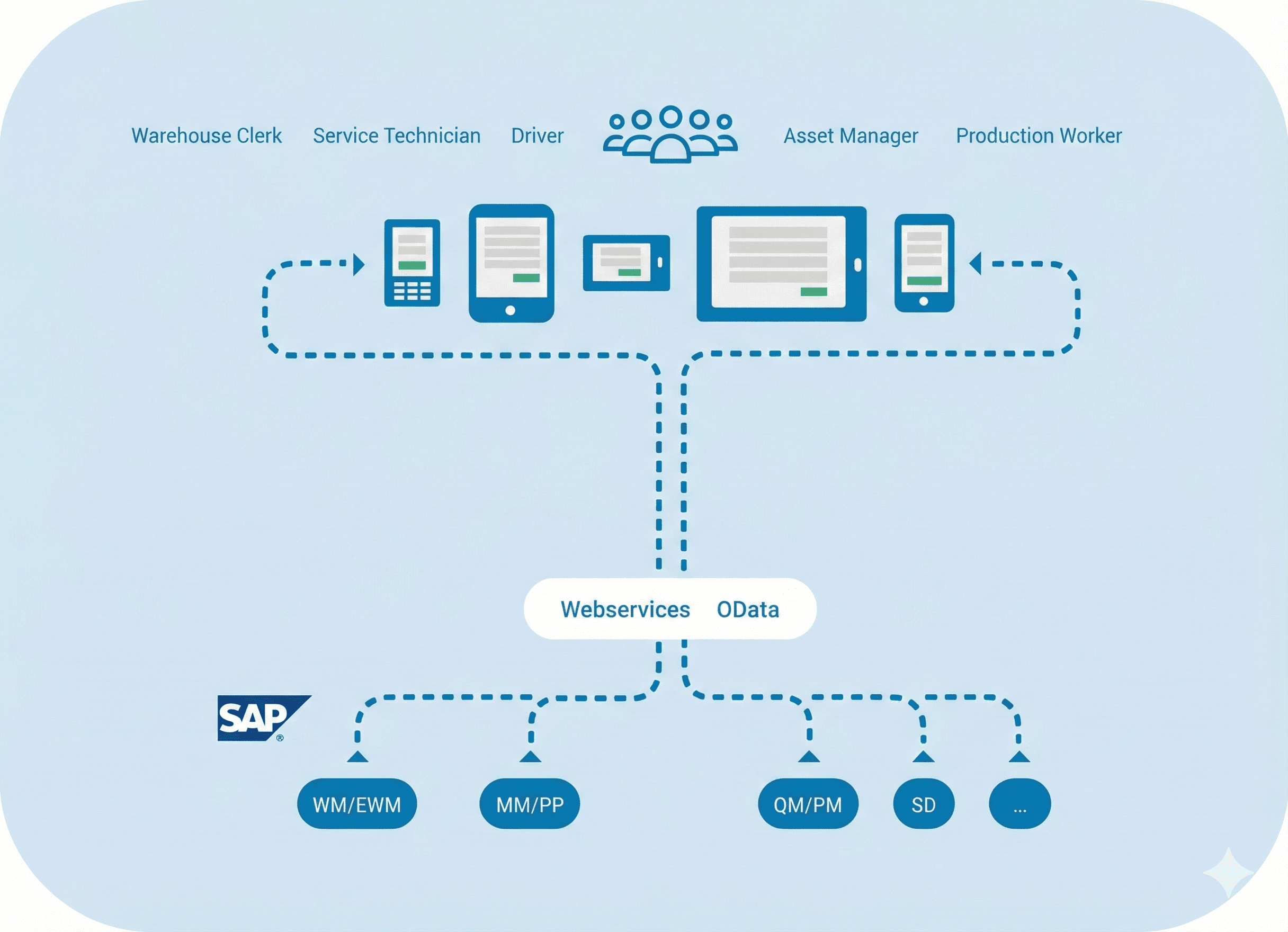
Mobile data capture with SAP without a server
SAP Communication with Middleware
The classic, proven method for mobile data capture with SAP is the Remote Function Call, or RFC for short. RFC allows individual functions to be called up in a targeted manner, for example from a mobile warehouse solution. The advantage of this interface is that this type of connection to external systems is widely known and does not require any special expertise. One disadvantage is that connecting mobile applications via RFC requires separate middleware or server components to control the data flow between the client and the SAP backend.
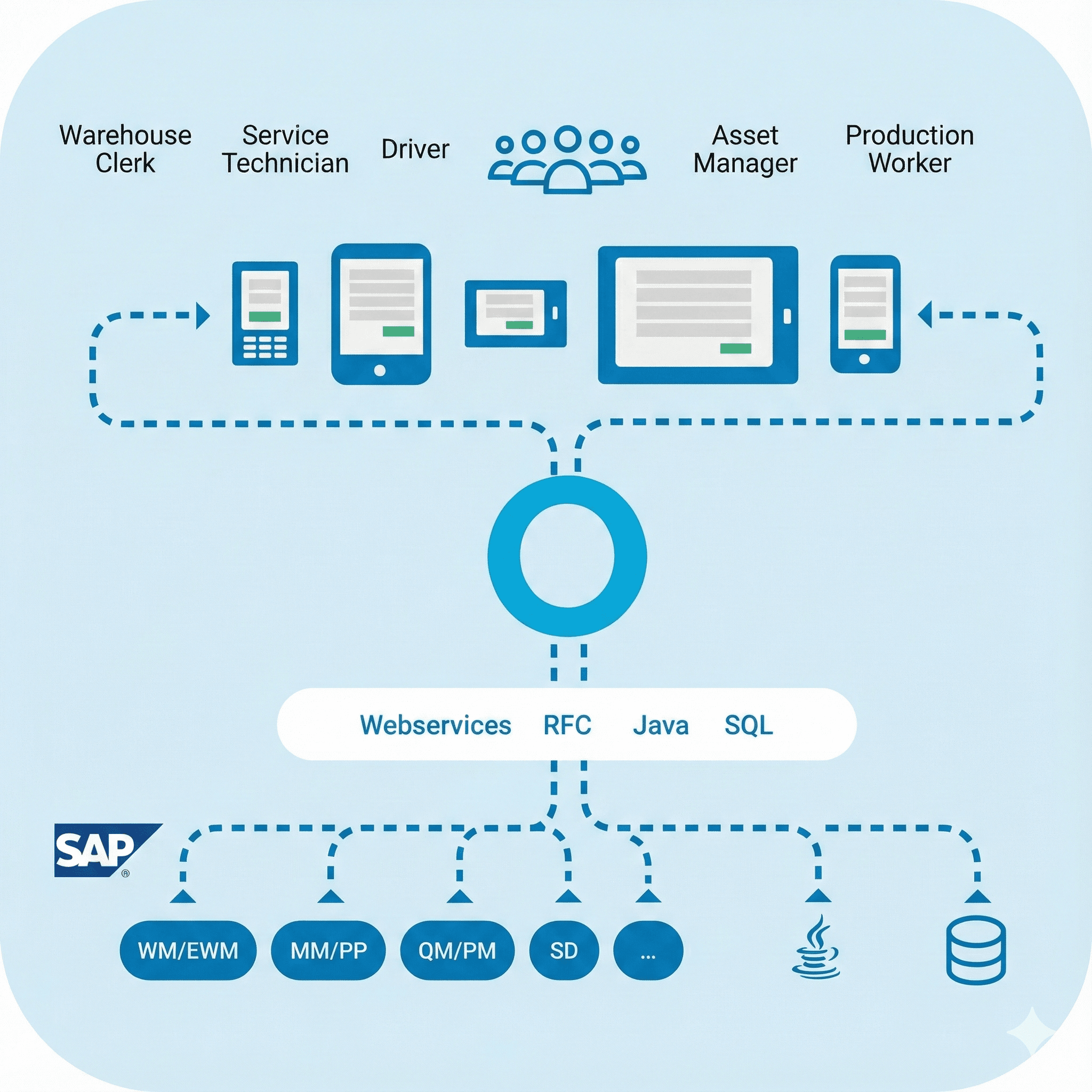
MDE solution for SAP via RFC requires middleware component
Conclusion
This brief overview shows that SAP offers various technologies in its standard system that enable the connection of mobile logistics software. This gives companies the flexibility to choose the approach that best suits their scanner project.
Checklist
Check with these 10 points whether your mobile apps already have excellent UX.