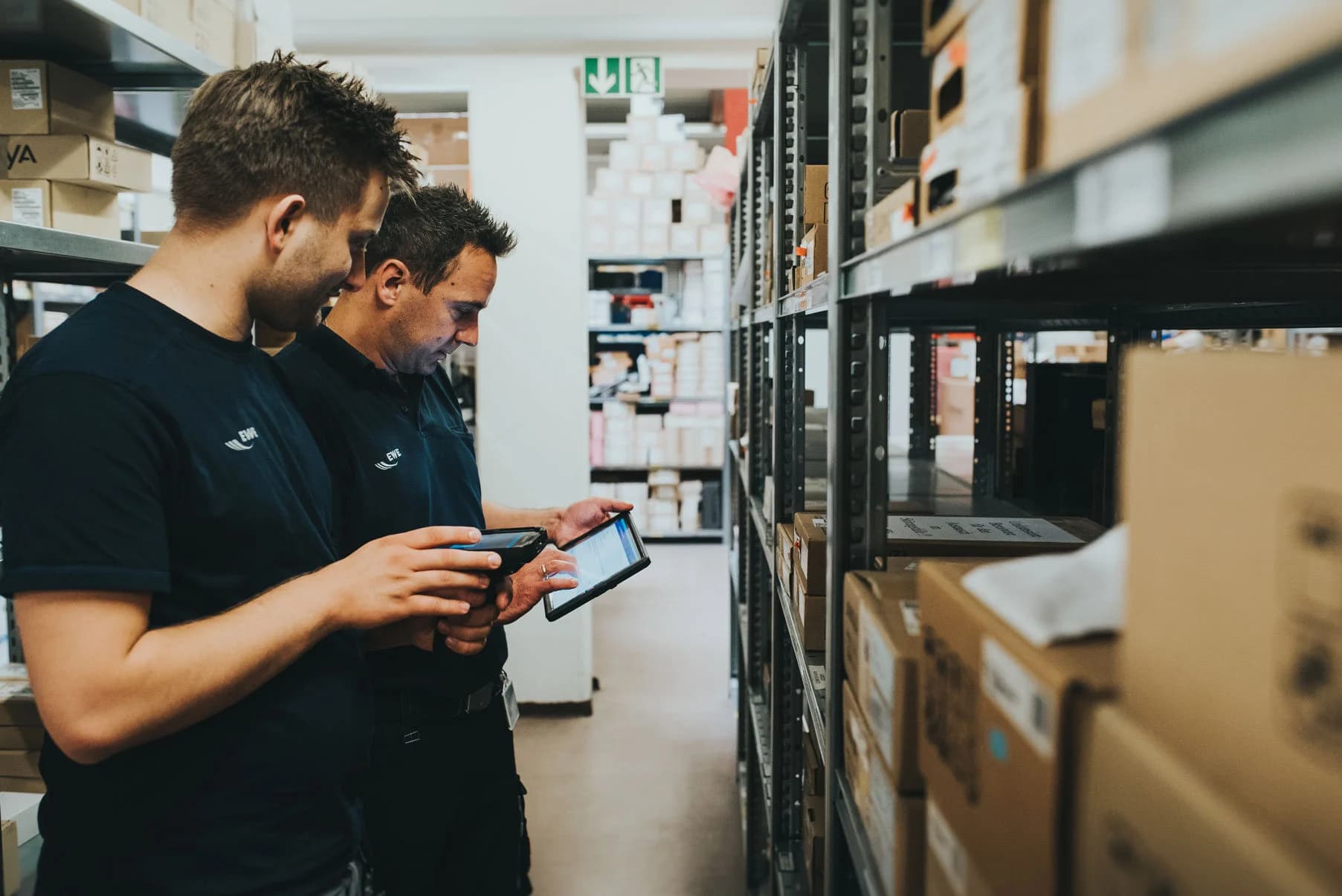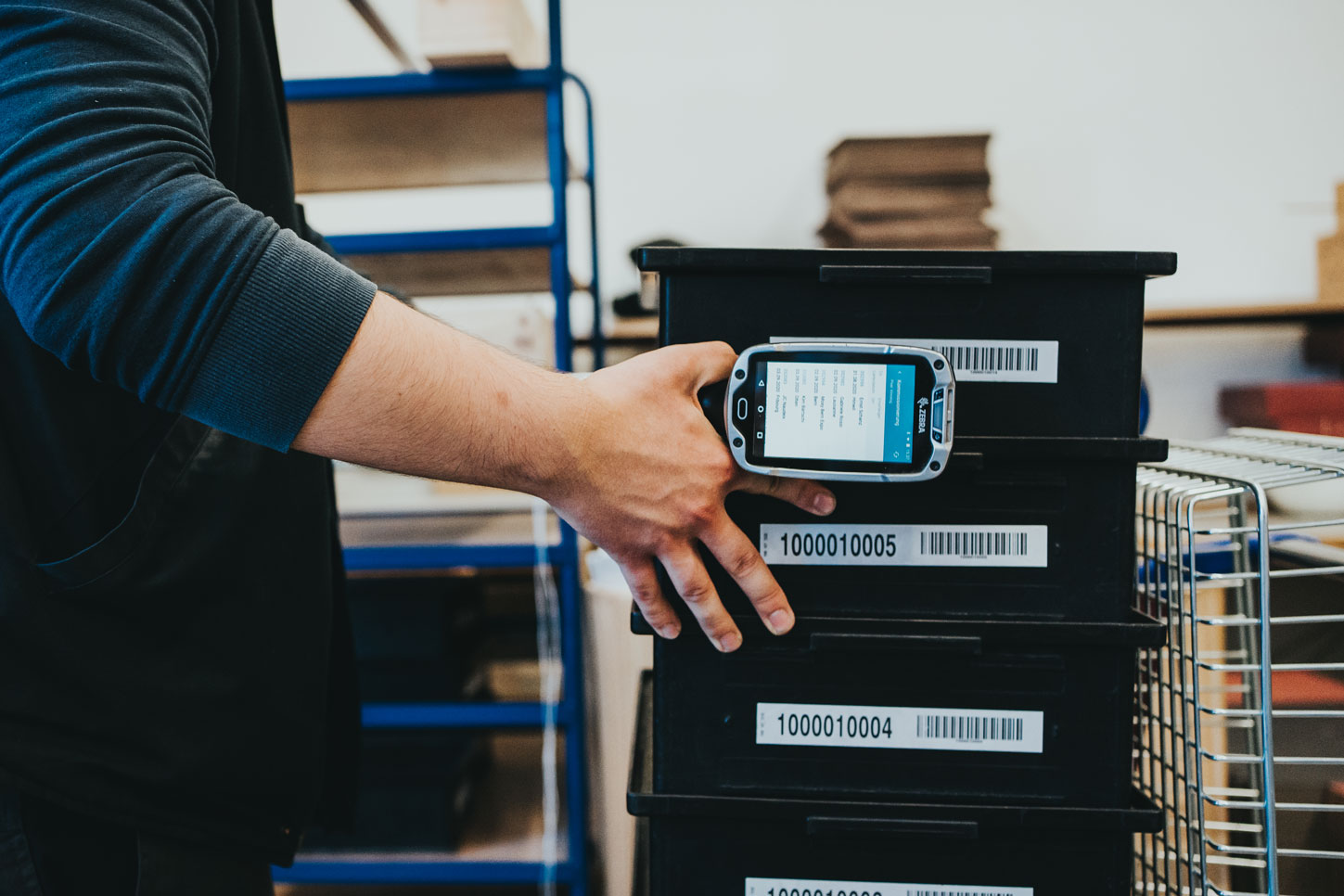

Receiving goods into the warehouse whether from in-house production or deliveries is one of the central processes in intralogistics. Anyone considering the use of mobile data capture in SAP logistics often starts by optimizing goods receipt.
Do you have questions about mobile solutions?
Potential for Optimization in Goods Receipt
All subsequent processes build upon the posting of goods receipts. This makes correct and timely booking of information into SAP Materials Management—potentially involving Warehouse Management—all the more important. With the help of mobile computers and mobile software for the desired SAP postings, goods receipt can be organized in a modern and efficient manner.
Typical Problems with Classic Paper-Based Work in Goods Receipt:

We can contrast three exemplary disadvantages of paper-based work with electronic mobile data capture via handheld scanners.
Disadvantages of Paper:
- Long walking distances from the goods receipt area to the nearest office with an SAP PC.
- Booking errors in SAP due to handwritten entries on paper delivery notes and subsequent transfer into SAP.
- Over- and under-deliveries are only detected with a time lag.

Advantages of Handhelds:
- Booking directly at the location and time of receipt.
- Higher data quality through one-time data entry and software-side plausibility checks.
- Immediate processing of the captured data in SAP is possible.
Example: Processing Goods Receipt with a Mobile SAP Scanner Solution
In SAP, goods receipts are usually initiated by a reference object (e.g., purchase order, production order, scheduling agreement) for which all open items in SAP are queried. Bookings are frequently handled via the transaction MIGO, which can also be used for mobile processing via handhelds or forklift terminals.
The following outlines an exemplary mobile implementation of a goods receipt booking against a purchase order with SAP:
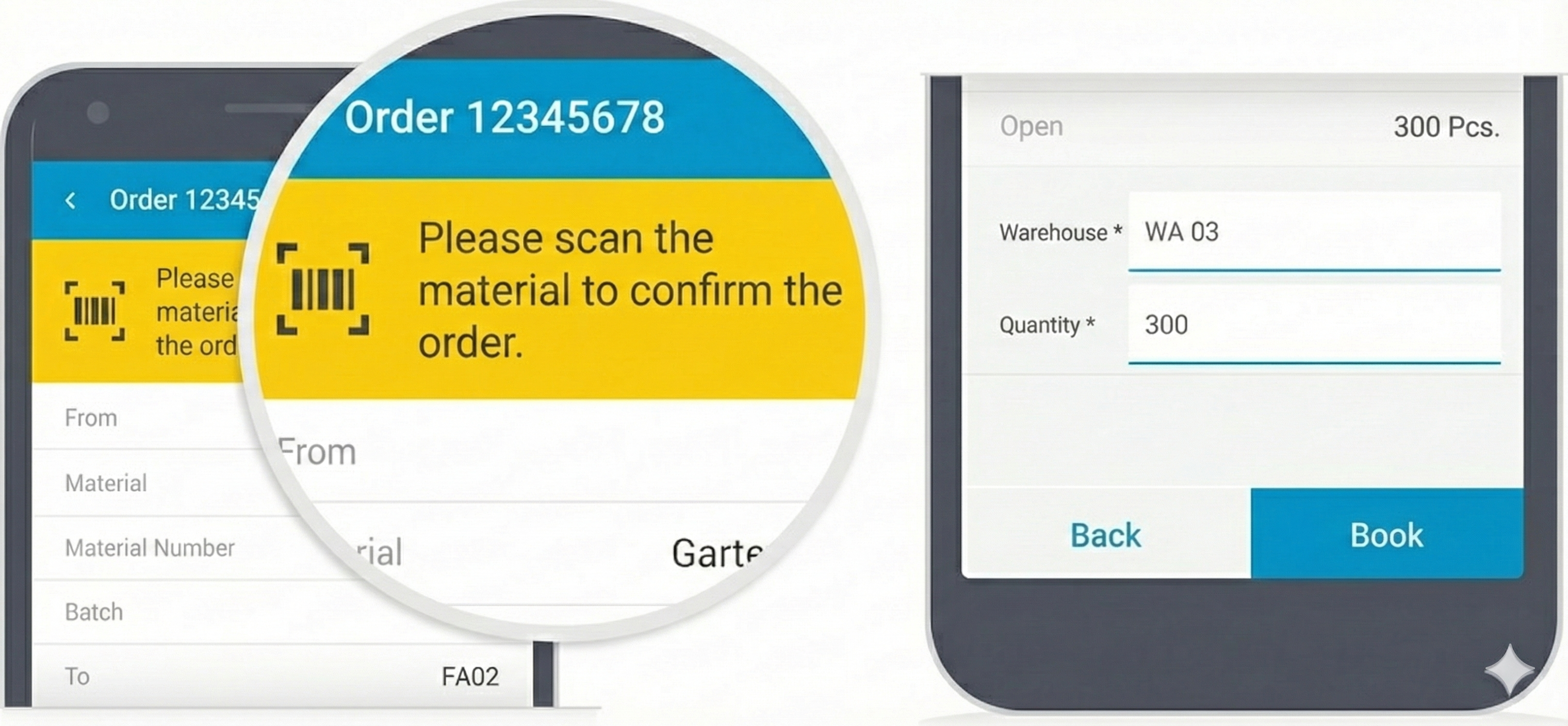
1. Entry via Purchase Order Number
The employee captures the SAP purchase order number (via mobile barcode scanner, OCR capture, or manual entry). The header data is determined from SAP and can be corrected or completed by the warehouse clerk if necessary (e.g., external delivery note number, document date).
2. Overview of Open Purchase Order Items
Subsequently, the list of open items for the purchase order is determined, and key information is displayed clearly (e.g., item number, material number, material description, open quantity).
3. Detailed View of an Item
Using a barcode scan or manual selection (e.g., touchscreen), the item is displayed on a separate screen with relevant detailed data (e.g., supplier, ordered quantity). An item can be posted once all mandatory fields are filled (e.g., delivered quantity, batch, best-before date, serial numbers).
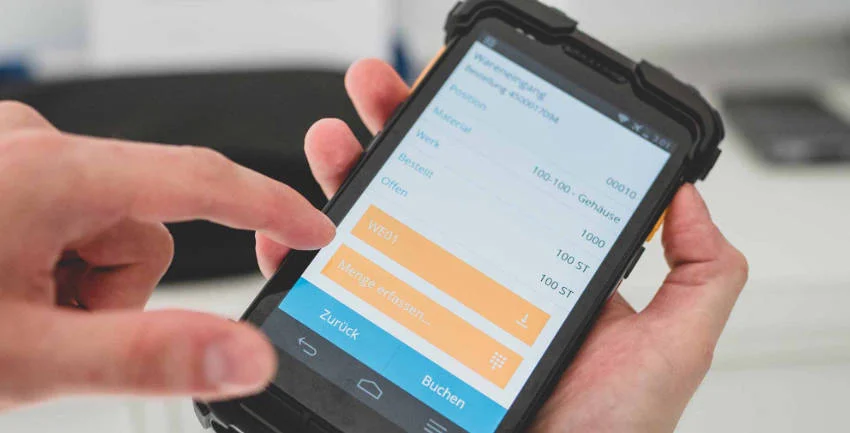
4. Validation of Data
In addition to SAP validation, validation of input data can take place on the app side (e.g., over/under-deliveries allowed/forbidden) to make data entry smoother and more convenient.
5. Booking Directly in SAP
The booking is acknowledged in SAP, and the user automatically returns to the overview of the remaining open purchase order items. Goods receipt is booked item by item (or en bloc – depending on customizing) until all delivered goods are posted. Processing of partial deliveries is possible. Finally, the generated material document number can be displayed to the user.
Triggering Further SAP Processes Mobile
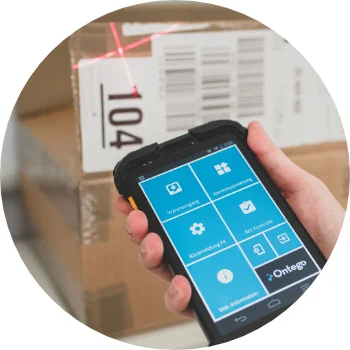
Mobile scanner software offers further advantages beyond pure data capture. In the background, it can ensure smooth process flows based on individual customizing or enable flexible direct continuation of work.
Some Examples:
- Based on packing instructions stored in SAP, handling units or storage units are generated automatically.
- When combining putaway directly with goods receipt, putaway takes place item by item. After capturing item details, the appropriate storage bin can be determined and proposed immediately.
- Optionally, individual items or the entire material document can be booked as a cancellation in the SAP system.
- (Predefined) transfer posting of an item to another stock type, e.g., unrestricted to Q.
Input Aids Facilitate Data Entry
Paper delivery notes from suppliers rarely contain the purchase order number as a barcode. Often, this 10-digit Purchase Order Number is only presented as a sequence of digits. To avoid manual and error-prone "typing" in the scanning app in such situations, one can use automatic text recognition (OCR).
Here, the integrated camera of the mobile device is used like a barcode scanner. The camera is held steadily over the purchase order number on the paper, and the app converts the text into a digit sequence. Special text or number formats can be taken into account so that, for example, a date or a phone number is not accidentally captured. The use of text recognition reduces errors and makes use easier for warehouse staff.
Conclusion
With the help of mobile data capture, goods receipt in SAP can be organized in a modern and efficient way. Correct and timely booking ensures higher data quality and allows data to be processed immediately in SAP. Individual customizing ensures smooth process flows in the background and makes predefined processes available, for example, for transfer postings, cancellations, and storage bin determination. This enables flexible direct continuation of work.

Know-how
Speak to an expert in mobile data capture in SAP logistics.
%20copy.jpg&w=3840&q=75)